HMS 0C00-0300-0002-000E: Nozzle Covered With Jammed or Clogged Material
LayerWalker is a participant in the Amazon Services LLC Associates Program. We may earn a commission when you buy through links on our site, at no extra cost to you.
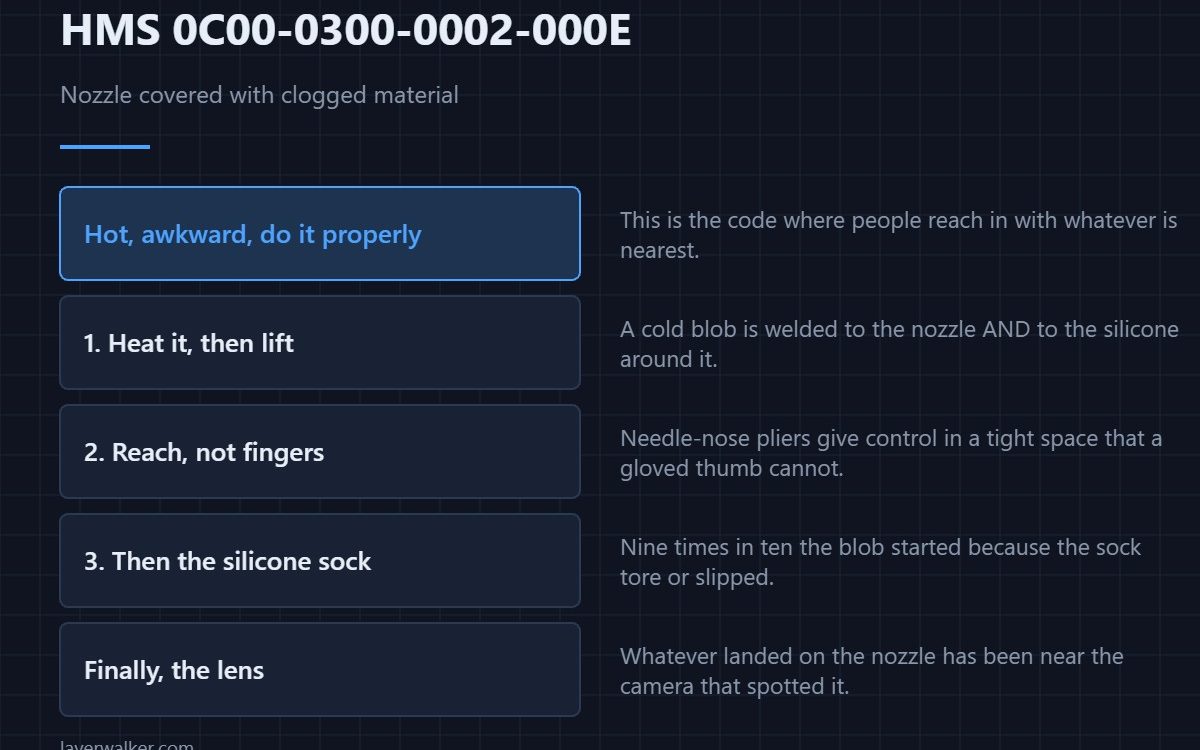
HMS 0C00-0300-0002-000E means your nozzle seems to be covered with jammed or clogged material: the camera can see a mass built up around the tip rather than a clean nozzle. It needs removing at temperature, carefully, because everything involved is hot and the camera underneath is fragile.
This is the code where people reach in with whatever is nearest, and that is how a ten-minute job becomes a replacement part.
Where to buy


Heat it, then lift rather than pull
A cold blob is welded to the nozzle and to the silicone around it. Bring the hotend up to temperature, then take the mass off in pieces. Needle-nose pliers give you reach into a tight space and a grip you can control, which a gloved thumb cannot.
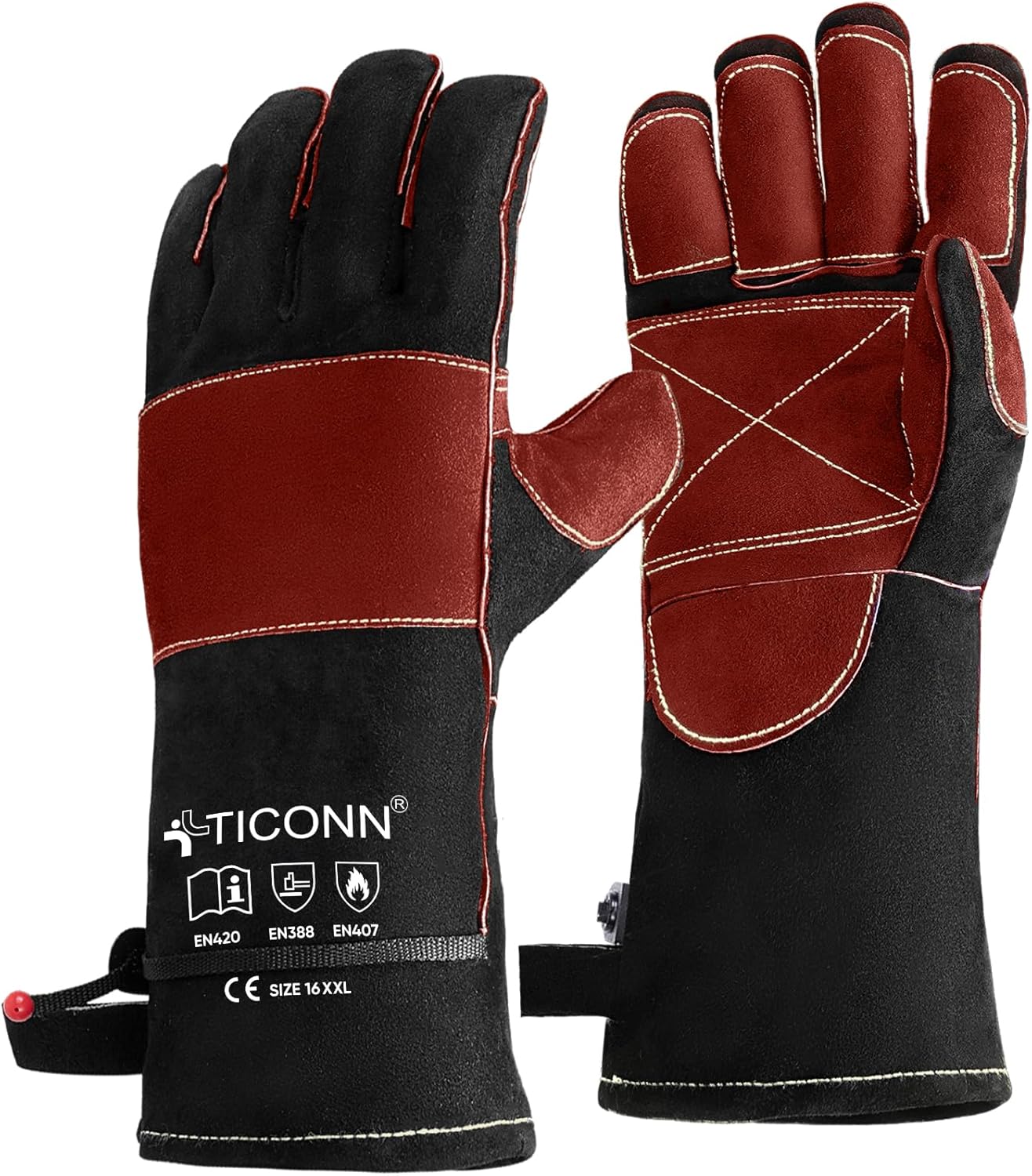
Protect your hands properly
You are working beside a nozzle at printing temperature in a confined space. Use gloves with a temperature rating actually printed on them and a cuff long enough to cover your forearm, because the chamber walls are hot too. The pliers do the fine work, so bulk matters less than the rating; a tea towel has neither, and the moment you flinch is the moment something gets dragged.
Check the silicone sock afterwards
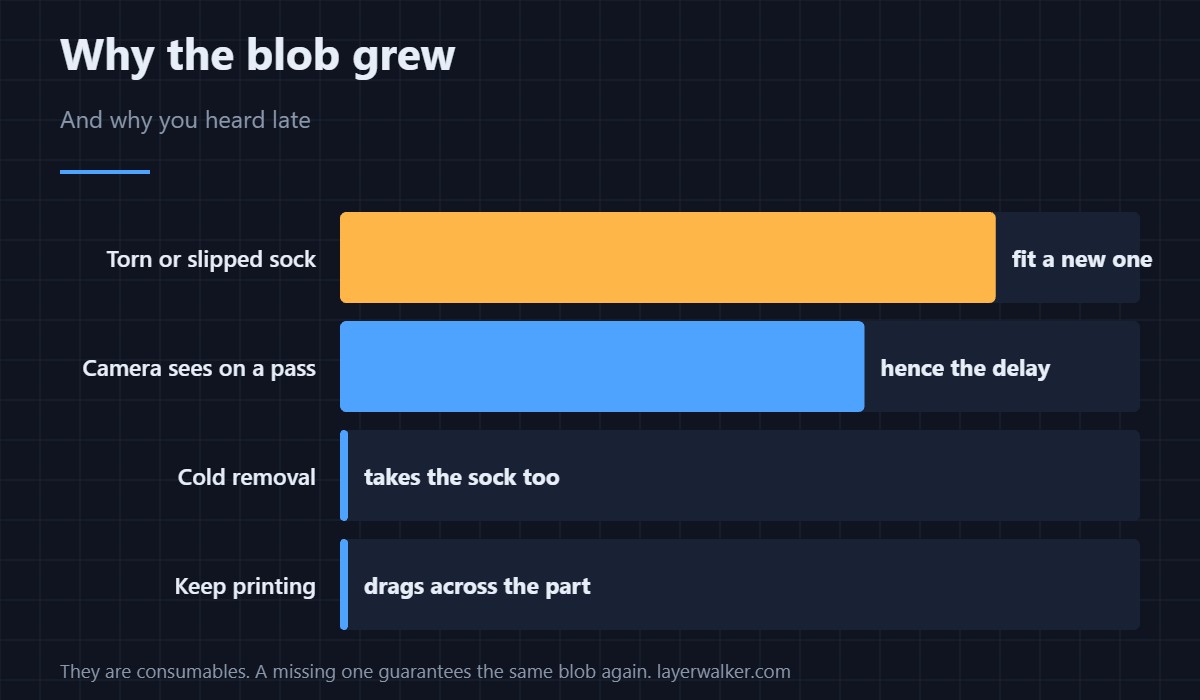
Nine times out of ten the blob started because the sock had torn or slipped, letting material creep onto the heater block. Fit a new sock rather than reusing a split one — they are consumables, they cost very little, and a missing one guarantees the same blob again next week.
Then clean what is left
Once the mass is off, the residue needs lifting at temperature rather than scraping cold. The procedure is in nozzle cleaning, and the underlying causes in a clogged nozzle.
Why HMS 0C00-0300-0002-000E appears when it does
It is a camera finding, so it arrives when the toolhead passes the camera rather than the instant the blob forms. That delay is why the mass is usually bigger than you expect by the time you are told, and why the related extrusion code HMS 0C00-0300-0003-0010 often fires first.
Do not forget the lens
Whatever landed on the nozzle has been near the camera that spotted it. Clean that lens before you call the job finished, or the next inspection reports a fault that is actually a smear — that case is HMS 0C00-0100-0002-0017.
HMS 0C00-0300-0002-000E FAQ
Can I keep printing?
No. A mass around the tip drags across the part and makes the mess worse.
Hot or cold removal?
Hot, and in pieces. Cold removal takes the sock and sometimes the wiring with it.
Why did the sock fail?
Age, a previous blob, or being refitted loose after a nozzle change.
Is the nozzle ruined?
Usually not. Clean it and check flow before deciding to replace it.
The same message is raised for the H2 and X2D pairing as HMS 0C00-0300-0002-001C. The wording is identical and so is the remedy; the hotend you are working on is not, so read the one that matches your machine.

LayerWalker
Print defect diagnosis, calibration procedures and parts that actually fit. Corrections welcome through the contact page.