HMS 0C00-0100-0002-0017: Nozzle Camera Lens Is Dirty
LayerWalker is a participant in the Amazon Services LLC Associates Program. We may earn a commission when you buy through links on our site, at no extra cost to you.
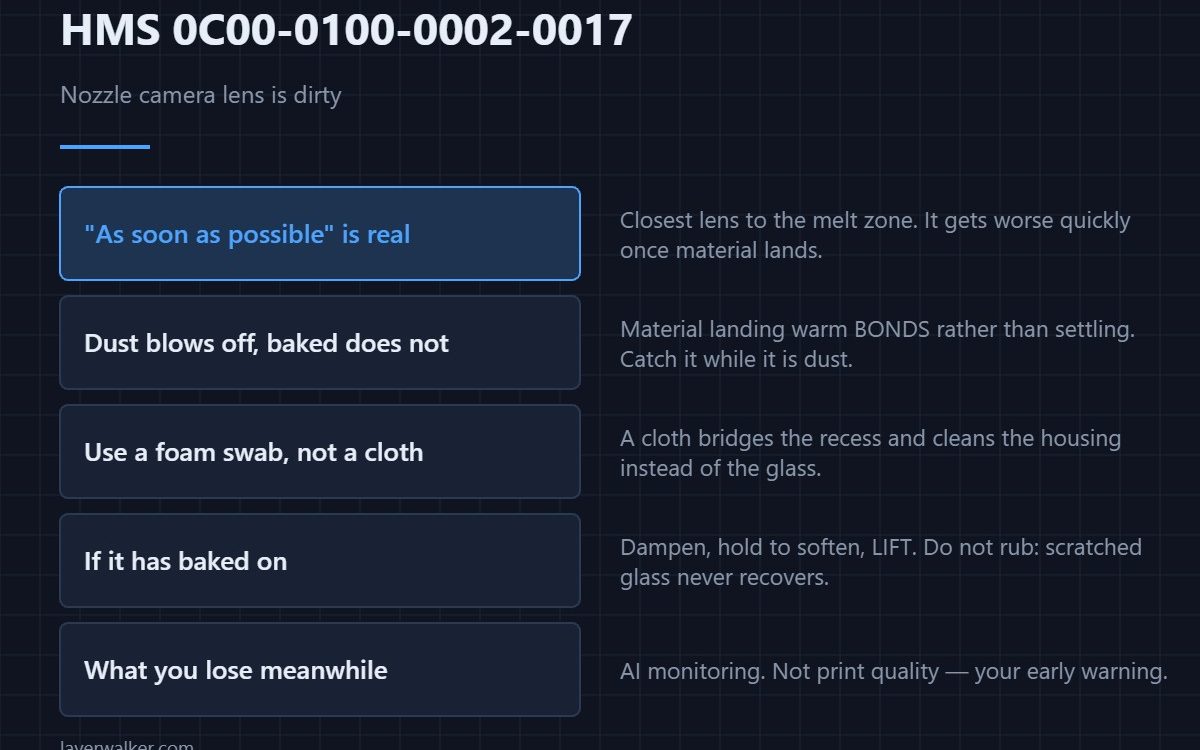
HMS 0C00-0100-0002-0017 means the nozzle camera lens is dirty and warns that AI monitoring may be affected, asking you to clean the lens surface as soon as possible. It is the closest camera to the melt zone, which makes it the one that fouls fastest.
The phrase as soon as possible is doing real work: this lens gets worse quickly once material starts landing on it.
Where to buy


Why this lens fouls fastest
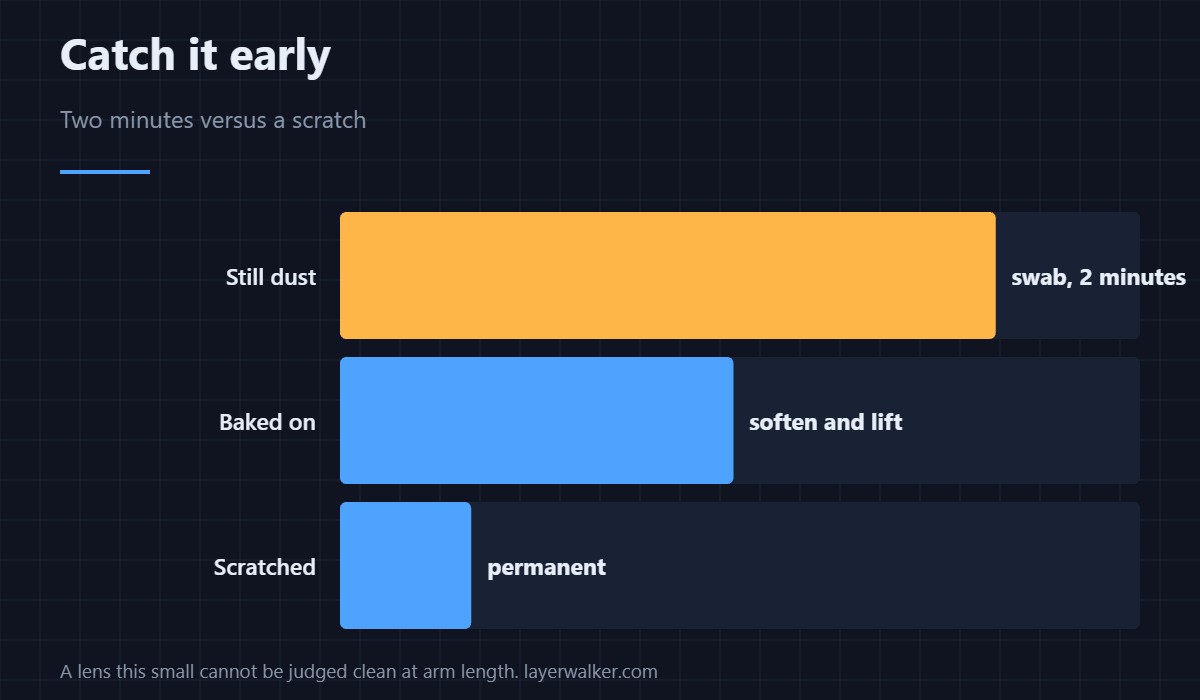
It sits where oozing, stringing and purge residue all happen. Material that lands on it while warm bonds rather than settling, and a baked-on spot does not blow off. Catching it while it is still dust is the difference between a two-minute clean and a scratched lens.
Clean it without pressing
It is a small surface, so use a foam-tipped swab rather than a cloth: a cloth bridges the recess and cleans the housing instead of the glass. Blow the loose material off first, then work from the centre outwards with the swab lightly dampened with isopropyl alcohol.
If material has baked on
Do not scrape. Dampen the swab, hold it against the deposit to soften it, and lift rather than rub. A deposit that will not come off that way is better left than scratched, because scratched glass scatters light permanently and the camera never recovers — the same reasoning applies to the lidar window in HMS 0C00-0100-0001-000A.
What HMS 0C00-0100-0002-0017 takes away
AI monitoring is what watches for a print going wrong, so a fouled nozzle camera removes your early warning rather than stopping the job. It also reads the nozzle itself, which is why it appears alongside HMS 0C00-0300-0003-000F when the tip is coated.
Three cameras, three codes
Toolhead, chamber and nozzle cameras each report separately. The toolhead one is HMS 0C00-0100-0001-0004, and reading which code you have tells you which lens to go to. General background is in 3D printer cameras.
HMS 0C00-0100-0002-0017 FAQ
How urgent is it really?
Clean it before the next long print. Dust is easy; baked-on material is not.
Can I use a cotton bud?
Foam is better. Cotton sheds fibres onto exactly the surface you are clearing.
Will it affect print quality?
Not directly. It affects whether a failure gets caught early.
Is a magnifier worth it?
For a lens this small, yes. You cannot judge clean by eye at arm’s length.

LayerWalker
Print defect diagnosis, calibration procedures and parts that actually fit. Corrections welcome through the contact page.