HMS 0C00-0300-0003-0010: Printing Without Extruding on the H2
LayerWalker is a participant in the Amazon Services LLC Associates Program. We may earn a commission when you buy through links on our site, at no extra cost to you.
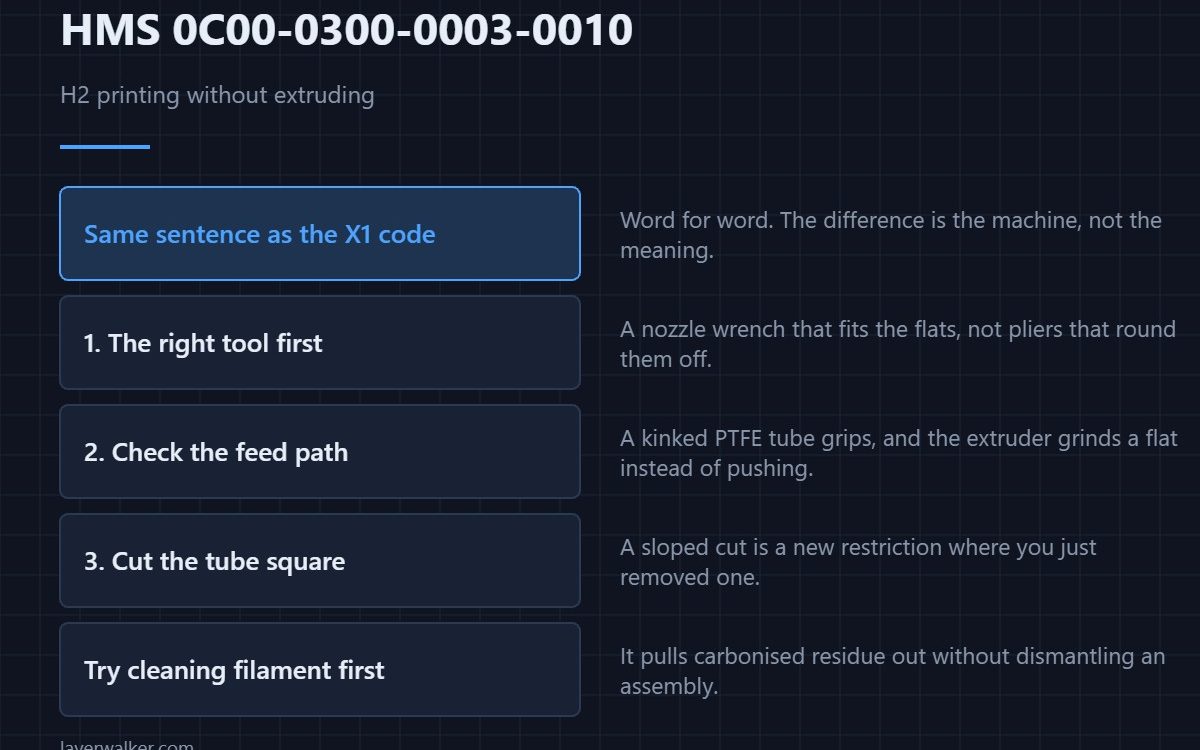
HMS 0C00-0300-0003-0010 means your printer seems to be printing without extruding. Bambu uses word-for-word the same message as the X1 code, so if you have been reading X1 advice you are not lost — but the H2 hotend, extruder and feed path are different hardware, and that changes which step is worth doing first.
It is worth saying plainly that the two codes share one sentence. The difference is the machine, not the meaning.
Where to buy


Start at the hotend, with the right tool
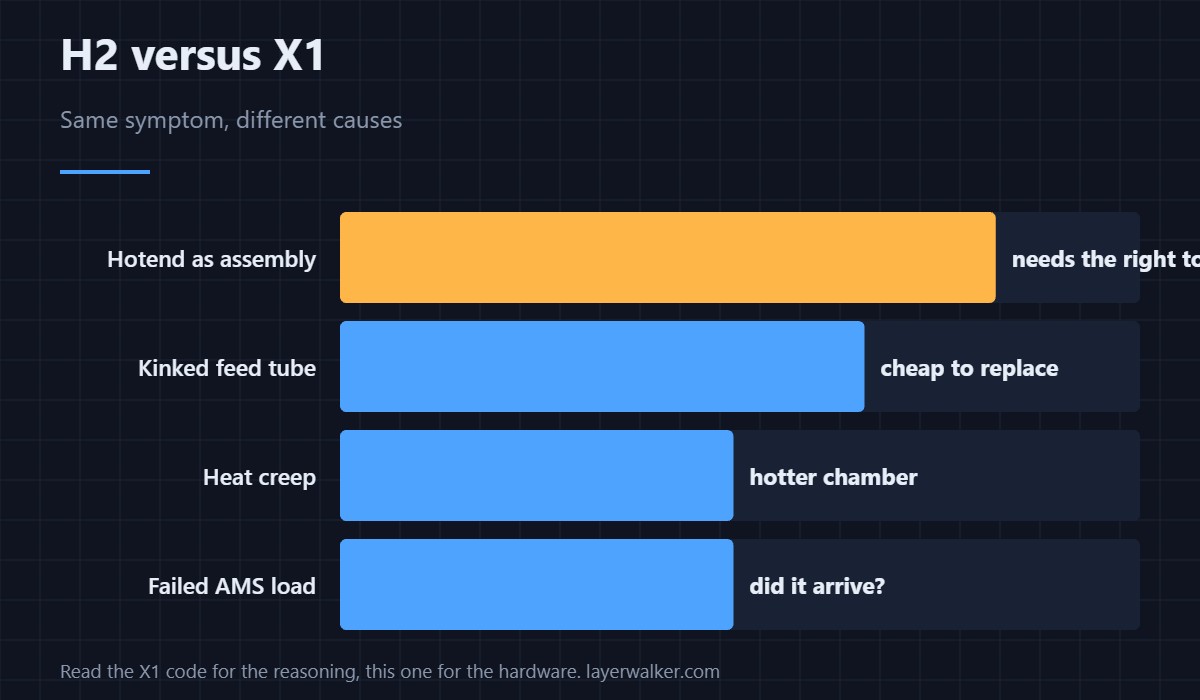
The H2 hotend comes out as an assembly, and the fasteners are small and recessed. A proper nozzle wrench or hotend socket turns this into a two-minute job; a pair of pliers turns it into a rounded fastener and a longer evening. Use the tool that fits the flats.
Then check the feed path, not just the nozzle
A scored or kinked PTFE tube grips filament and the extruder grinds a flat spot rather than pushing. Replacing a length of 1.75 mm bowden tube costs a few dollars and removes a cause that looks exactly like a clog from the outside. Cut it square, or you have built a new restriction.
Clean it without dismantling anything
Cleaning filament pushed through at temperature pulls carbonised residue out behind it, and on a machine where the hotend is an assembly that is a genuinely easier first attempt than taking it apart. Run it, then run your normal material and watch the first layer.
Why the H2 earns its own code
Higher chamber temperatures and a different extruder mean heat creep behaves differently, so the same symptom has a different likely cause. The machine and its modules are described in the Bambu Lab H2D.
What HMS 0C00-0300-0003-0010 shares with its twin
The X1 version is HMS 0C00-0300-0003-000E and the diagnosis order there starts with the spool and the nozzle. Read it for the shared reasoning, then come back here for the hardware. General causes are in a clogged nozzle.
If the outside of the nozzle is a mess
Material built up around the tip has its own code on this machine, HMS 0C00-0300-0002-000E, and dealing with that first sometimes clears this one as well.
HMS 0C00-0300-0003-0010 FAQ
Why is the wording identical to the X1 code?
Because the detection is identical. Only the hardware behind it differs.
Do I need to remove the hotend?
Try cleaning filament first. It resolves a fair share without tools.
Can the AMS cause this?
Yes, a failed load reads as no extrusion. Check whether the filament actually arrived.
Is a kinked tube really enough?
Yes. The extruder grinds a flat and then pushes nothing.
Extrusion is not the only thing a camera measurement gates. HMS 0C00-0400-0002-0023 means thickness measurement failed because the camera could not see the material surface, and gloss is the usual reason.

LayerWalker
Print defect diagnosis, calibration procedures and parts that actually fit. Corrections welcome through the contact page.