HMS 0700-8600-0001-0004: AMS Not Bound to the Track Switch
LayerWalker is a participant in the Amazon Services LLC Associates Program. We may earn a commission when you buy through links on our site, at no extra cost to you.
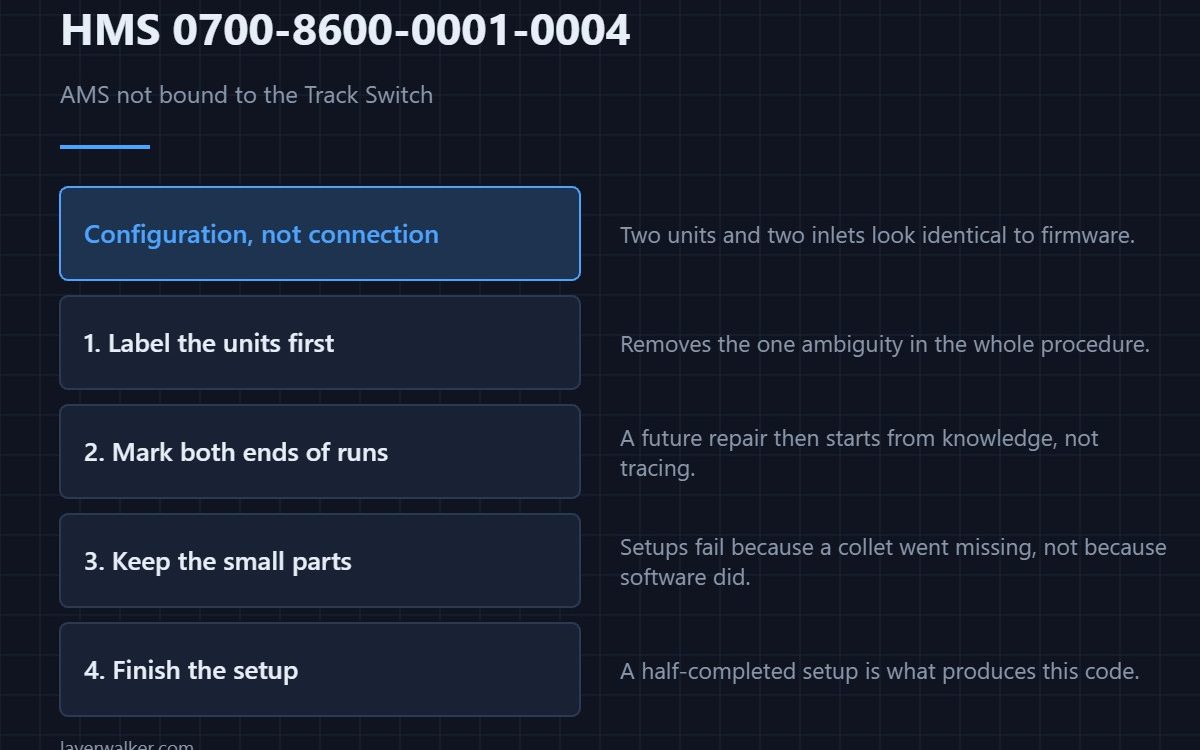
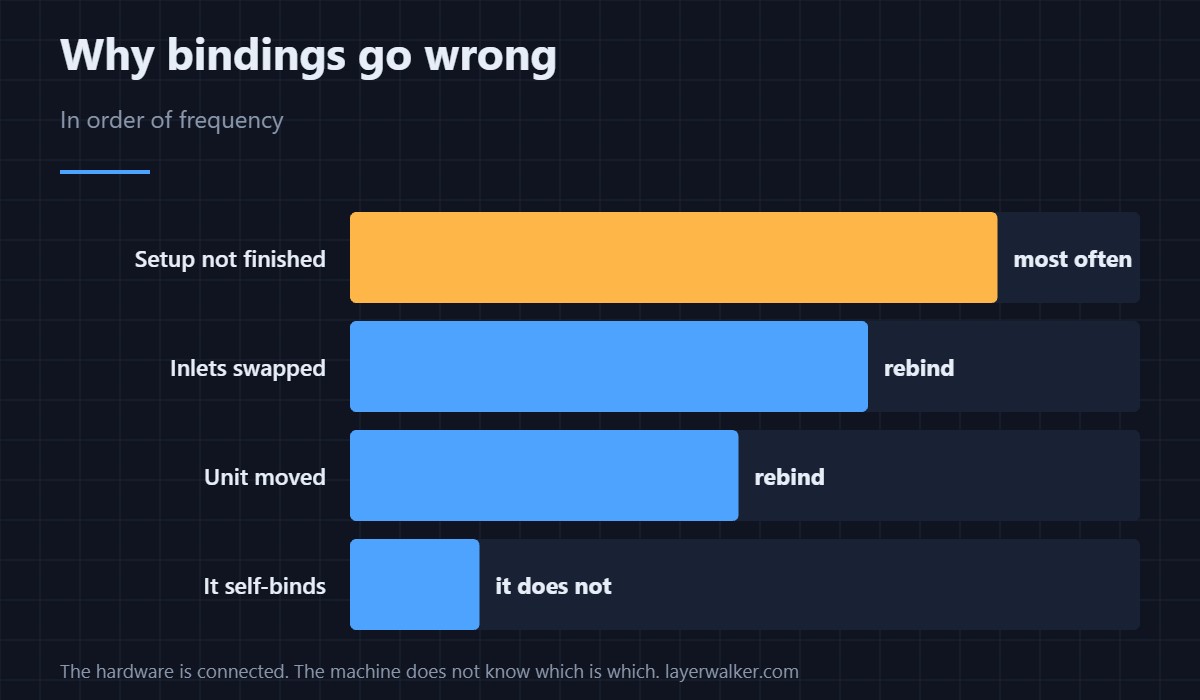
HMS 0700-8600-0001-0004 means AMS A is not correctly bound to the Filament Track Switch and asks you to run AMS setup again. The hardware is connected; what is missing is the machine knowing which unit is on which inlet.
Two AMS units and two inlets look identical to the firmware until you tell it which is which. That is all binding is.
Where to buy


Label the units before you bind them
A handheld label maker on the front of each AMS removes the one ambiguity in this whole procedure. It sounds trivial until you are standing behind the machine trying to remember which one you called A.
Label the tubes as well
A wire marker book gives you numbered wraps for the PTFE runs and the cables. Marking both ends of each run means a future repair starts from knowledge rather than from tracing.
Keep the small parts together
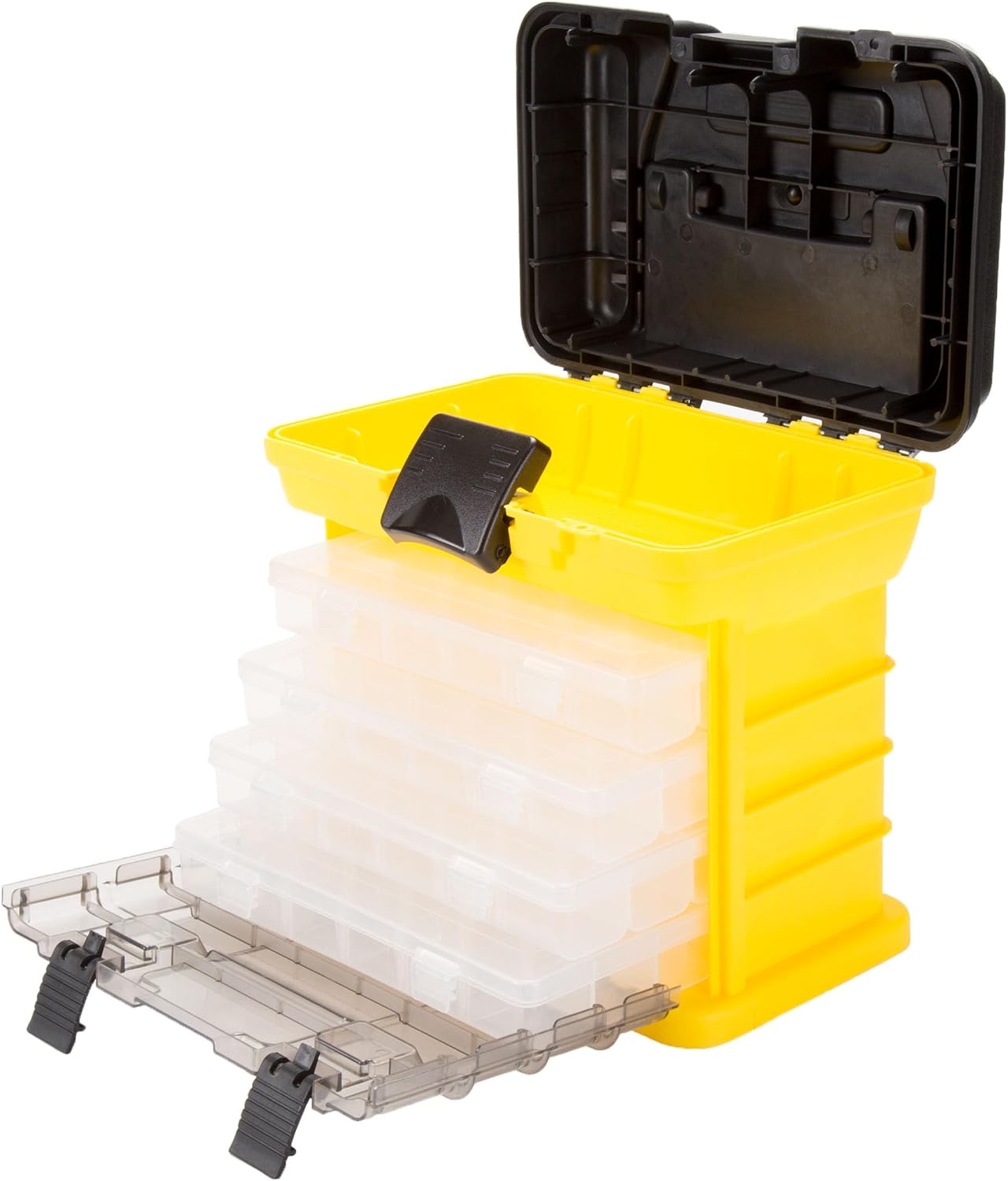
A compartment organiser holds the collets, clips and screws that come off during a setup. Setups go wrong most often because a part went missing, not because the software failed.
Then run the setup properly
Start AMS setup, follow it to the end without skipping the confirmation, and check that each unit reports on the inlet you expect. A half-finished setup is what produces this code.
How HMS 0700-8600-0001-0004 differs from a dead link
A switch the printer cannot reach at all is HMS 0700-7400-0001-0001. This code means the hardware is connected and the binding behind it is wrong.
What breaks a binding in the first place
Plugging the switch in at the wrong moment is HMS 0700-7400-0002-0007. Layout is covered in the AMS hub guide and the units in AMS versus AMS Lite.
HMS 0700-8600-0001-0004 FAQ
Will it bind itself?
No. It is asking you to run the setup for a reason.
Do I have to unload filament first?
Follow the prompts. Some steps want an empty path.
Can I swap the inlets afterwards?
Not without rebinding. The machine will tell you.
Does it affect one AMS or both?
The named one, but check both while you are there.
Setup routines exist because the machine cannot guess. HMS 0500-0400-0002-0031 means the BirdsEye camera pose must be determined before any laser or cutting work, and pose is where the camera is rather than what it sees.

LayerWalker
Print defect diagnosis, calibration procedures and parts that actually fit. Corrections welcome through the contact page.

