HMS 0700-7000-0002-0003: failed to extrude filament
LayerWalker is a participant in the Amazon Services LLC Associates Program. We may earn a commission when you buy through links on our site, at no extra cost to you.
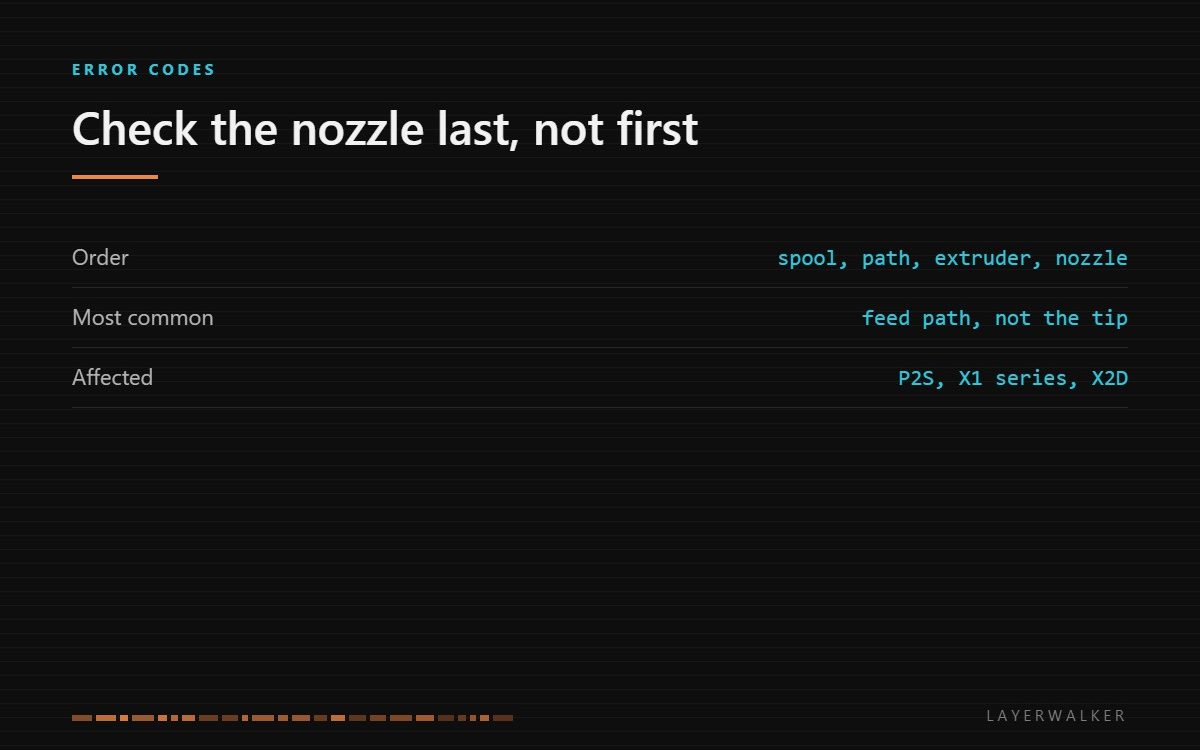
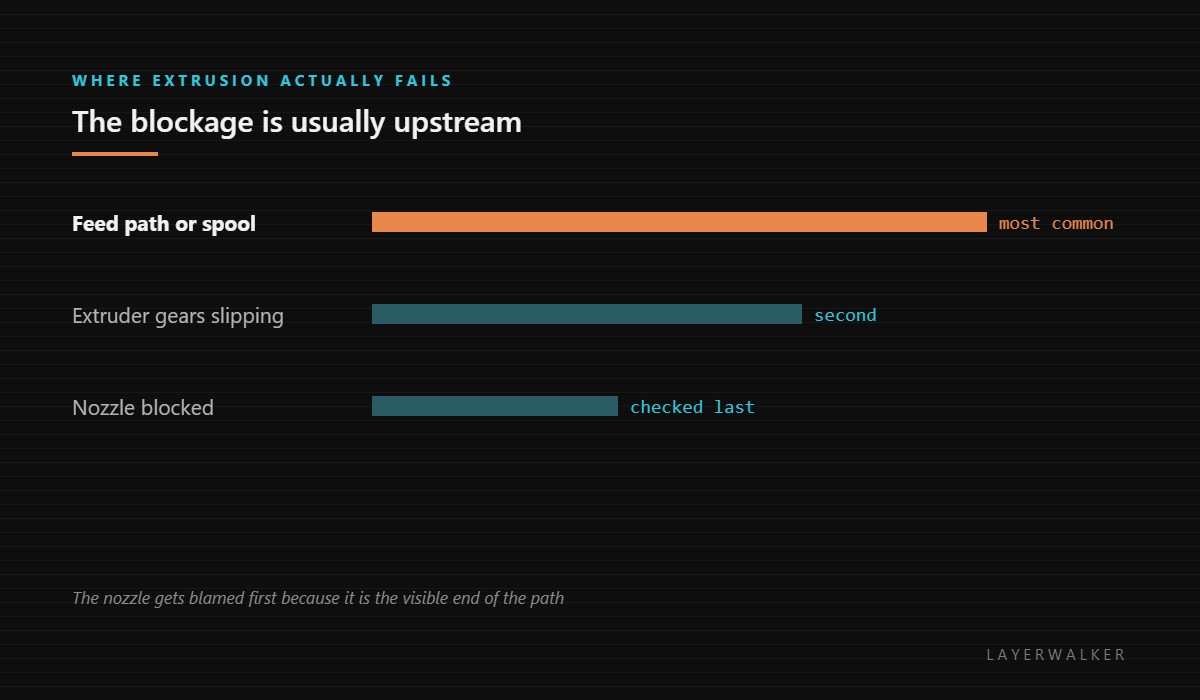
The machine tried to extrude and nothing came out. Treat this as a blockage report and work from the spool forwards. The nozzle is the last thing to check, not the first, because the path behind it fails more often.
Difficulty moderate
Time 30-60 min
Parts under $25
Tools Nozzle cleaning needles, tweezers, hex keys
Affected machines: P2S, X1 series, X2D. The firmware commands a length of filament and the sensors tell it none moved, or none melted, which is the same outcome from its point of view.
Where to buy


Genuine Bambu Lab Hotend with Nozzle for P1S P1P X1C X1 Carbon 3D Printer .4mm Hardened Steel
Work from the spool forward, not from the nozzle back
Most people start at the nozzle because it is the end you can see. That is the wrong end. The filament has to come off the spool, through the path, through the drive gears and into the melt zone, and any one of those can stop it. Pulling the hotend apart to find a clear nozzle is a wasted hour.
Run the checks in physical order and stop at the first thing that is wrong.
Print starts and nothing is laid down, or extrusion stops part-way with no plastic emerging
Tangled spool, blocked feed path, slipping extruder gears, or a genuinely clogged nozzle
- Check the spool first for a crossed wrap; unwind a metre by hand and feel for binding.
- Check the filament path for a kink, and check that the filament has not snapped inside a tube.
- Open the extruder and look at the drive gears for a flat ground into the filament, which means the gears were slipping against a blockage further on.
- Clear filament dust from the gear teeth, because packed dust stops them gripping.
- Heat the hotend to printing temperature and push filament through by hand. If it will not pass, the blockage is in the nozzle or heatbreak.
- If the nozzle is blocked, clear it with a cleaning needle or a cold pull; if it will not clear, fit a new hotend assembly.
One specific pattern worth knowing: if the nozzle unclogs cleanly and then blocks again within an hour or two, the cause is heat creep rather than dirt, and the thing to check is the heatsink fan.
Our page on clogged nozzles covers partial and complete blockages and how to tell them apart. Nozzle cleaning covers cold pulls and which tools damage a tip, and the troubleshooting index covers the wider family.
HMS 0700-7000-0002-0003 FAQ
Why check the spool first?
Because it costs nothing and it is the most common cause.
What does a flat on the filament mean?
The gears were slipping, which means something downstream was resisting. Find that.
It clears then blocks again quickly.
That is heat creep. Check the hotend cooling fan.
Should I replace the nozzle straight away?
Only after ruling out the path. Most of these are not the nozzle.
The handoff can fail at the far end too. HMS 0700-7000-0002-0002 means the toolhead never accepted the filament, which sends you to the entry opening rather than into the AMS.

LayerWalker
Print defect diagnosis, calibration procedures and parts that actually fit. Corrections welcome through the contact page.

