HMS 0700-2000-0002-0005: AMS Filament Ran Out and Purging Went Abnormally
LayerWalker is a participant in the Amazon Services LLC Associates Program. We may earn a commission when you buy through links on our site, at no extra cost to you.
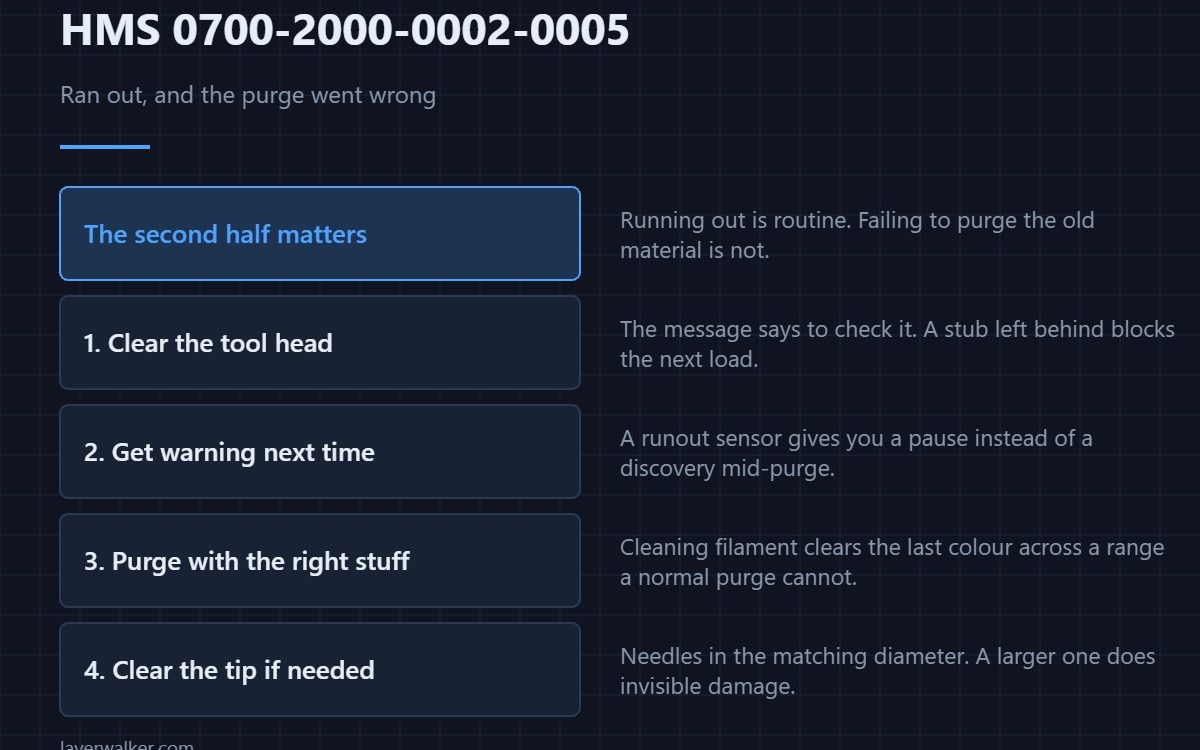
HMS 0700-2000-0002-0005 means AMS1 Slot1 filament has run out and purging the old filament went abnormally, and asks you to check whether filament is stuck in the tool head. The run-out is routine; the abnormal purge is the part that needs you.
Running out is expected behaviour. Failing to clear the old material out of the hotend afterwards is not.
Where to buy

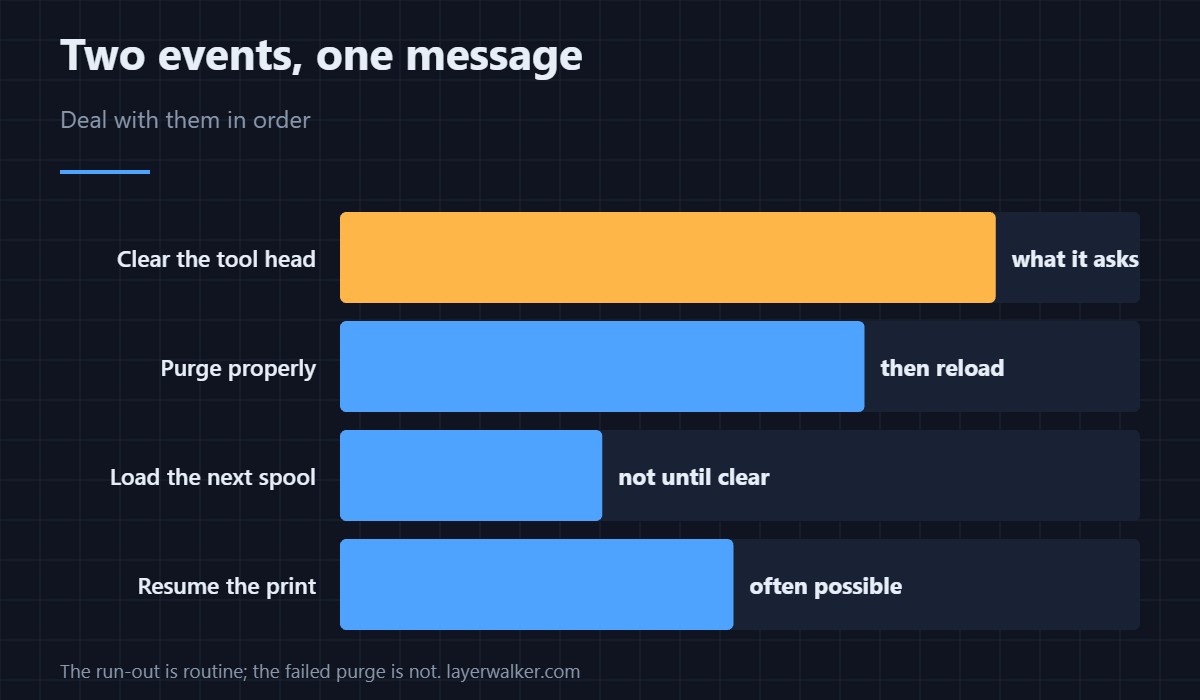
Clear the tool head before anything else
The message names it, so take it literally. A stub of filament left in the hotend after a failed purge will block the next load, and it is easier to remove now while the machine is still warm.
Stop it happening unattended
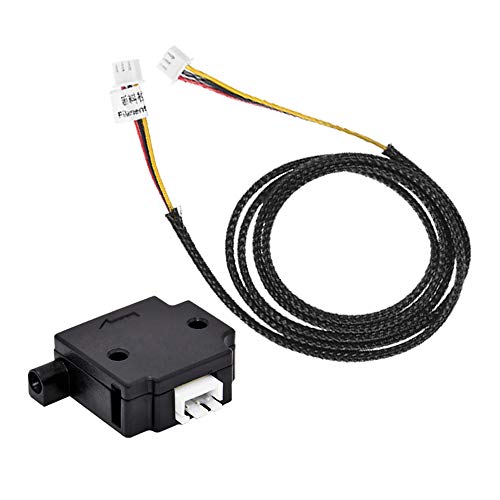
A filament runout sensor on the line gives you a pause and a prompt rather than a machine that discovers the spool is empty halfway through a purge. On long multi-colour jobs that is the difference between a pause and a ruined print.
Purge properly with material made for it
Cleaning filament pushes the residue of the last colour out in a few cycles and copes with the temperature range a normal purge does not. It is the right thing to run after any abnormal purge rather than simply loading the next colour.
Clear the tip if the purge left a plug
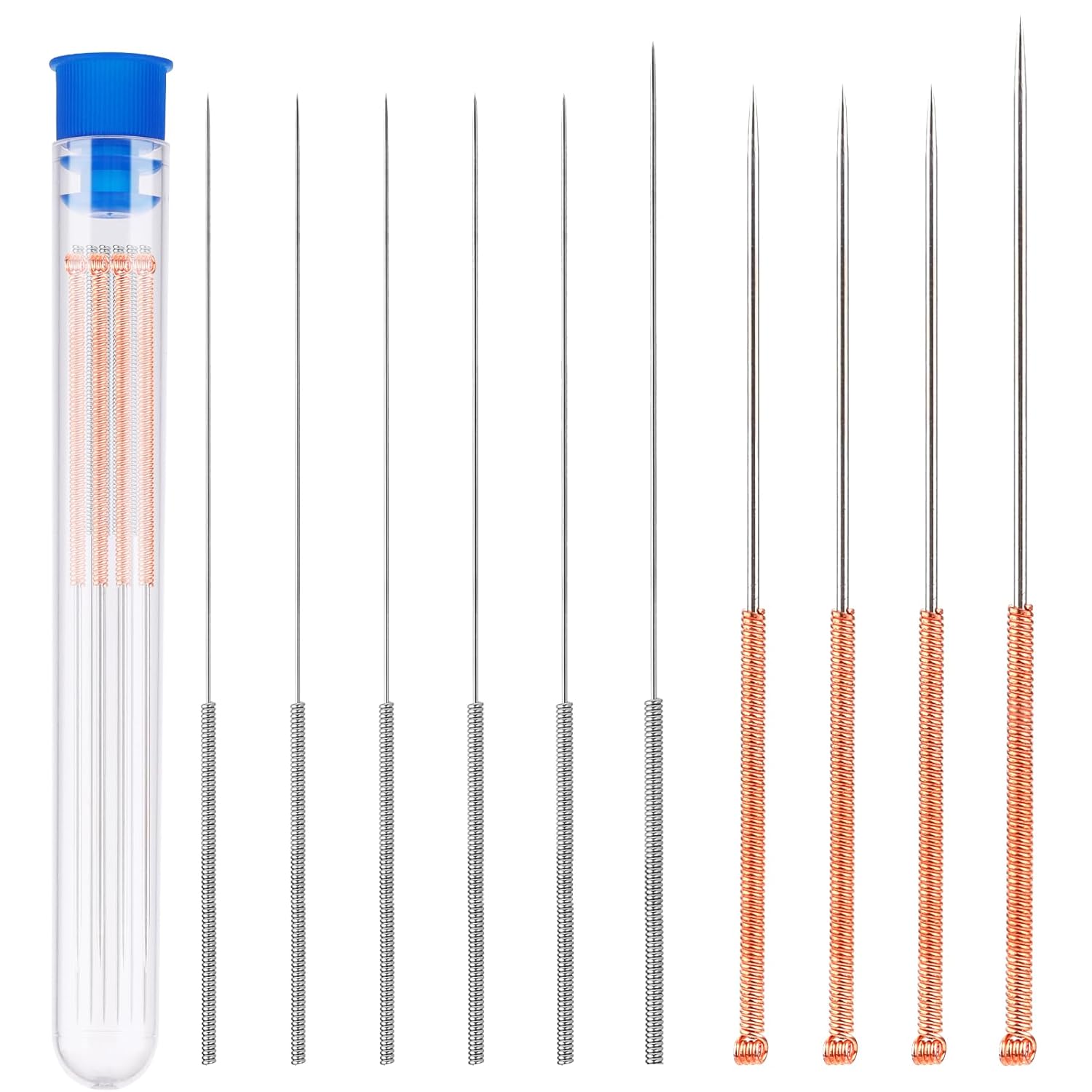
Nozzle cleaning needles in the correct diameter clear a partial blockage without dismantling the hotend. Use the size that matches your nozzle; a larger one does damage you cannot see.
How HMS 0700-2000-0002-0005 differs from a plain jam
Filament stuck with no run-out involved is HMS 0700-2000-0002-000A. This code tells you the sequence: empty first, then the purge misbehaved.
What to check before the next job
If the retraction afterwards also drags you will see HMS 0700-2000-0002-0011. Blockage symptoms and fixes are in clearing a clogged nozzle, and colour changes in multi-colour 3D printing.
HMS 0700-2000-0002-0005 FAQ
Can I just load a new spool?
Not until the tool head is clear. The message asks you to check for a reason.
Why did the purge fail?
Usually a short stub left behind, or a partly blocked nozzle.
Does this waste the print?
Often it can be resumed once the path is clear.
Will a runout sensor prevent it?
It gives you warning. That is usually enough.
Purging has its own message. HMS 0700-2000-0003-0001 means the slot ran out and the printer is clearing the old filament, and the only mistake available to you is interrupting it.

LayerWalker
Print defect diagnosis, calibration procedures and parts that actually fit. Corrections welcome through the contact page.