HMS 0700-2000-0001-0086: AMS RFID Tag Cannot Rotate Due to a Jam
LayerWalker is a participant in the Amazon Services LLC Associates Program. We may earn a commission when you buy through links on our site, at no extra cost to you.
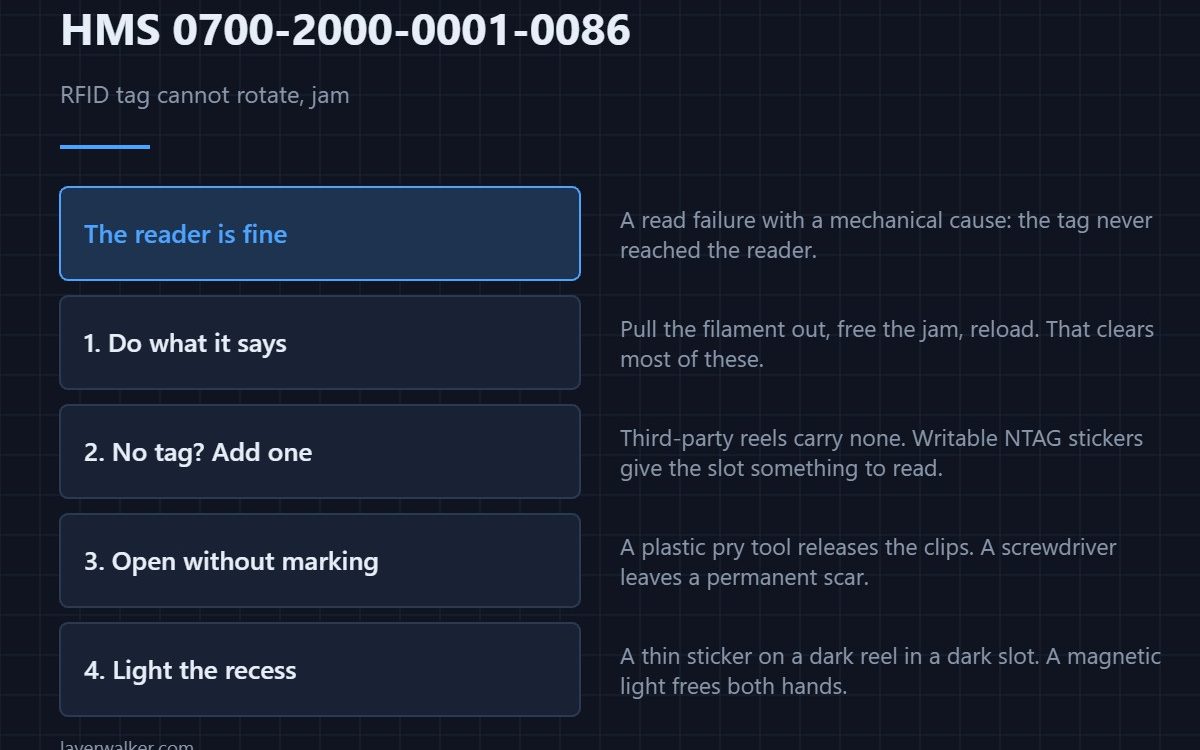
HMS 0700-2000-0001-0086 means the AMS failed to read the filament information from Slot 1 because the RFID tag cannot rotate due to a jam during loading or unloading, and asks you to pull out the filament and try again. The reader is fine; the tag never passed it.
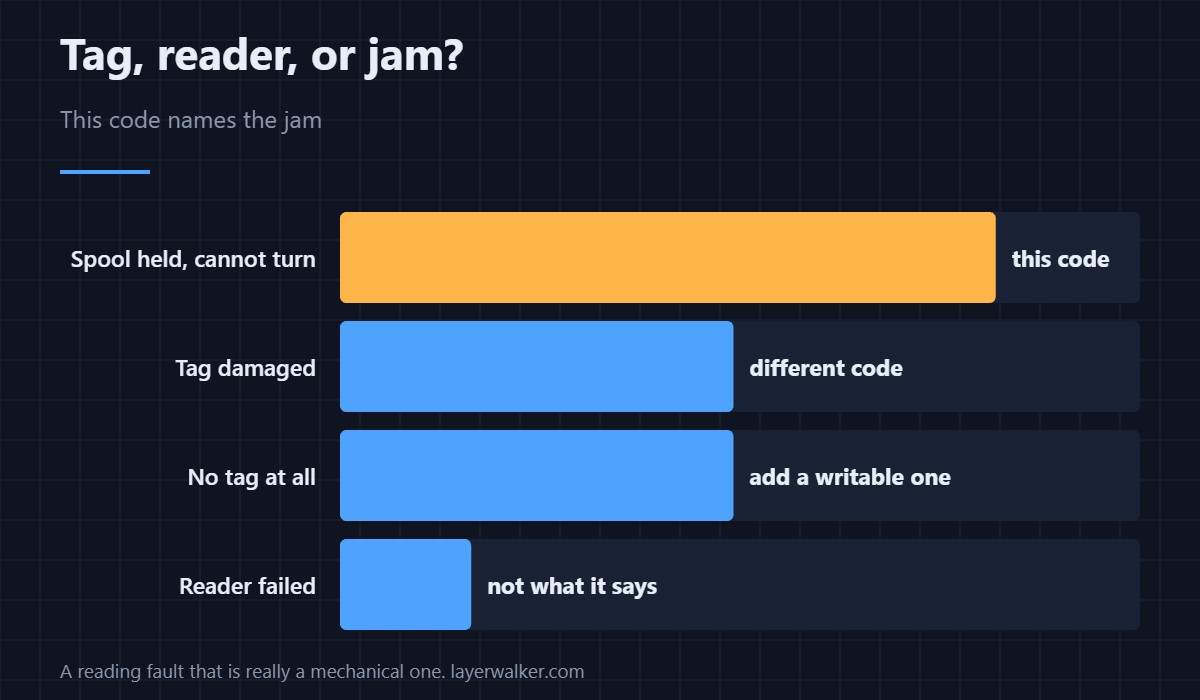
The tag sits on the spool. If the spool cannot turn, the tag never reaches the reader, and the AMS reports a read failure for a mechanical reason.
Where to buy


Do what the message says first
Pull the filament out, free the jam, and reload. That single step clears most of these, and nothing else you do will work while the spool is still held.
If the spool has no tag, add one
Third-party reels do not carry a factory tag, and writable NTAG stickers let you label a spool the AMS can then recognise. It is also how you keep track of a reel you have decanted onto a different hub.
Open the slot without marking it
A plastic pry tool releases the clips around the slot without scarring the shell, which a screwdriver will. On a unit with a window in it, that scar is permanent and visible.
Light the slot so you can see the tag
These recesses are dark and the tag is a thin sticker on a dark reel. A magnetic work light that stands on its own shows you whether the tag is where it should be, and leaves both hands free to free the filament.
How HMS 0700-2000-0001-0086 differs from a damaged tag
Other codes in the same family blame the tag itself or the AMS main board. This one explicitly blames a jam, which means you should be looking at the filament path rather than at the electronics.
What to check once it is free
If the tube came adrift during the jam you will also see HMS 0700-2000-0002-0006, and a filament still held reports HMS 0700-2000-0002-000A. How the unit identifies spools is covered in printers with an AMS and AMS versus AMS Lite.
HMS 0700-2000-0001-0086 FAQ
Is the RFID reader broken?
No. The message says the tag could not rotate past it.
Can I use spools without tags?
Yes, with manual settings, or add a writable tag yourself.
Why does it happen on loading?
Because that is when the spool turns. A held spool cannot present the tag.
Will it clear by itself?
Only once the jam is freed. Pull the filament out and reload.
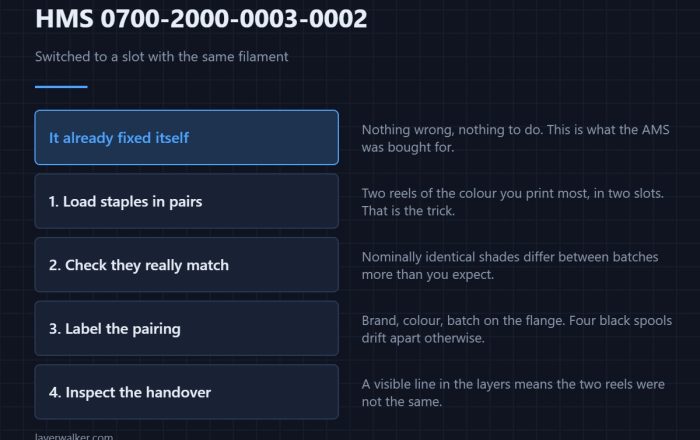
The best outcome has a code too. HMS 0700-2000-0003-0002 means a slot ran out and the printer switched to another holding the same filament, so the print simply carried on.

LayerWalker
Print defect diagnosis, calibration procedures and parts that actually fit. Corrections welcome through the contact page.