HMS 0700-2000-0003-0002: Ran Out and Automatically Switched to the Same Filament
LayerWalker is a participant in the Amazon Services LLC Associates Program. We may earn a commission when you buy through links on our site, at no extra cost to you.
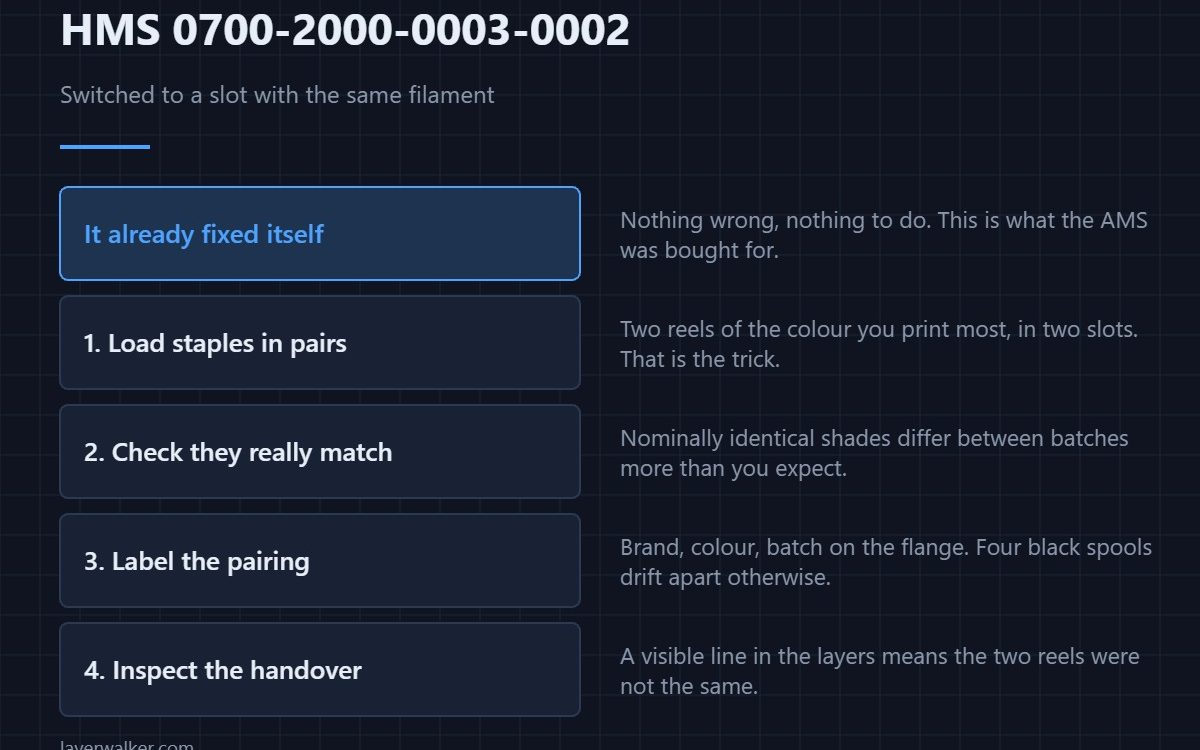
HMS 0700-2000-0003-0002 means AMS1 Slot1 filament has run out and the printer automatically switched to another slot holding the same filament. Nothing is wrong, nothing needs doing, and your print carried on. This is the AMS doing the job it was bought for.
It only happens if a second slot actually holds the same material and colour, which is a setup decision rather than luck.
Where to buy


Load the staples in pairs
Two reels of the colour you print most, in two slots, is what turns a run-out into a log entry. Buying that colour in twos costs the same per kilo as buying it twice separately.
Make sure the two reels really match
The switch only fires when both slots are set to the same material and colour. A multi-colour bundle is the cheap way to see how much two nominally identical shades can differ, and it is worth knowing that before you trust a handover mid-print.
Label the reels so you keep the pairing
A fine-tip permanent marker on the reel flange is enough: brand, colour, batch. Four identical black spools is how a working pair quietly becomes a mismatch.
Then check the join when it finishes
Look at the layers where the handover happened. A visible line means the two reels were not as identical as the settings claimed, and that is worth knowing before a job that matters.
How HMS 0700-2000-0003-0002 differs from a pause
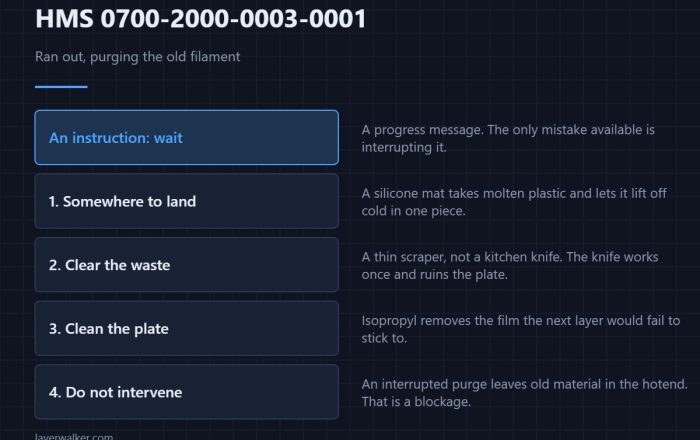
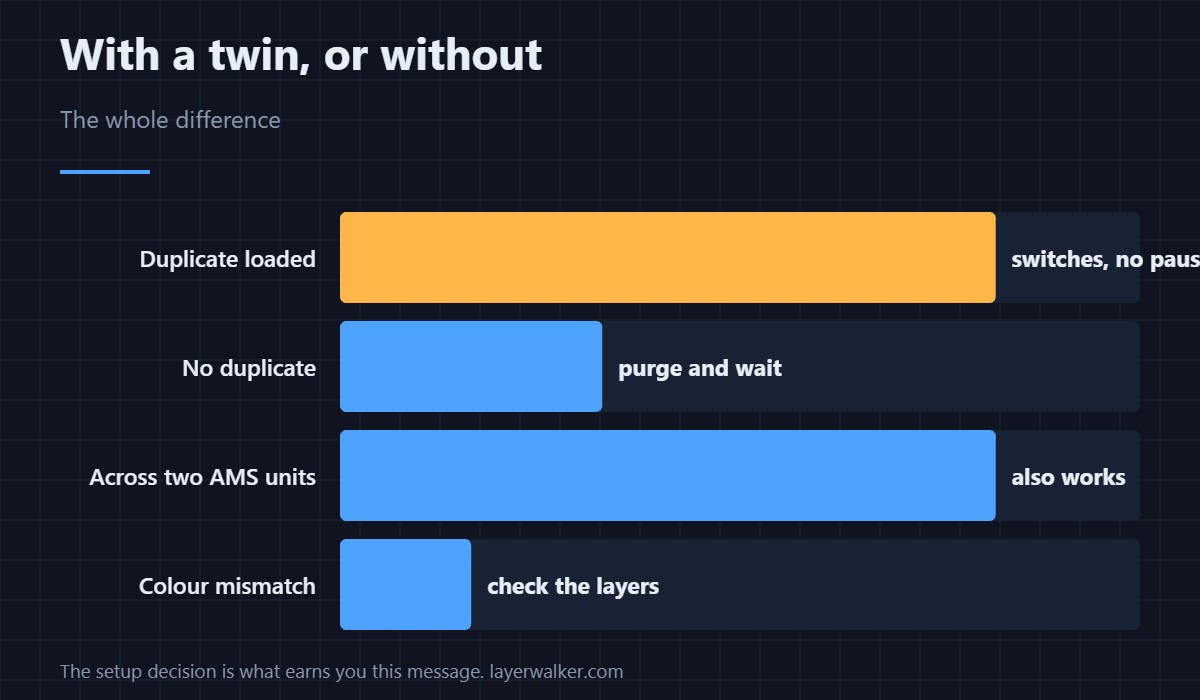
Without a duplicate the printer purges and waits, which is HMS 0700-2000-0003-0001. Having the spare loaded is the entire difference.
The message underneath it
The run-out itself is HMS 0700-2000-0002-0001. How the unit manages several materials at once is covered in multi-colour 3D printing and printers with an AMS.
HMS 0700-2000-0003-0002 FAQ
Do I need to do anything?
No. The print continued.
Why did it not switch last time?
Because no other slot held the same material and colour.
Will the colour match exactly?
Between batches, not always. Check the layers at the handover.
Does it work across two AMS units?
Yes, if both are set up and the materials match.

LayerWalker
Print defect diagnosis, calibration procedures and parts that actually fit. Corrections welcome through the contact page.