HMS 0300-2800-0001-0005: Z Homing Failed in Cutting Mode
LayerWalker is a participant in the Amazon Services LLC Associates Program. We may earn a commission when you buy through links on our site, at no extra cost to you.
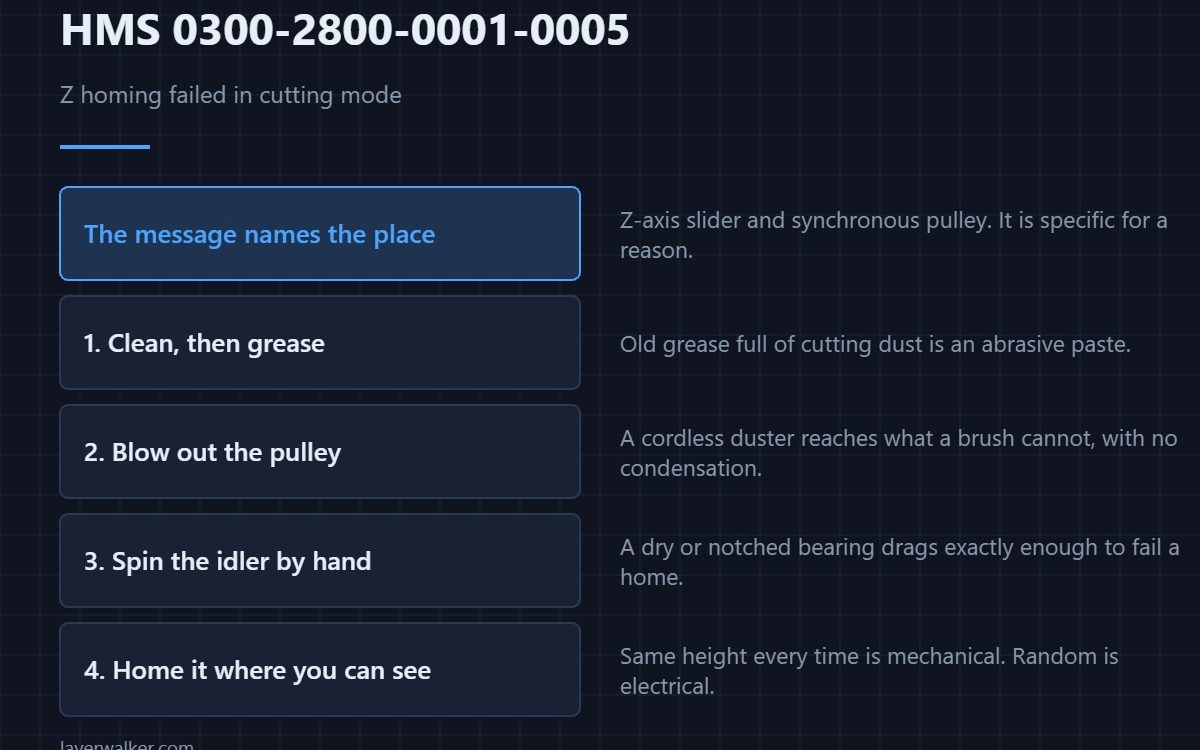
HMS 0300-2800-0001-0005 means Z-axis homing failed in cutting mode, and asks you to check for foreign objects in the Z-axis slider and the Z-axis synchronous pulley. That is an unusually specific instruction, and it is specific because that is almost always what it is.
Cutting puts dust and offcuts somewhere printing never does. The Z mechanism is below the work, which is exactly where debris falls.
Where to buy


Clean the screw, then lubricate it
Wipe the lead screw down and reapply a grease intended for lead screws rather than a general-purpose one. Old grease loaded with dust is an abrasive paste, and it binds the axis as surely as a solid object would.
Get the dust out of the pulley
A cordless electric air duster clears the synchronous pulley and the slider without the condensation a canned product leaves behind. It also reaches the places a brush cannot, which on this axis is most of them.
Check the idler while you are in there
A GT2 idler pulley with a dry or notched bearing drags in exactly the way that fails a homing move. A spare costs a few pounds, and spinning the old one by hand tells you immediately whether it is the problem.
Then home it again and watch
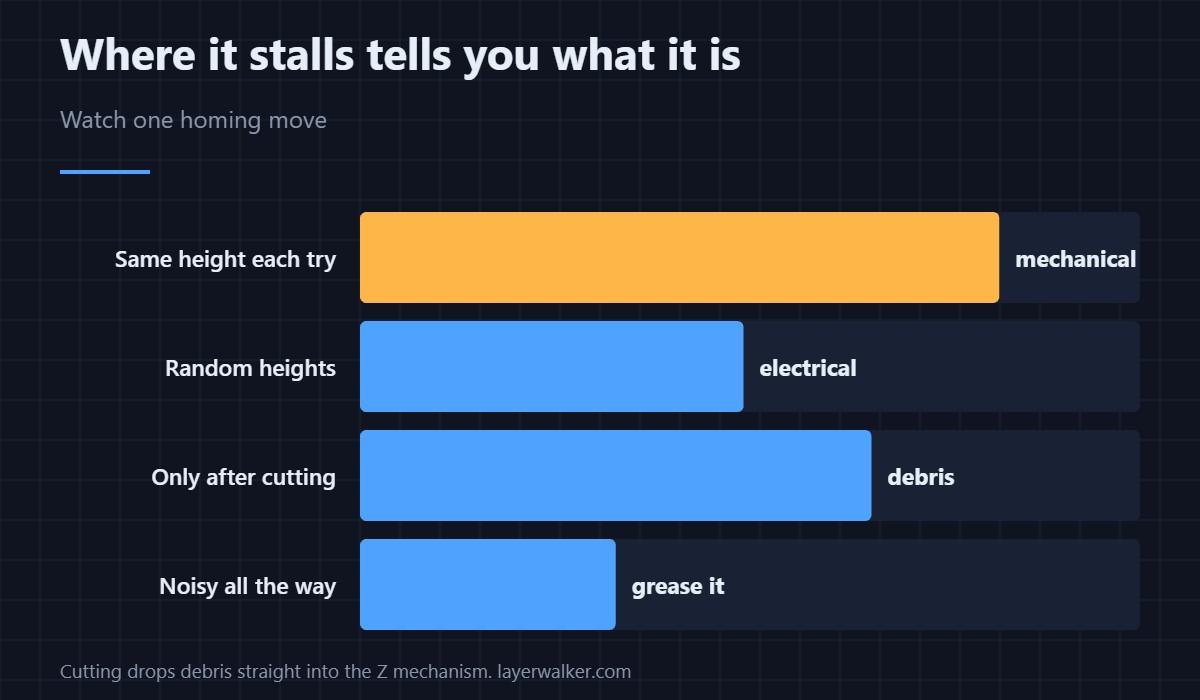
Run homing while you can see the axis. A move that stalls at the same height each time is mechanical; one that stalls at random heights is more likely electrical.
How HMS 0300-2800-0001-0005 relates to the force sensor
A bad force reading from the same module is HMS 0300-2800-0001-0001. One is the sensing path and this one is the motion path.
What a binding Z axis does to prints
It produces the artefacts in layer shifting and Z banding. Maintenance for the screw itself is in lead screws and printer lubricant.
HMS 0300-2800-0001-0005 FAQ
Does it affect normal printing?
It is reported in cutting mode, but a binding Z hurts both.
What grease should I use?
One sold for lead screws. Not oil, and not anything thin.
How often does this recur?
As often as you cut without clearing debris afterwards.
Could it be the motor?
Possible, but check the two things named in the message first.
An obstruction can stop a move without stopping a motor. HMS 07FE-8000-0002-0002 means the switching lever failed to hit the rod, and it names a PTFE tube in the gantry path as a likely cause.

LayerWalker
Print defect diagnosis, calibration procedures and parts that actually fit. Corrections welcome through the contact page.

