HMS 0300-2700-0001-0004: nozzle offset calibration sensor abnormal
LayerWalker is a participant in the Amazon Services LLC Associates Program. We may earn a commission when you buy through links on our site, at no extra cost to you.
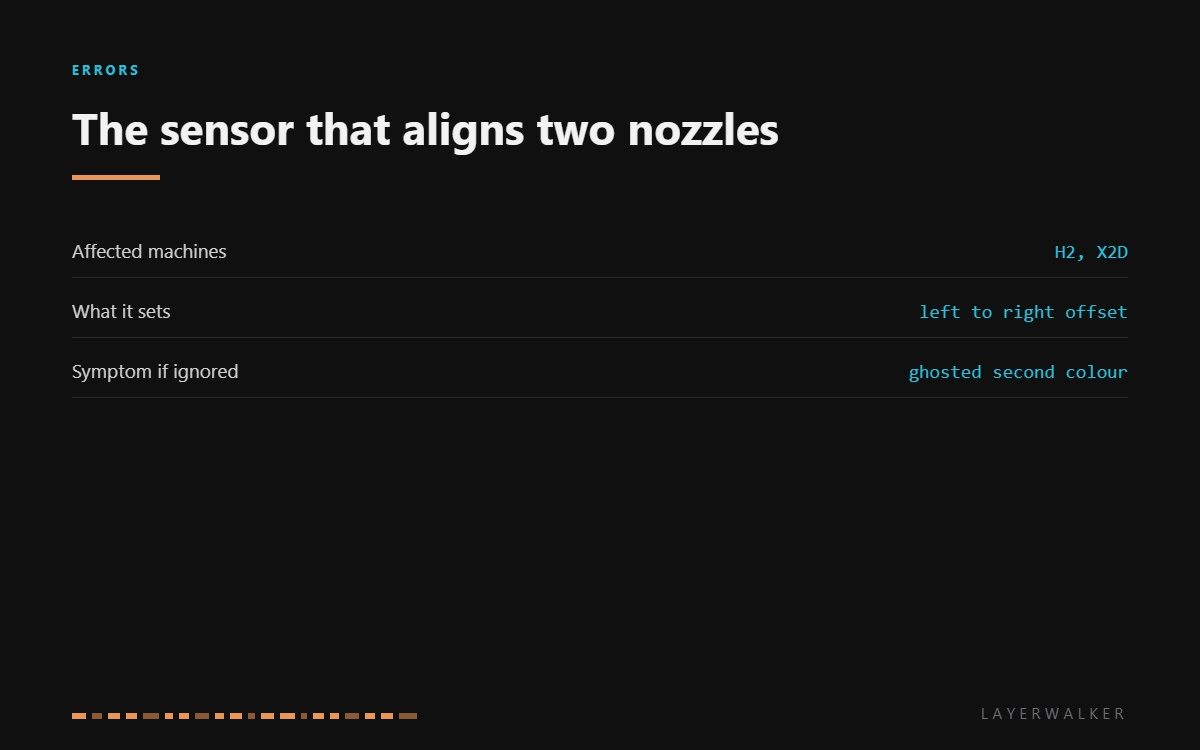
HMS 0300-2700-0001-0004 means the sensor used for nozzle offset calibration is producing an abnormal signal. On a dual-nozzle printer that sensor has one job: work out exactly where the second nozzle sits relative to the first. Get it wrong and every two-colour print comes out with the second colour shifted, which looks like a slicer problem and is not.
Difficulty moderate
Time 30-45 min
Parts under $30
Tools Hex keys, tweezers, isopropyl alcohol
Affected machines: H2 and X2D. Offset calibration runs after a nozzle change and periodically on its own, so this code usually surfaces right after maintenance, which is a useful hint about where to look.
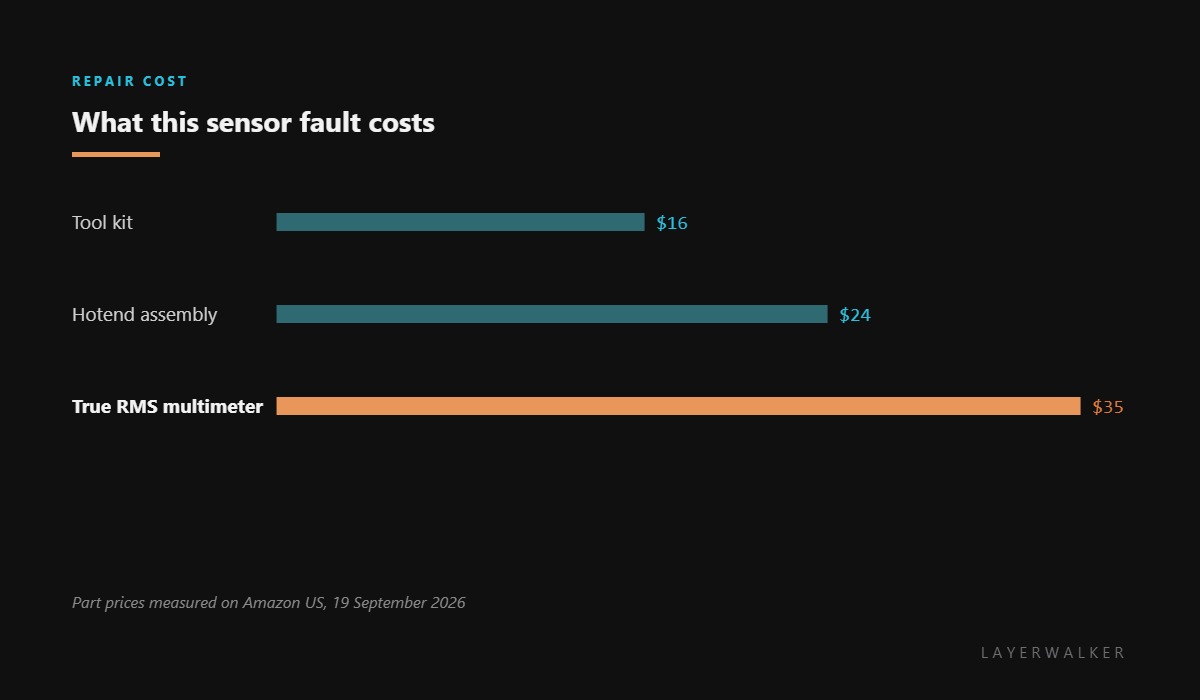
Where to buy


What upsets an offset measurement
Anything that changes the shape the sensor is measuring. A nozzle with a skirt of cooked filament on the tip reads as a different shape from a clean one. A nozzle not fully seated reads at the wrong height. Both produce a signal the firmware rejects rather than a wrong answer it accepts, which is the good news.
Then there is the sensor’s own path: its face, its connector and the short loom to the toolhead board. Clean the first, reseat the second, inspect the third. In that order, because each is quicker than the one after it.
If all of that is sound and the signal is still abnormal, you are looking at the sensor or the board. Both come through service on these machines rather than as a part you fit yourself.
Offset calibration fails, or two-colour prints come out with the second nozzle shifted
Dirty or badly seated nozzles, a contaminated sensor, or a connection fault
- Power off and let both hotends cool completely.
- Clean both nozzle tips at about 150 degC with a brass brush, removing any skirt of cooked plastic.
- Remove each nozzle, clean its seat, and refit it fully home and square.
- Clean the calibration sensor face with isopropyl alcohol on a soft cloth, never scraping it.
- Reseat the toolhead connectors on both sides.
- Run offset calibration again and watch whether it completes or fails at the same point.
Do not try to correct the offset by hand in the slicer to work around this. A manual fudge hides the fault, and it stops being right the next time either nozzle is changed.
The related sensor faults are low signal on the left eddy sensor and its right-hand twin. Our page on dual nozzle printers explains why the offset matters, and the troubleshooting index covers the rest.
HMS 0300-2700-0001-0004 FAQ
Can I print single colour meanwhile?
Yes. Single-material prints on one nozzle do not use the offset.
Why did this start after a nozzle change?
Because a nozzle change triggers offset calibration, and a dirty or proud nozzle is what the sensor then measures.
Can I set the offset manually?
You can, and you should not. It masks the fault and goes stale at the next nozzle change.
Is the sensor replaceable?
Not on its own. It is part of the toolhead, so a confirmed failure is a service item.
The calibration sensor has frequency limits of its own. HMS 0300-2700-0001-0001 means the reading is too low, and dirt and static charge are worth removing before you call it a failed part.

LayerWalker
Print defect diagnosis, calibration procedures and parts that actually fit. Corrections welcome through the contact page.

