HMS 0300-2500-0001-000A: nozzle offset calibration failed, filament on the nozzle
LayerWalker is a participant in the Amazon Services LLC Associates Program. We may earn a commission when you buy through links on our site, at no extra cost to you.
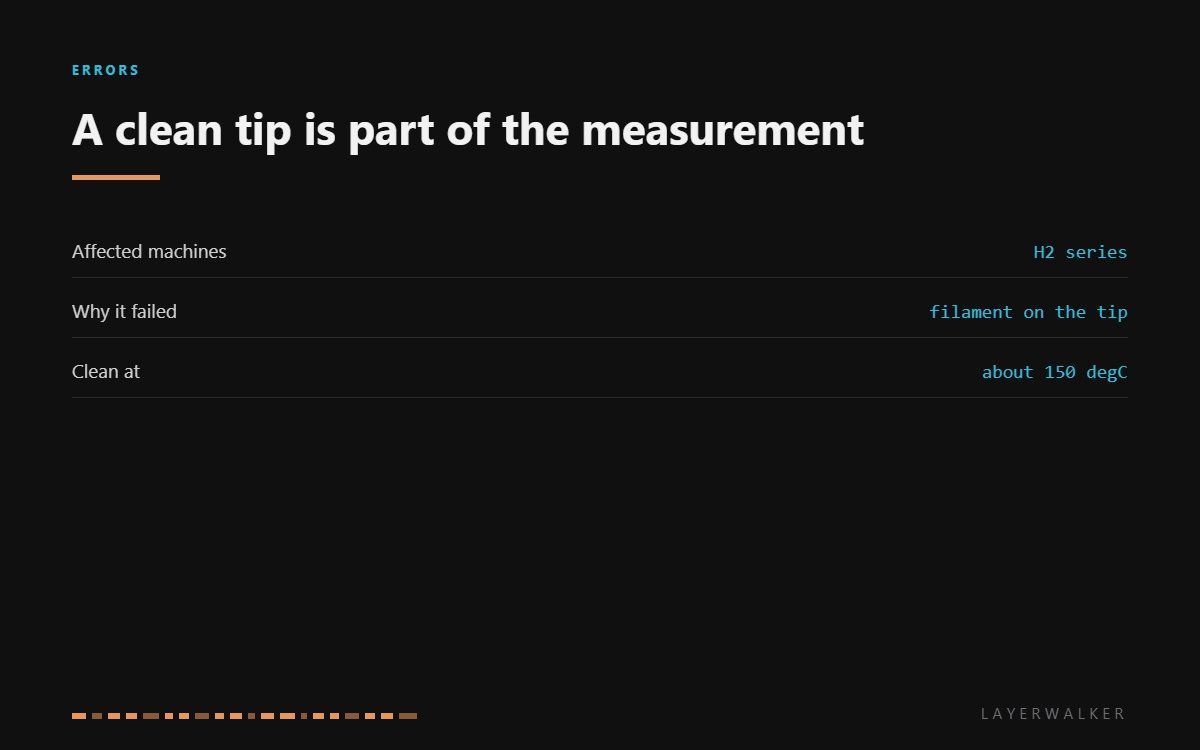
HMS 0300-2500-0001-000A means nozzle offset calibration failed and warns that filament is sticking to the nozzle. On a dual-nozzle machine the offset measurement works out exactly where the second tip sits relative to the first, and it does that by sensing the metal of the tip. A blob of plastic on it changes the shape being measured, and the machine sensibly refuses to store the result.
Difficulty easy
Time 20-40 min
Parts under $30
Tools Brass brush, tweezers, heat-resistant gloves
Affected machines: H2 series. This is a measurement being refused rather than hardware failing, which is good news: the fix is cleaning, and the cost is a few minutes and a brass brush.

Where to buy


Clean warm, never cold
The temperature matters more than the technique. At room temperature the filament on the tip is hard and brittle, and picking at it takes chunks out of the silicone sock and can bend the thin metal around the nozzle. At printing temperature it is liquid and smears, and you will burn yourself.
About 150 degC is the window. The plastic is soft enough to peel and firm enough to come away in one piece. Wear heat-resistant gloves, work from the side rather than head on, and brush away from the sock rather than into it.
Then ask why plastic was there. Oozing between tool changes and a print that came loose are the two usual answers, and the second one is worth chasing because it will happen again.
Offset calibration fails and the printer warns that filament is stuck to the nozzle
Cooked filament or ooze on a nozzle tip, occasionally a torn silicone sock
- Stop the calibration and let the hotend cool to around 150 degC.
- Put on heat-resistant gloves before going near the toolhead.
- Peel the bulk of the material away with tweezers, working from the side.
- Brush the remaining film off with a brass brush, moving away from the silicone sock.
- Inspect both socks. Replace any that is torn or has plastic fused into it.
- Re-run offset calibration and confirm it completes rather than failing at the same point.
If ooze keeps collecting between tool changes, look at retraction and the idle temperature in your profile rather than cleaning more often. Cleaning treats the symptom; the profile is where the cause lives.
The sensor version of this fault is nozzle offset calibration sensor abnormal, and the wrapped-nozzle code is filament wrapped around the nozzle. Our pages on the hotend and clogged nozzles cover the rest.
HMS 0300-2500-0001-000A FAQ
What temperature should I clean at?
About 150 degC. Cold chips and damages the sock; printing temperature smears and burns.
Can I use a knife?
Not on a cold nozzle. Warm it, peel with tweezers, then brush.
Why does the offset care about a small blob?
Because it is sensing the shape of the tip. A blob changes that shape and the reading with it.
Why does filament keep collecting there?
Ooze between tool changes, or a print that came loose. Fix the second; tune retraction for the first.
Readings go wrong in two directions. HMS 0300-2500-0001-0007 means the frequency is too high on the right-hand sensor, usually because the nozzle heat sink is sitting too close to it.

LayerWalker
Print defect diagnosis, calibration procedures and parts that actually fit. Corrections welcome through the contact page.

