HMS 0300-1A00-0002-0001: the nozzle is wrapped with filament
LayerWalker is a participant in the Amazon Services LLC Associates Program. We may earn a commission when you buy through links on our site, at no extra cost to you.
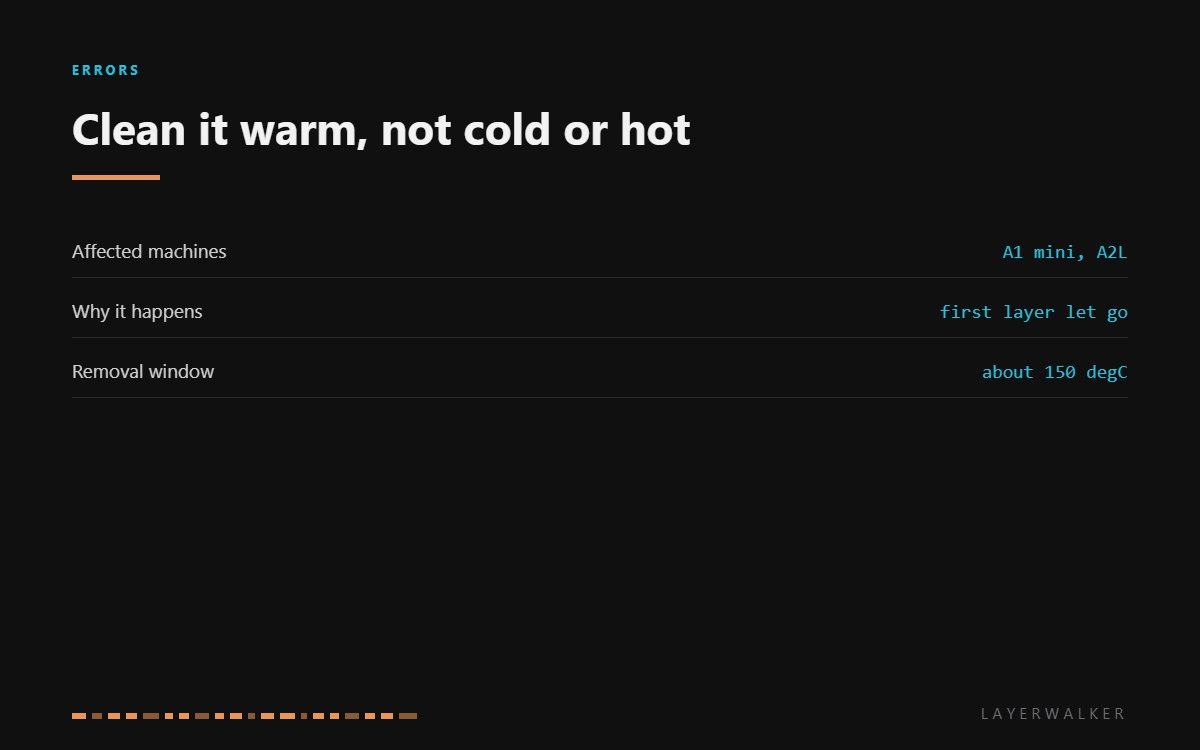
HMS 0300-1A00-0002-0001 means filament has wrapped itself around the nozzle and the printer has noticed. This is the blob of death caught early. The machine is asking you to clean the residual filament off before it carries on, and the important part is how you do it: cold is too brittle, printing temperature is too soft, and about 150 degC is right.
Affected machines: A1 mini and A2L. Detecting this early is a real advantage of these machines. Left alone, a small wrap grows into a mass that encases the whole hotend and takes it out of service, so stopping at the warning is the cheapest outcome available.

Where to buy


2 Pack 0.4mm A1 Mini/A1/A2L Hotend Kit Hardened Steel Nozzle for Bambu Lab
Why filament wraps the nozzle at all
Almost always because the part came off the plate. Once a print detaches, the nozzle drags it around, molten plastic sticks to hot metal, and each pass adds another layer. That is why the honest fix is not cleaning technique but adhesion: a plate cleaned with dish soap and warm water, a correct Z offset, and a first layer you actually watched.
The second cause is stringing that never got cleared. A machine printing wet filament produces wisps on every travel move, and those collect on the nozzle until one of them fuses into a proper wrap.
Printer stops and reports filament wrapped around the nozzle
A print detached from the plate, or accumulated stringing fused to the nozzle
- Stop the print and let the hotend cool to around 150 degC, where the plastic is soft but not liquid.
- Wear heat-resistant gloves. This is the one routine job on a printer where a burn is likely.
- Peel the bulk of the material away with tweezers, working from the outside inwards.
- Clean the remaining film off the nozzle with a brass brush, brushing away from the silicone sock.
- Inspect the sock. If it is torn or has plastic welded into it, replace it rather than leaving it.
- Clean the plate properly with dish soap and warm water before the next print, and check the Z offset.
Never pick at a cold blob with a blade. Cold filament is brittle, it will take chunks of the sock with it, and the knife slips towards your other hand. If the material has gone hard, warm it again rather than forcing it.
The underlying cause is usually covered in first layer adhesion, and the related jam is in clogged nozzles. Our page on the hotend explains what the sock protects, and the troubleshooting index covers the rest.
HMS 0300-1A00-0002-0001 FAQ
What temperature should I clean at?
About 150 degC. Cold plastic chips and damages the sock; molten plastic smears and burns you.
Do I need to replace the silicone sock?
Only if it is torn or has plastic fused into it. A sock that no longer fits properly causes its own heating faults.
Why does this keep happening?
Bed adhesion, almost always. Clean the plate with soap and water and check the Z offset before the next long print.
Can I keep printing after clearing it?
Yes, once the nozzle and sock are clean and the plate has been washed. Watch the first layer before leaving it.

LayerWalker
Print defect diagnosis, calibration procedures and parts that actually fit. Corrections welcome through the contact page.

