HMS 0300-1800-0001-000B: nozzle presence detection failed
LayerWalker is a participant in the Amazon Services LLC Associates Program. We may earn a commission when you buy through links on our site, at no extra cost to you.
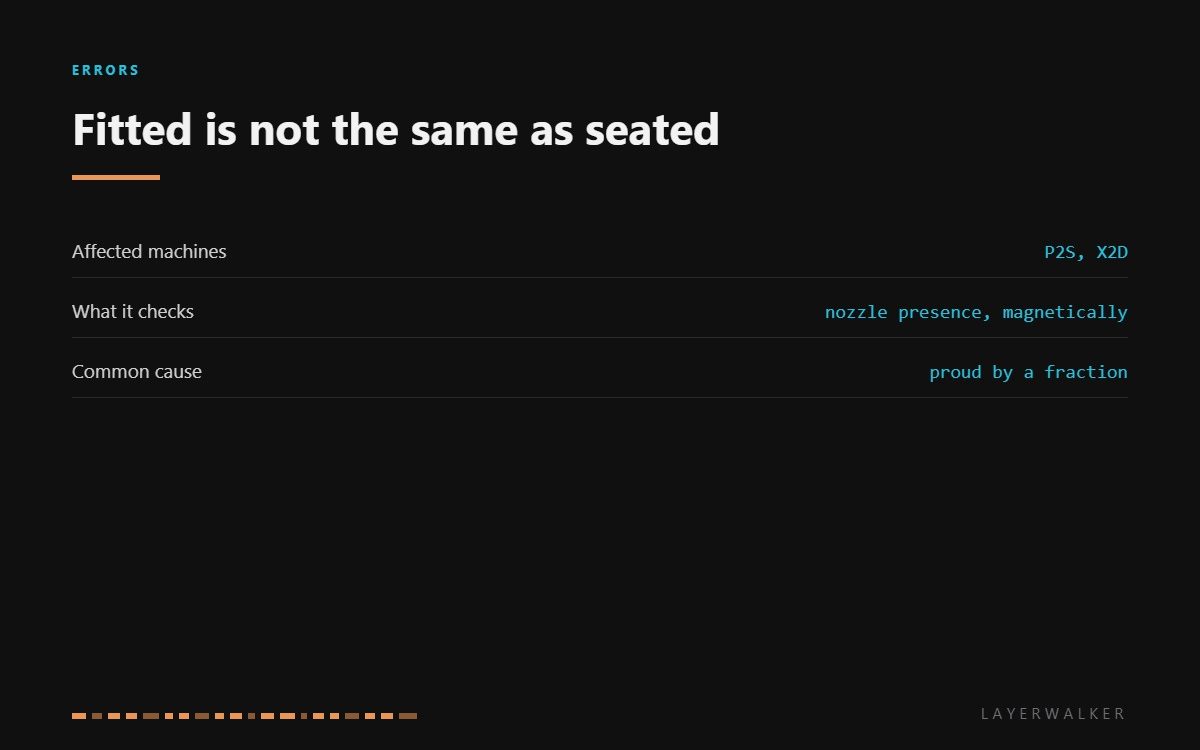
HMS 0300-1800-0001-000B means nozzle presence detection failed: the printer looked for a nozzle and did not find one. Bambu’s wording covers both possibilities, and they are worth separating. Either the nozzle is genuinely not installed, or it is installed but sitting far enough out of position that the sensor cannot confirm it.
Affected machines: P2S and X2D. The check runs at start-up and before calibration, which is why this code usually appears when you try to begin a print rather than during one. It is a safety gate: the machine will not heat and move a toolhead it cannot confirm the state of.

Where to buy


Proud by a fraction is still missing
The sensor has a working range measured in fractions of a millimetre. A nozzle that is finger-tight rather than properly seated, or one tightened cold on a machine that expects it tightened hot, sits outside that range and reads as absent.
The second cause is contamination in the seat. A ring of baked purge residue under the nozzle flange holds it high, and it is easy to miss because the nozzle looks fitted and feels tight. Clean the seat every time you change a nozzle and this fault mostly disappears.
The third is a genuine sensor problem, and the way to distinguish it is that cleaning and refitting change nothing at all. At that point the toolhead is the answer rather than the nozzle.
Printer refuses to start a print and reports that nozzle presence detection failed
Nozzle missing, not fully seated, residue in the seat, or a failed detection sensor
- Power off and let the hotend cool completely.
- Confirm a nozzle is fitted and that it is the correct type for your machine.
- Remove it and clean both the nozzle flange and the seat it lands on.
- Refit it fully home and square, tightening at the temperature your machine’s procedure specifies.
- Reseat the toolhead connector and power up, then let the start-up check run.
- If detection still fails with a clean, correctly fitted nozzle, the sensor has failed and the hotend assembly is the replacement.
Resist the temptation to hunt for a firmware setting to skip the check. It exists to stop the machine heating and moving a toolhead in an unknown state, and there is no version of this fault where bypassing it is the right answer.
The related sensor readings are covered in frequency too high and low sensitivity. Our page on the hotend covers the assembly, and the troubleshooting index covers the rest.
HMS 0300-1800-0001-000B FAQ
The nozzle is definitely fitted. Why does it say otherwise?
Because fitted is not the same as seated. Clean the seat and refit it fully home, then retry.
Does nozzle material matter?
Yes. Steel and brass read differently, so recalibrate after any change of material.
Can I skip the check to finish a print?
No, and you should not want to. It is the gate that stops the machine running a toolhead in an unknown state.
How often should I clean the nozzle seat?
Every nozzle change. It takes a minute and prevents most instances of this code.

LayerWalker
Print defect diagnosis, calibration procedures and parts that actually fit. Corrections welcome through the contact page.

