HMS 0300-1800-0001-0002: eddy current sensor sensitivity low
LayerWalker is a participant in the Amazon Services LLC Associates Program. We may earn a commission when you buy through links on our site, at no extra cost to you.
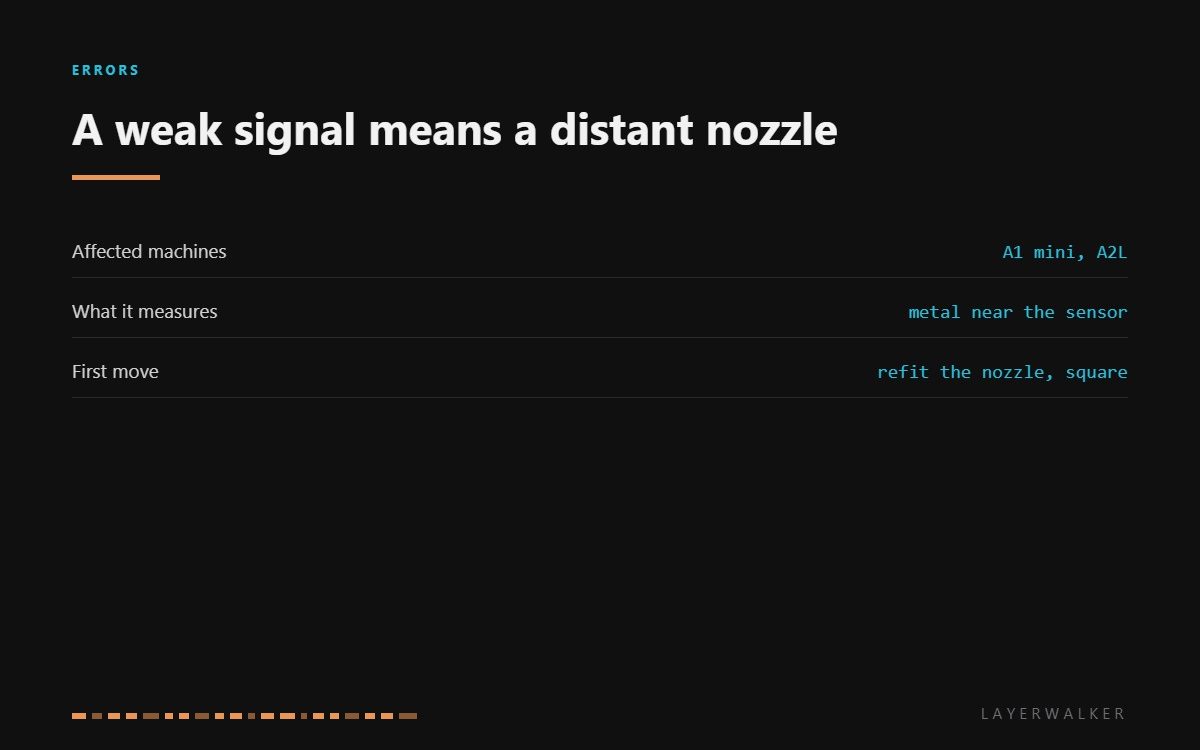
HMS 0300-1800-0001-0002 means the eddy current sensor in the toolhead is reading a weaker signal than it should, and Bambu points straight at the reason: the nozzle may not be installed properly. The sensor measures how close metal is. A nozzle sitting a fraction proud of its seat is further from the sensor than the firmware expects, and the signal falls off with distance.
Affected machines: A1 mini and A2L. This sensor is what allows touchless bed levelling and nozzle detection, so a weak reading shows up as levelling that fails or produces a mesh that makes no sense, rather than as a print that stops mid-way.
Where to buy


Seating, debris, then the sensor
Start with the nozzle. Remove it, clean the seat, and refit it fully home and square. A nozzle that was tightened while the hotend was cold, or one that was cross-threaded slightly, sits higher than it should and produces exactly this reading.
Then look at what is between the nozzle and the sensor. Purge residue, a smear of melted filament and swarf from a scraped plate are all conductive enough to change what the sensor sees. Clean gently with isopropyl alcohol and a soft cloth; never scrape the sensor face with a metal tool.
Finally, consider the nozzle material. A steel nozzle and a brass nozzle do not read the same to an eddy current sensor. If this started right after a nozzle change, run the machine’s own calibration before you assume anything is broken.
Bed levelling fails or produces an implausible mesh, and the printer reports low sensor sensitivity
Nozzle not fully seated, conductive debris in the sensing area, or a nozzle of a different material
- Power off and let the hotend cool completely before touching anything near the nozzle.
- Remove the nozzle, clean the seat and the threads, and refit it fully home and square.
- Clean around the nozzle and the sensor face with isopropyl alcohol on a soft cloth.
- Reseat the toolhead connector, checking for a pin that is not level with its neighbours.
- Run the machine’s calibration so the sensor is baselined against the nozzle you actually have fitted.
- If the reading is still weak after that, the sensor or the toolhead board is the remaining cause and that is a service item.
Tighten the nozzle hot, not cold, on the machines that call for it. A cold-tightened nozzle loosens as the block expands, and a nozzle that has backed off by half a turn is the most common version of this fault.
The related sensor faults are the signal jump code and nozzle presence detection failure. Our page on the hotend covers the assembly, and the troubleshooting index covers the rest.
HMS 0300-1800-0001-0002 FAQ
Did my nozzle change cause this?
Very likely. Either it is not fully seated, or it is a different material from the one the machine was calibrated against.
Can I clean the sensor?
Gently, with isopropyl alcohol on a soft cloth. Never scrape it and never use a metal tool on its face.
Will the printer still level the bed?
It will try, and the mesh will be wrong. Fix the sensitivity before trusting a first layer.
Is the sensor sold separately?
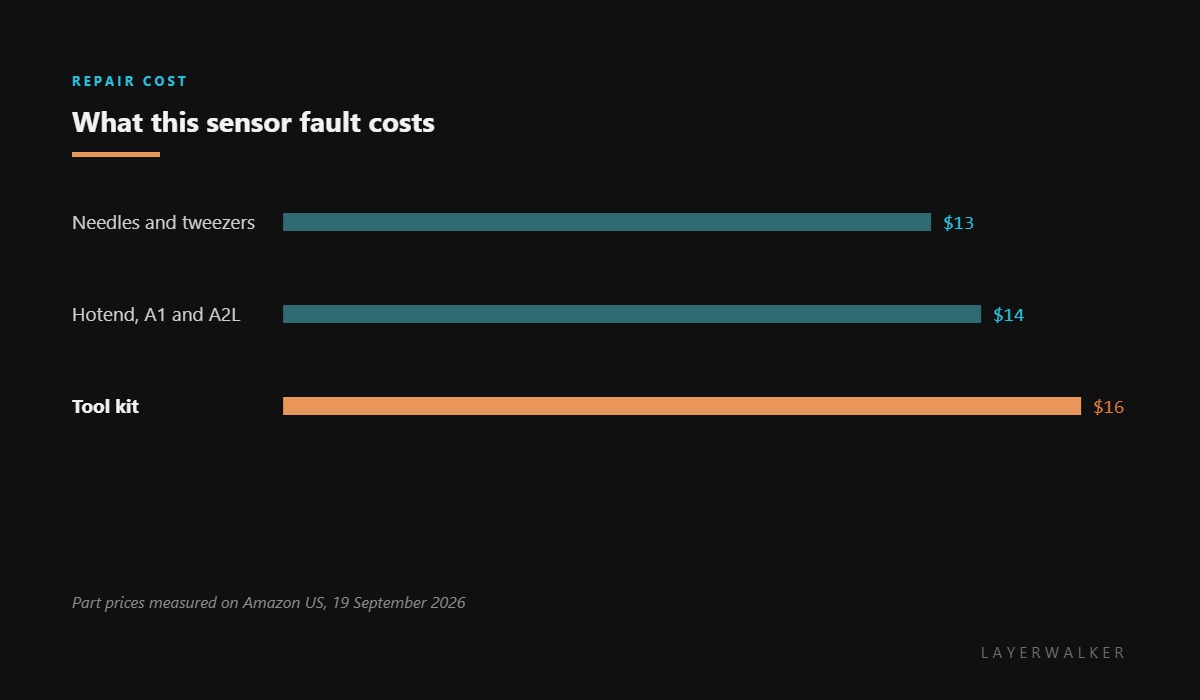
No. It is part of the toolhead board, which is why the practical purchases here are tools and a spare hotend.

LayerWalker
Print defect diagnosis, calibration procedures and parts that actually fit. Corrections welcome through the contact page.

