HMS 0300-2500-0001-000B: right extruder nozzle not detected
LayerWalker is a participant in the Amazon Services LLC Associates Program. We may earn a commission when you buy through links on our site, at no extra cost to you.
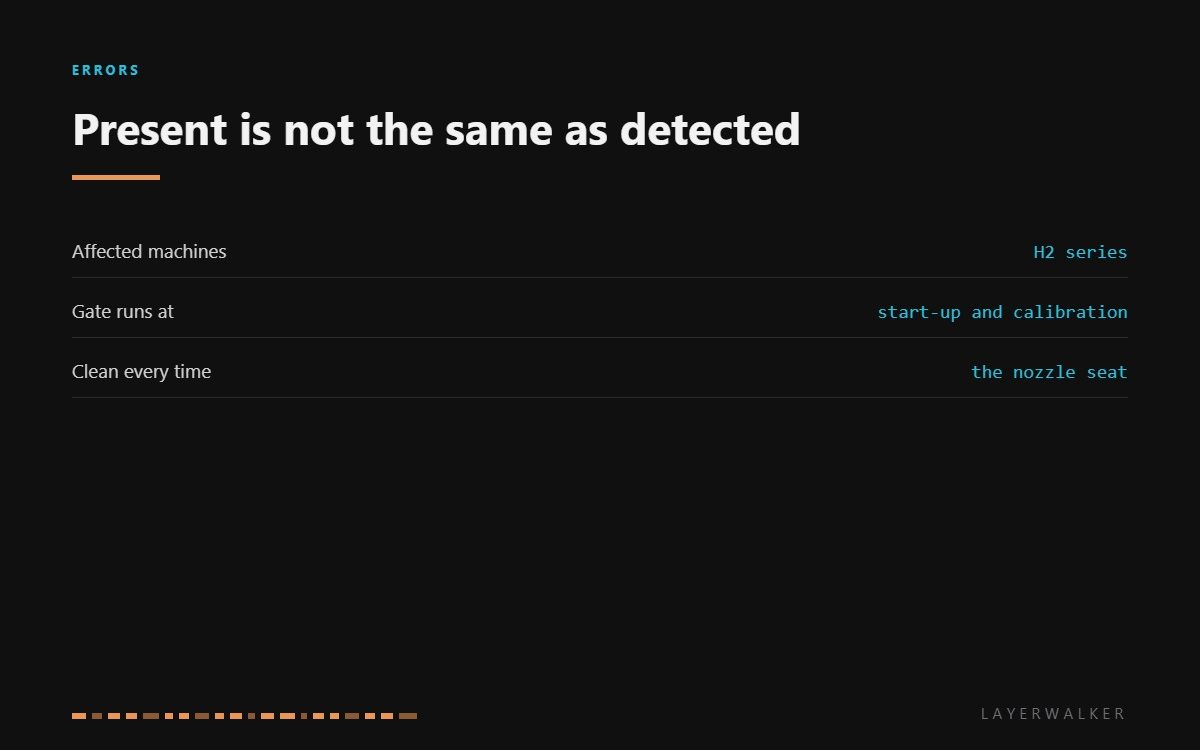
HMS 0300-2500-0001-000B means the printer could not confirm a nozzle on the right extruder. The machine will not heat and move a toolhead whose state it cannot establish, so this is a gate rather than a breakdown. Either the nozzle is genuinely absent, or it is fitted and sitting outside the sensor’s working range.
Difficulty easy
Time 15-30 min
Parts usually nothing
Tools Hex keys, tweezers
Affected machines: H2 series. On a dual-nozzle printer the code names the side, which is useful: the left nozzle gives you a working reference for what a detected nozzle looks like on the same machine.
Where to buy


Fractions of a millimetre decide it
The sensor has a small working range. A nozzle that is finger-tight rather than properly seated, or one tightened cold on a machine whose procedure calls for tightening hot, sits high enough to read as absent while feeling perfectly secure.
The other cause is residue in the seat. A ring of baked purge under the nozzle flange holds it up, and it is easy to miss because the nozzle looks fitted and feels tight. Cleaning the landing face at every nozzle change removes most of these before they happen.
If both are right and detection still fails, compare with the left side. A left nozzle that detects normally in the same conditions tells you the problem is local to the right hotend rather than to the machine.
Printer refuses to start and reports that the right extruder nozzle is not detected
Nozzle missing, not fully seated, residue in the seat, or a failed detection sensor
- Power off and let both hotends cool completely.
- Confirm a nozzle is fitted on the right side and that it is the correct type for your machine.
- Remove it and clean both the nozzle flange and the seat it lands on.
- Refit it fully home and square, tightening at the temperature your machine’s procedure specifies.
- Reseat the right toolhead connector and power up, letting the start-up check run.
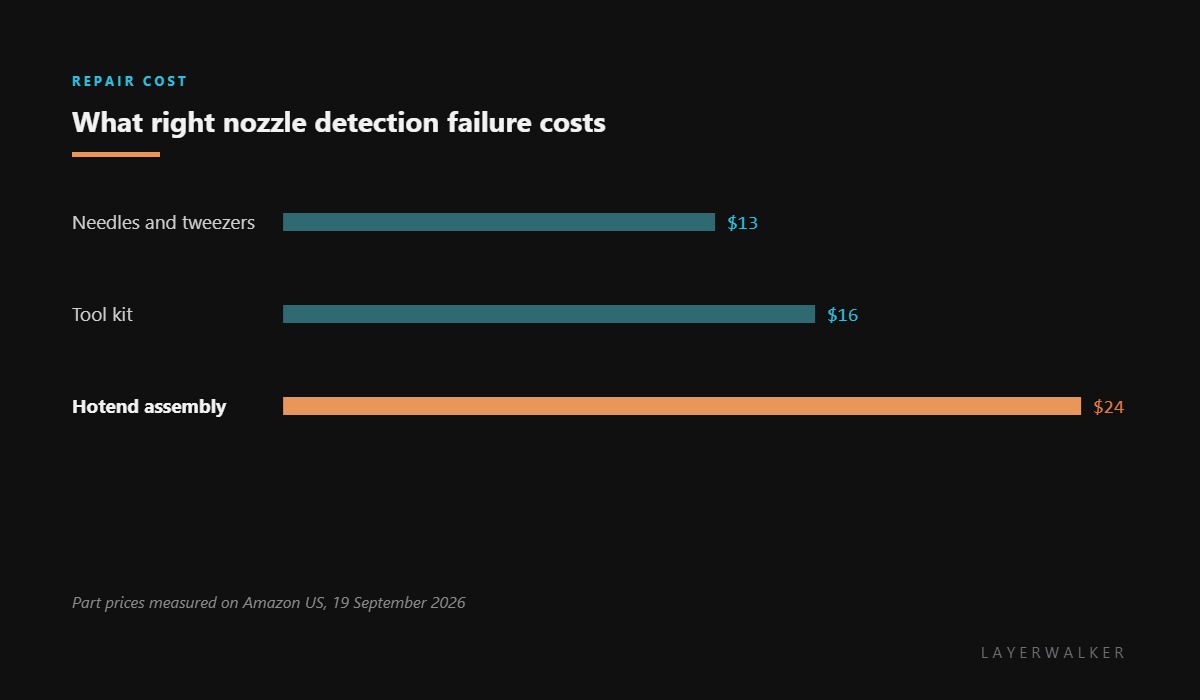
- If detection still fails with a clean, correctly fitted nozzle, fit a replacement hotend assembly.
Recalibrate after any nozzle change, particularly if you moved between brass and hardened steel. The two materials read differently, and the machine expects the one it was last calibrated against.
The left-hand equivalent is left nozzle presence detection failed, and the single-nozzle version is nozzle presence detection failed. Our pages on the hotend and dual nozzle printers cover the hardware.
HMS 0300-2500-0001-000B FAQ
The nozzle is definitely fitted, so why is it not detected?
Fitted and seated are different. Clean the seat, refit it fully home, and retry.
Can I print on the left nozzle only?
Not until the check passes. The machine will not start with a toolhead in an unknown state.
Does nozzle material matter?
Yes. Recalibrate after switching between brass and hardened steel.
How often should I clean the seat?
Every nozzle change. It takes a minute and prevents most of these.
Drift and jumps are not the same symptom. HMS 0300-2500-0001-000C reports an anomalous jump in the sensor data, and that word intermittent is what points at a poor contact rather than a failed part.

LayerWalker
Print defect diagnosis, calibration procedures and parts that actually fit. Corrections welcome through the contact page.

