HMS 0300-1800-0001-0003: extruder eddy current sensor not responding
LayerWalker is a participant in the Amazon Services LLC Associates Program. We may earn a commission when you buy through links on our site, at no extra cost to you.
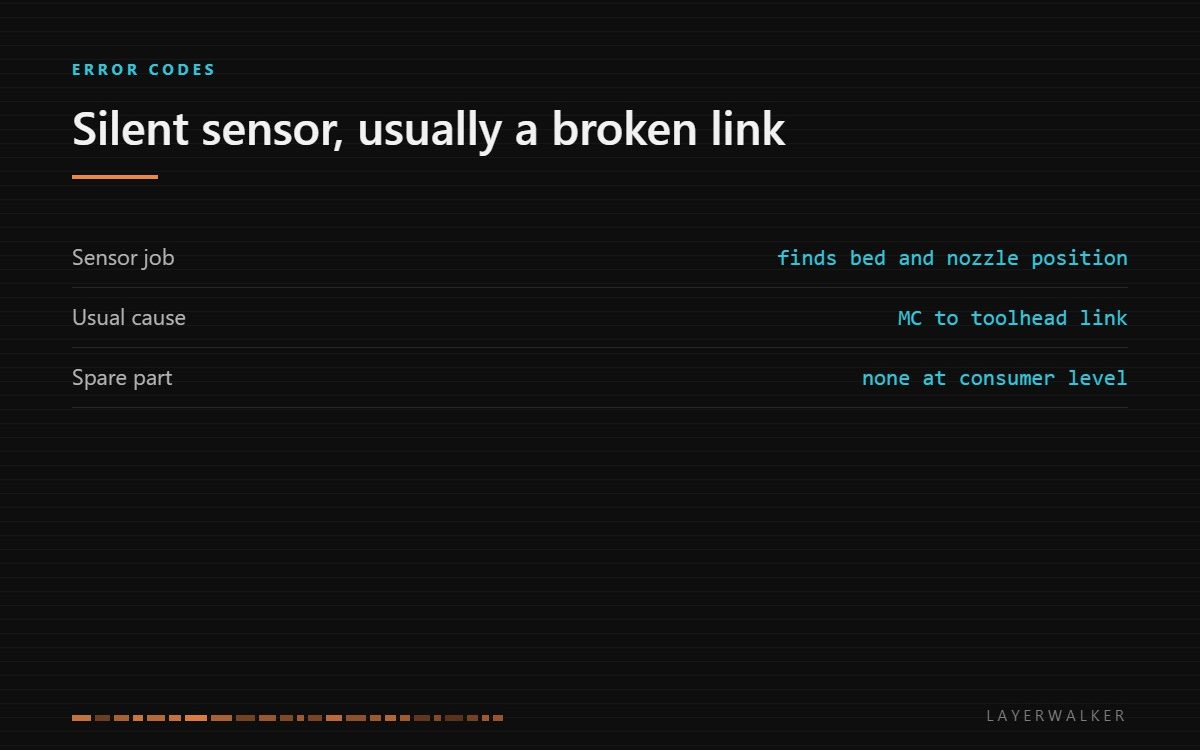
The controller is getting nothing back from the extruder eddy current sensor. Either the communication link between the mainboard and the toolhead is broken, or the sensor itself has failed. The link is far more likely.
Affected machines: A1 Mini, A2L, H2, H2S, P2S.
Where to buy


What the sensor is for
The eddy current sensor sits in the toolhead and detects metal at very short range without touching it. On these machines it is part of how the printer finds the bed and checks the nozzle position, which is why the firmware refuses to start a job when it goes silent: it has lost the reference it uses to set the first layer.
Because it is a sensing element on the toolhead rather than a moving part, the sensor itself rarely wears out. What fails is the path back to the mainboard.
Code appears at startup or before a calibration step, and the machine refuses to begin printing
Broken MC to toolhead communication link, unseated toolhead cable, or a failed sensor
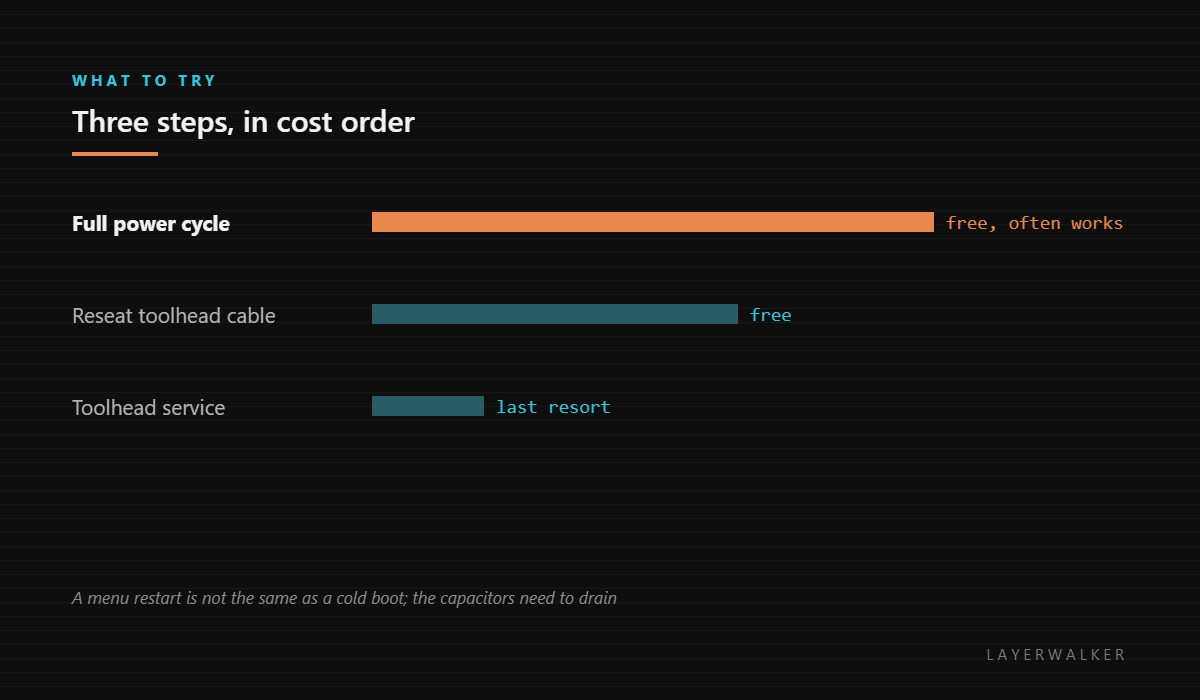
- Power off at the wall, wait thirty seconds so the boards fully reset, then power on. A genuine communication dropout often clears here.
- If it returns, power off and reseat the toolhead cable at both ends, not just at the toolhead.
- Inspect the cable where it flexes for chafing, and check the connector housings for a crimp that has backed out.
- Note whether the fault correlates with toolhead position. A fault that appears at one end of travel points squarely at the cable.
- If the link is sound and the fault persists, the sensor has failed and the toolhead assembly needs service.
This is one of the codes where no consumer-level replacement part exists. The sensor is integrated into the toolhead assembly, so a genuine sensor failure is a warranty or service question rather than a shelf part. What is listed below are the tools to diagnose it, not a part to swap.
The troubleshooting index covers which family a symptom belongs to, and sensors and thermistors covers how the machine reads its own hardware.
HMS 0300-1800-0001-0003 FAQ
Can I buy the sensor separately?
Not at consumer level on these machines. It is part of the toolhead assembly.
Is a restart worth trying?
Yes, and do a full power cycle rather than a menu restart. Communication faults often clear.
Will it damage anything if I keep printing?
The firmware halts rather than continuing, which is the protection working.
How do I know it is the cable and not the sensor?
Reseat both ends and watch whether the fault follows toolhead position.

LayerWalker
Print defect diagnosis, calibration procedures and parts that actually fit. Corrections welcome through the contact page.

