HMS 0300-1800-0001-0005: Z axis motor stuck during movement
LayerWalker is a participant in the Amazon Services LLC Associates Program. We may earn a commission when you buy through links on our site, at no extra cost to you.
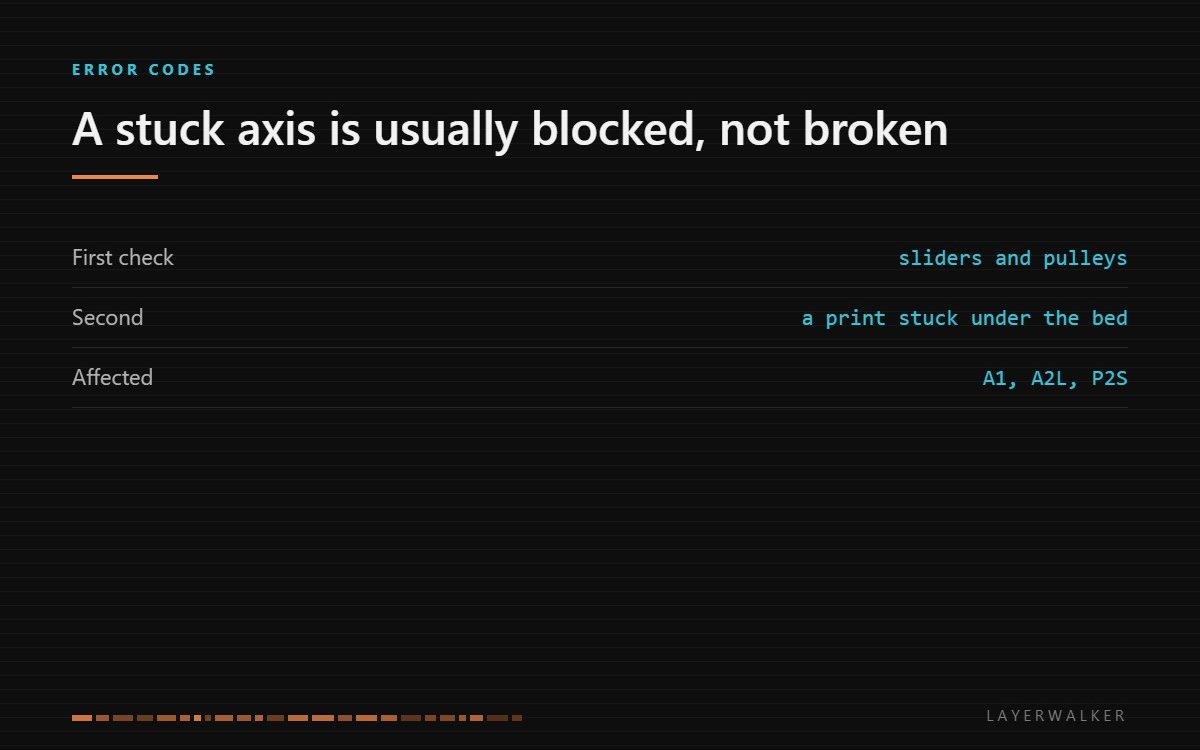
The Z axis motor stalled while moving. That almost always means something is physically in the way rather than that the motor has failed. Check the sliders and the timing belt pulleys before anything electrical.
Affected machines: A1, A2L, P2S. The firmware detects that the axis did not move as commanded and stops rather than forcing it, which is why you get a code instead of a ground gear.
Where to buy


Look for the obstruction before the motor
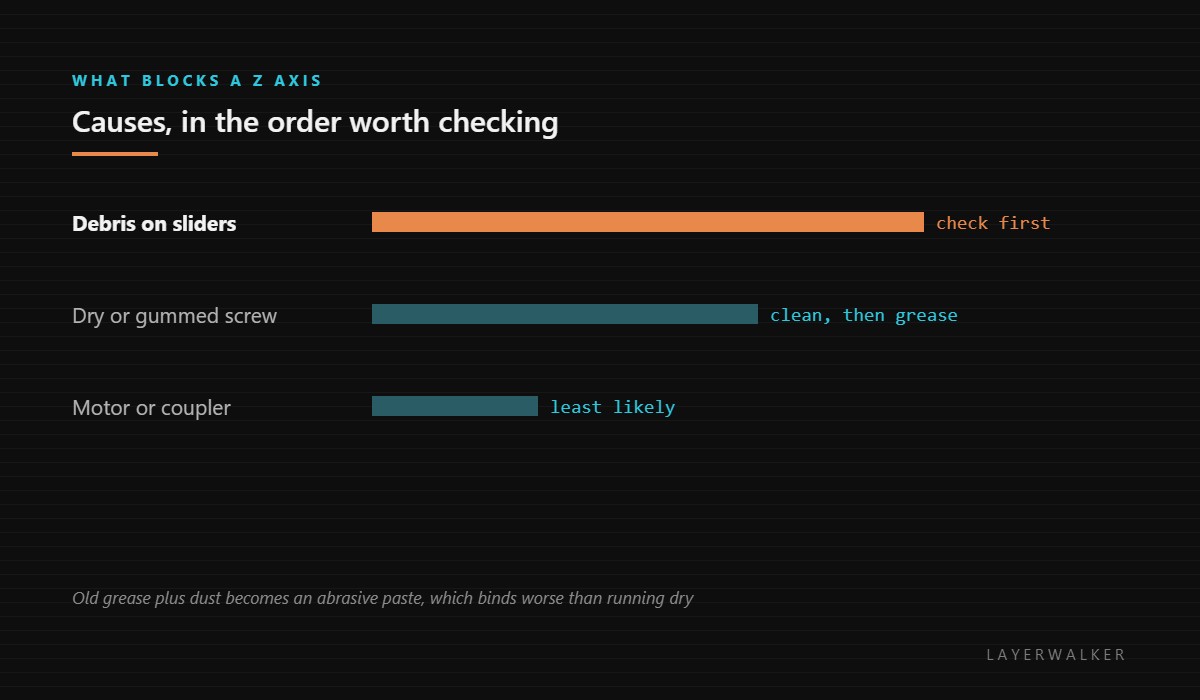
Three things block a Z axis in practice. Debris on the sliders, which on these machines can be as small as a chip of purged filament. A print that has come loose and jammed under the bed. And a lead screw or slider that has been lubricated at some point and has since turned that grease into an abrasive paste with dust.
That third one is worth dwelling on, because it is counterintuitive: a badly lubricated axis binds harder than a dry one. Old grease plus airborne dust makes a grinding compound, and adding fresh grease on top does not fix it.
Movement stops part-way, often during the bed levelling sequence or at the start of a print
Debris on the Z sliders or pulleys, contaminated lead screw, or a coupler that has slipped
- Power off at the wall and let the bed cool before reaching underneath it.
- Look along the full travel of the Z sliders and remove any filament debris, chips or foreign objects.
- Check underneath the bed for a print that has detached and jammed against the frame.
- Wipe the lead screw with a dry cloth along its length, removing old grease and the dust it has collected, then apply a thin film of fresh synthetic grease.
- Check the coupler grub screws between the motor shaft and the screw; a slipped coupler produces exactly this symptom.
- Move the axis by hand through its full travel and feel for a tight spot before powering back on.
If the axis moves freely by hand and the code returns, the fault has moved to the electrical side and the code to read next is the motor resistance one.
Our page on 3D printer lubricant sets out what goes on the lead screw and what must stay dry, including why belts and pulleys should never be greased. Lead screws covers the Z axis specifically, and the troubleshooting index covers the wider family.
HMS 0300-1800-0001-0005 FAQ
Should I grease the sliders?
Very sparingly, and clean first. Excess grease collects dust and makes the problem worse.
Can a failed print cause this?
Yes. A part that detaches and wedges under the bed is a common cause.
What if it only sticks at one height?
That points at a damaged spot on the screw or slider rather than contamination.
Is WD-40 suitable?
No. It is a solvent and water displacer, not a lubricant, and it strips what is there.

LayerWalker
Print defect diagnosis, calibration procedures and parts that actually fit. Corrections welcome through the contact page.

