HMS 0300-0500-0001-0001: Motor Driver Overheating
LayerWalker is a participant in the Amazon Services LLC Associates Program. We may earn a commission when you buy through links on our site, at no extra cost to you.
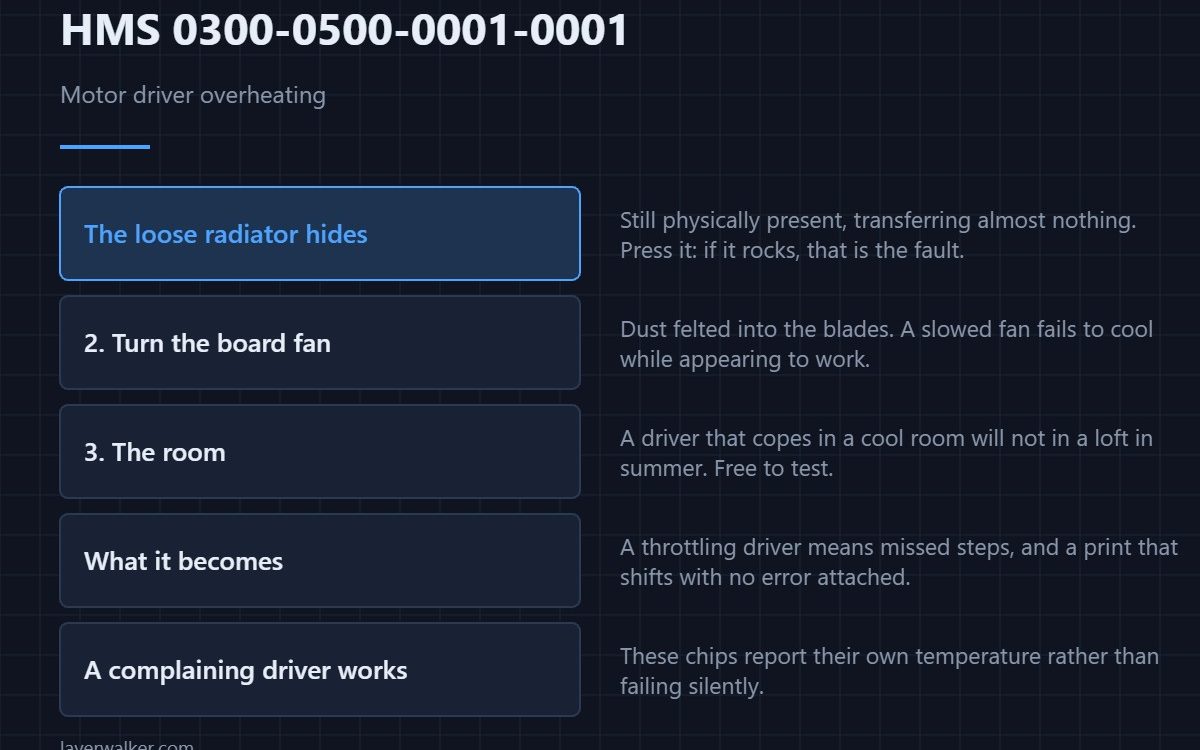
HMS 0300-0500-0001-0001 means a motor driver is running too hot, and Bambu names two causes: its radiator may be loose, or its cooling fan may be damaged. A loose heatsink is the one worth checking first, because it looks perfectly fine from the outside while transferring almost no heat.
Drivers that overheat do not fail dramatically. They throttle, skip steps, and leave you chasing a print defect with no obvious cause.
Where to buy


The loose radiator, and why it hides
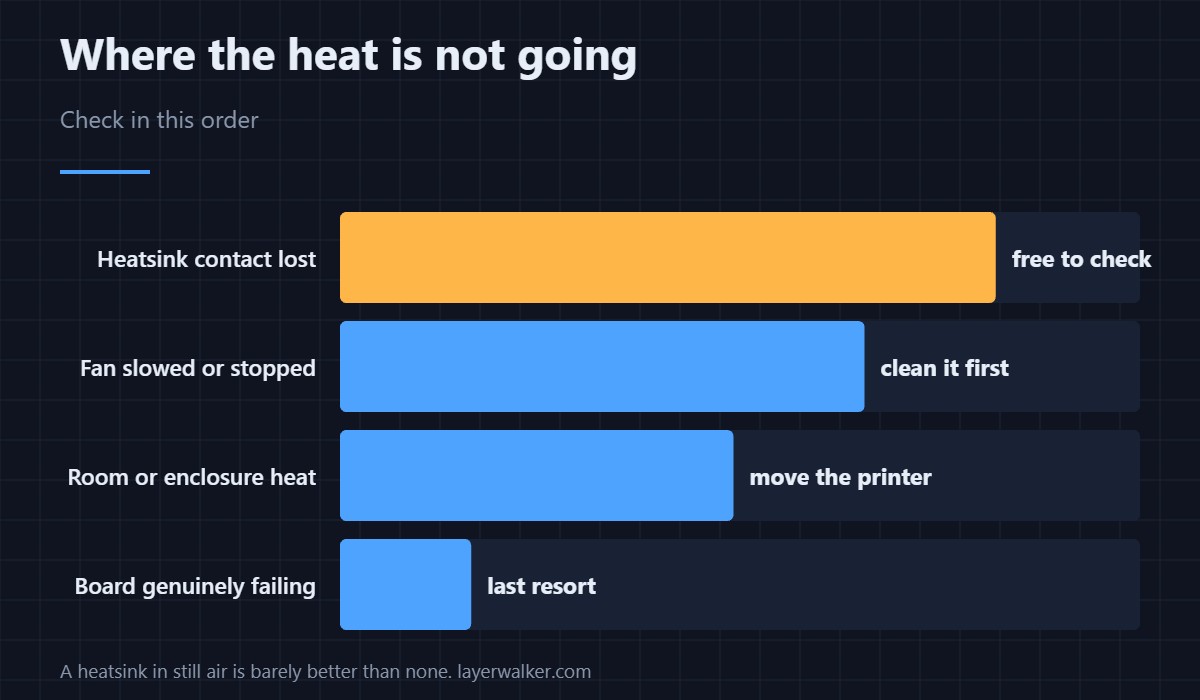
Heatsinks on driver chips are usually held by thermal adhesive or a small clip. Adhesive ages and lets go, and a clip can be knocked during a repair. Once the contact gap opens, the heatsink is still physically present and doing nothing. Press it gently with the printer off: if it rocks or shifts at all, that is your fault.
Then the fan
Turn the board fan by hand with the machine unplugged. Dust felted into the blades is the usual finding on a machine more than a year old, and a fan that has slowed rather than stopped still fails to cool while appearing to work. Sizes and replacements are in 3D printer cooling fans.
Then the environment
An enclosed printer running a long ABS job warms everything in its base, and a driver that copes in a cool room will not in a loft in summer. Before buying parts, move the machine or ventilate the space and see whether the fault follows.
What HMS 0300-0500-0001-0001 becomes if you clear it
A throttling driver produces missed steps, and missed steps produce a print that shifts sideways partway up with no error attached to it — the symptom set is in layer shifting. Clearing the message and carrying on converts a diagnosable fault into an unexplained one.
How the driver reports itself
These chips monitor their own temperature and raise a flag rather than failing silently, which is why you get a code at all. That is worth knowing before condemning a mainboard: a driver that complains is a driver that is still working. Background on driver behaviour under thermal stress is in stepper motors.
HMS 0300-0500-0001-0001 FAQ
Which motor does it mean?
The message identifies the driver rather than the axis in plain language, so check all the heatsinks on the board rather than guessing. They are usually identical and fail the same way.
Can I print while it shows?
For a short supervised print, probably. For a long one you are inviting skipped steps, which costs the whole plate.
Would extra heatsinks help?
Only with airflow. A heatsink in still air is barely better than none, which is why the fan matters as much as the contact.
Does this mean the mainboard is failing?
Rarely. Cooling explains nearly all of these, and cooling is the cheap end of the repair. Once it runs cool again, re-run the routine in calibrating a 3D printer.

LayerWalker
Print defect diagnosis, calibration procedures and parts that actually fit. Corrections welcome through the contact page.