HMS 0300-0300-0001-0001: hotend cooling fan stopped
LayerWalker is a participant in the Amazon Services LLC Associates Program. We may earn a commission when you buy through links on our site, at no extra cost to you.
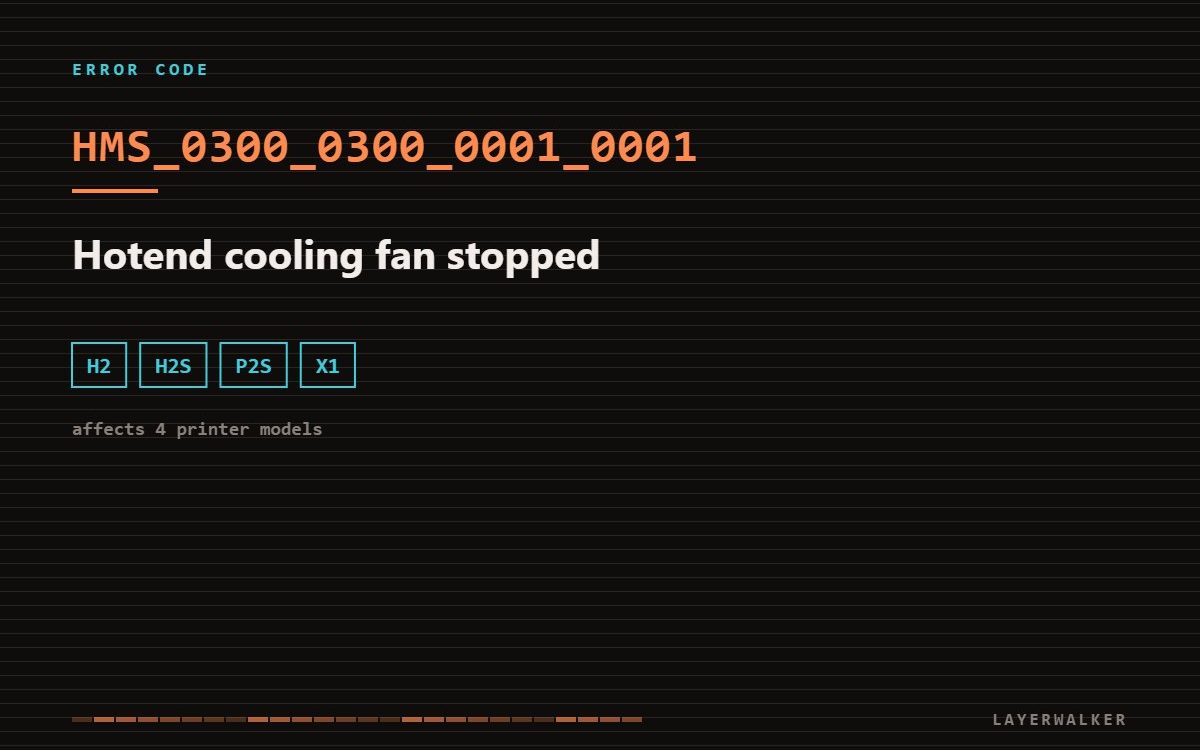
The heatbreak cooling fan has slowed or stalled. This is not the part cooling fan that blows on the print. If it is not turning, filament softens above the melt zone and the hotend jams, so the printer stops instead.
There are two fans near the toolhead and they do completely different jobs. The part cooling fan blows sideways onto the plastic you have just laid down. The hotend cooling fan blows through a small heatsink above the heater block, holding the upper part of the filament path cool. Only the second one causes this code.
Affected machines: H2, H2S, P2S, X1 series.
Where to buy


HMS 0300-0300-0001-0001: why a stalled heatsink fan jams the hotend
The hotend deliberately creates a sharp temperature gradient: molten at the nozzle, solid a few millimetres higher. The heatsink and its fan maintain that boundary. Take the airflow away and the softening zone creeps upward into a section of the path that was never designed for molten plastic. The filament swells there, grips, and the extruder can no longer push. That failure is called heat creep, and it produces a jam that feels exactly like a nozzle clog but is not one.
Fan is silent or noticeably slower than usual, and prints may have jammed shortly before the code appeared
Debris in the fan, a worn bearing, or a disconnected fan lead
- Power off and look directly at the small fan on the side of the toolhead. It should spin whenever the hotend is above roughly 50 degC.
- Clear any stray filament, zip tie or wire that has drifted into the blades.
- Spin the fan by hand. A healthy fan coasts freely; one that grinds or stops dead has a failed bearing.
- Reseat the fan connector, then check whether the fan runs during a warm-up before reassembling the shroud.
Do not run the printer with the heatsink fan disconnected in order to finish a job. Heat creep does not just fail the print; it welds filament inside the heatbreak and turns a fan replacement into a hotend replacement.
Tell the two fans apart before you order
People often replace the wrong fan because both sit within a few centimetres of each other. The heatsink fan is the one that runs the moment the hotend heats up, even with no print running. The part cooling fan only ramps up once the first layers are down. Watch which one is still when the code appears.
Wrong code? The full Bambu HMS code index lists all 588 codes with the subsystem each one points to and which printers show it.

LayerWalker
Print defect diagnosis, calibration procedures and parts that actually fit. Corrections welcome through the contact page.

