HMS 0300-1700-0001-0001: hotend cooling fan too slow or stopped
LayerWalker is a participant in the Amazon Services LLC Associates Program. We may earn a commission when you buy through links on our site, at no extra cost to you.
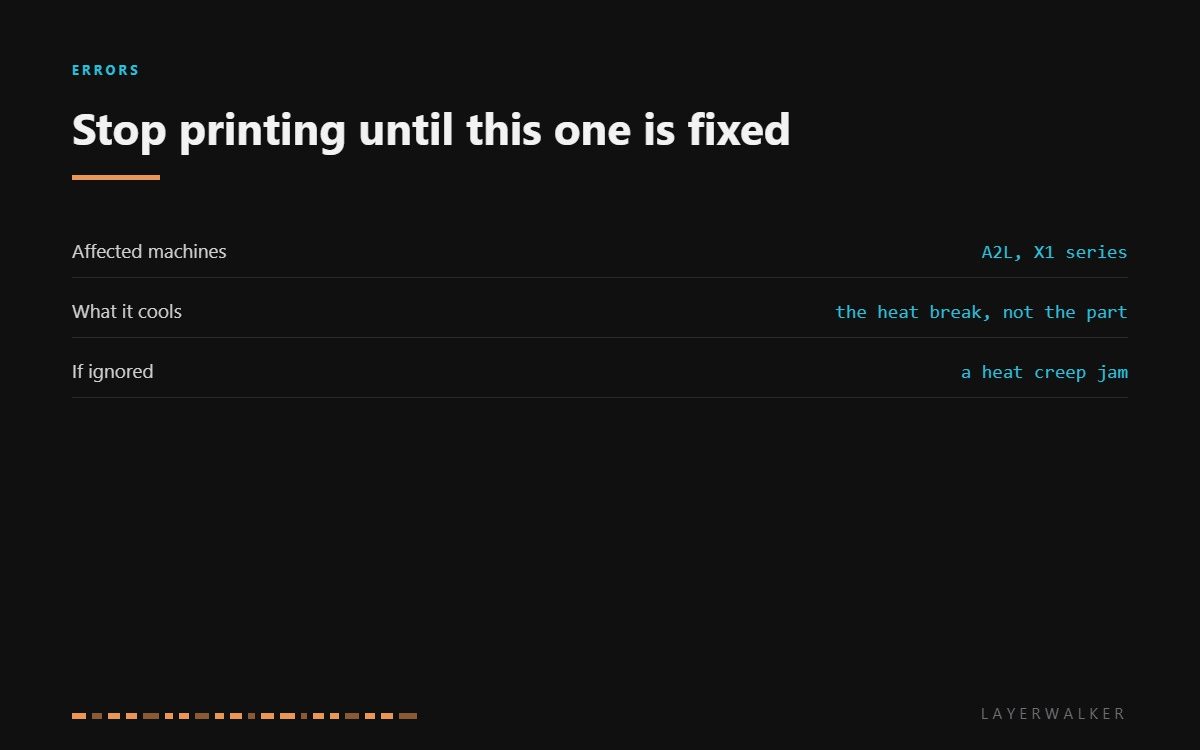
HMS 0300-1700-0001-0001 means the hotend cooling fan is turning too slowly or has stopped. This is not the fan that cools the plastic you are printing. It is the small one that keeps the heat break cool so filament stays solid until the moment it should melt. Without it, the melt zone creeps upwards and the filament jams above the nozzle.
Affected machines: A2L and the X1 series. The printer reads fan speed from a tachometer signal, so it knows the difference between what it asked for and what it got. A stopped fan is reported immediately; a slow one is reported as a warning first.
Where to buy


Why this fan is the one that matters
Inside the hotend there is a deliberate temperature gradient: molten at the nozzle, solid a centimetre above it. The heat break maintains that boundary and the cooling fan is what keeps the cold side cold. Take the fan away and the boundary climbs into the heat break, where the filament swells in a channel with no room for it.
That is heat creep, and it produces a jam that no amount of pushing will clear. By the time you notice, the filament is welded into the top of the hotend and the repair is a full teardown rather than a cold pull. This is why the printer stops instead of warning.
Printer reports the hotend cooling fan is slow or stopped, often followed by a jam if ignored
Dust or filament debris in the fan, a loose connector, or a failed fan
- Power off at the wall and let the hotend cool completely before touching the toolhead.
- Look through the fan blades with a torch for filament wisps and packed dust.
- Spin the fan by hand. A healthy fan turns freely and coasts; one that stops dead has bearing drag.
- Clean the blades and the grille with a soft brush and compressed air rather than a metal tool.
- Unplug and reseat the fan connector, checking the pins in both halves.
- Power on and confirm the fan starts with the hotend. If it still reports slow with clean, free blades, fit the replacement.
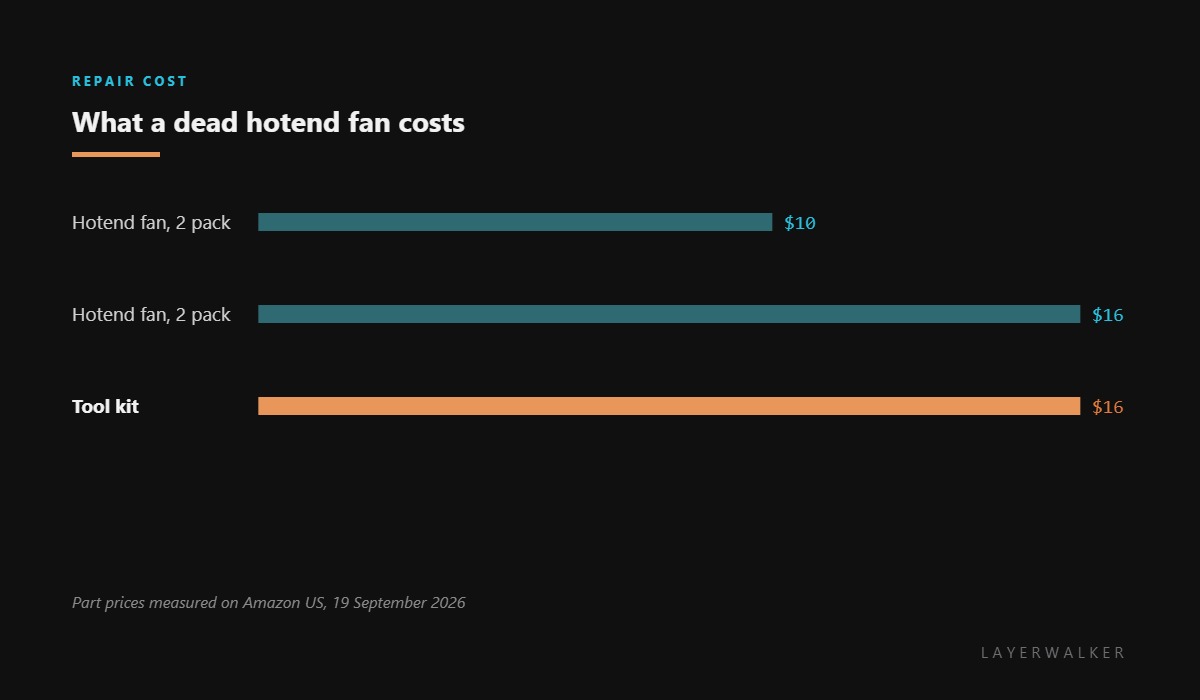
Buy the fan in a pair. It costs barely more than one, it is the part most likely to need replacing again, and having the spare on the shelf turns an evening of downtime into ten minutes.
The equivalent code on other machines is hotend cooling fan stopped. Our page on cooling fans explains which fan does which job, clogged nozzles covers the jam this fault causes, and the troubleshooting index covers the rest.
HMS 0300-1700-0001-0001 FAQ
Can I print with this fan not working?
No. You will get a heat creep jam, and clearing one is a teardown rather than a cold pull.
Is this the part cooling fan?
No. The part cooling fan blows on the print; this one keeps the heat break cool. They are different parts with different codes.
Why does dust stop such a small fan?
It runs at very high speed on tiny bearings, so a small amount of drag is enough to drop it below the commanded figure.
Does the A2L use the same fan as the A1?
The A1 family fans are the common replacement for these machines. Check the listing covers your exact model before ordering.

LayerWalker
Print defect diagnosis, calibration procedures and parts that actually fit. Corrections welcome through the contact page.

