Quiet 3D Printers: What Makes Noise, and the Machines That Make Least
LayerWalker is a participant in the Amazon Services LLC Associates Program. We may earn a commission when you buy through links on our site, at no extra cost to you.
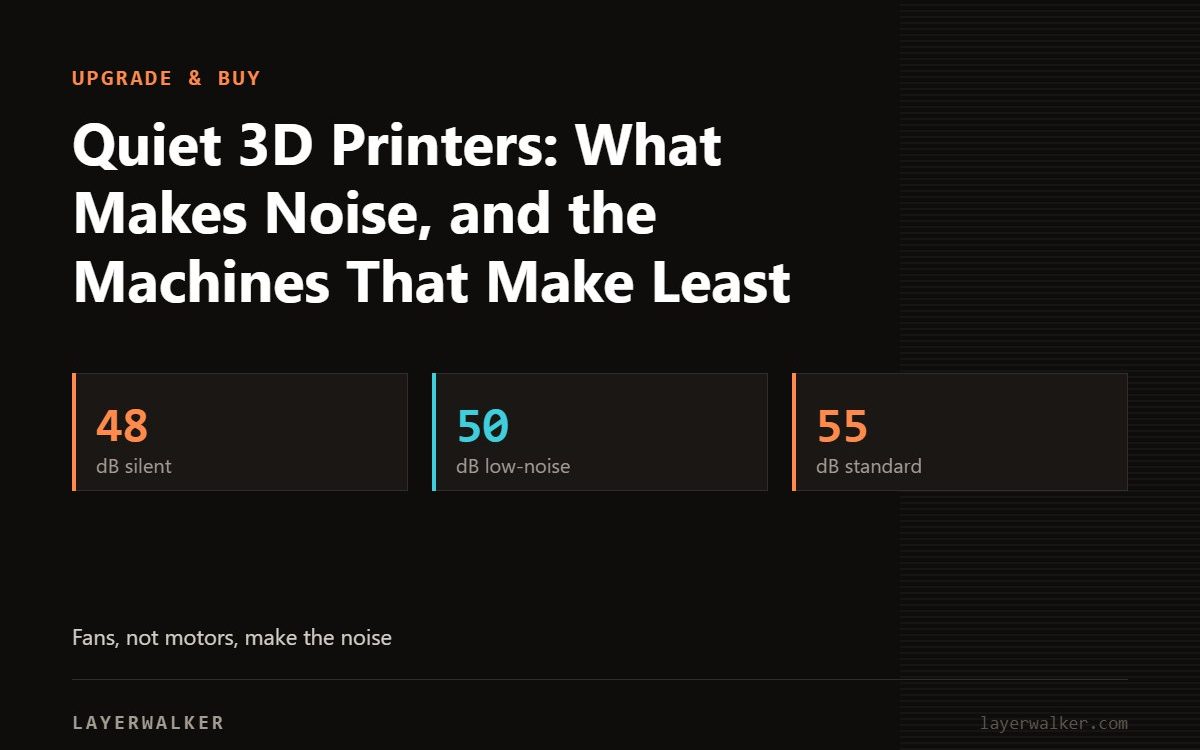
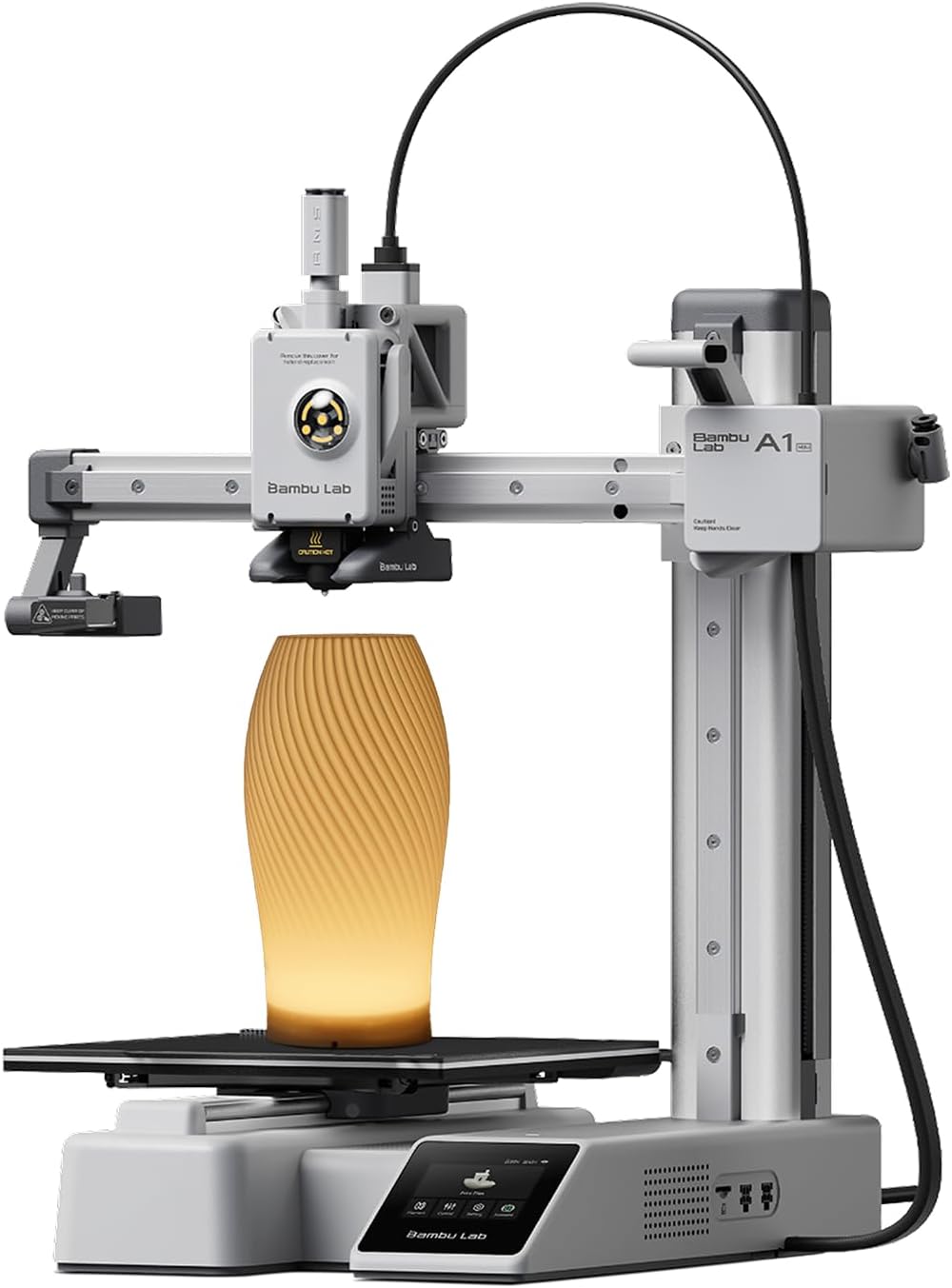
Stepper motors went quiet a decade ago with silent drivers; today the noise is fans: part cooling, hotend, chamber and power supply, plus the rattle of a fast toolhead. The quietest printers are the ones with a real low-speed mode and a closed box: the Bambu A1 mini in silent mode (Bambu claims under 48 dB), the Flashforge AD5M Pro in low-noise mode (50 dB claimed), and enclosed CoreXY machines like the P1S and K1C with the door shut. Any printer gets quieter on a concrete paver in a cabinet.
Where to buy


Where the noise comes from
| Source | Typical level | Fix |
|---|---|---|
| Part cooling fan at 100 percent | Loudest; whine | Slicer fan curve; PLA rarely needs 100 percent |
| Hotend and board fans | Constant hum | Quality replacement fans; enclosed models isolate it |
| Fast toolhead moves | Rattle and resonance | Lower acceleration; input shaping; a heavy base |
| Bed slinging (bedslingers) | Thump on direction change | Slow travel; a CoreXY avoids it |
| Power supply fan | Hum | Model dependent; some are passive |
| Frame on a desk | Amplifies everything | Paver plus foam feet |
Quiet printers in practice
| Printer | Claim | Why it is quiet | Caveat |
|---|---|---|---|
| Bambu A1 mini | Under 48 dB in silent mode | Small fans, silent profile | Silent mode is slower |
| Bambu A1 | Similar silent mode | Same approach | Bigger bed, more air |
| Flashforge AD5M Pro | 50 dB low-noise, 55 dB standard | Enclosed with filter | Fans audible at speed |
| Bambu P1S / P2S | No claim | Enclosed; door and top damp fans | Aux and chamber fans run |
| Creality K1C | Switchable silent mode | Enclosed CoreXY | Loud in normal mode |
| Prusa MK4S / CORE One | Stealth mode | Slower profiles | Open MK4S is still audible |
How to quiet any printer
- Put it on a concrete paver with rubber or foam feet; this alone drops perceived noise more than any fan swap.
- Use a fan curve: PLA needs 60 to 80 percent, PETG less. See cooling and overhangs.
- Enclose it: an enclosure or cabinet with sound damping.
- Run the slow profile at night; speed is what makes fans scream.
The units in the box
The listings are the A1 mini, the AD5M Pro and the P1S.
Quiet 3D printer FAQ
Are resin printers quiet?
Mostly; the Z motor and a small fan, but the smell is the issue instead.
Do decibel claims compare?
Rarely; measurement distance and mode differ by brand.

LayerWalker
Print defect diagnosis, calibration procedures and parts that actually fit. Corrections welcome through the contact page.

