Prusa Error 13836: Filament Loading Timed Out
LayerWalker is a participant in the Amazon Services LLC Associates Program. We may earn a commission when you buy through links on our site, at no extra cost to you.
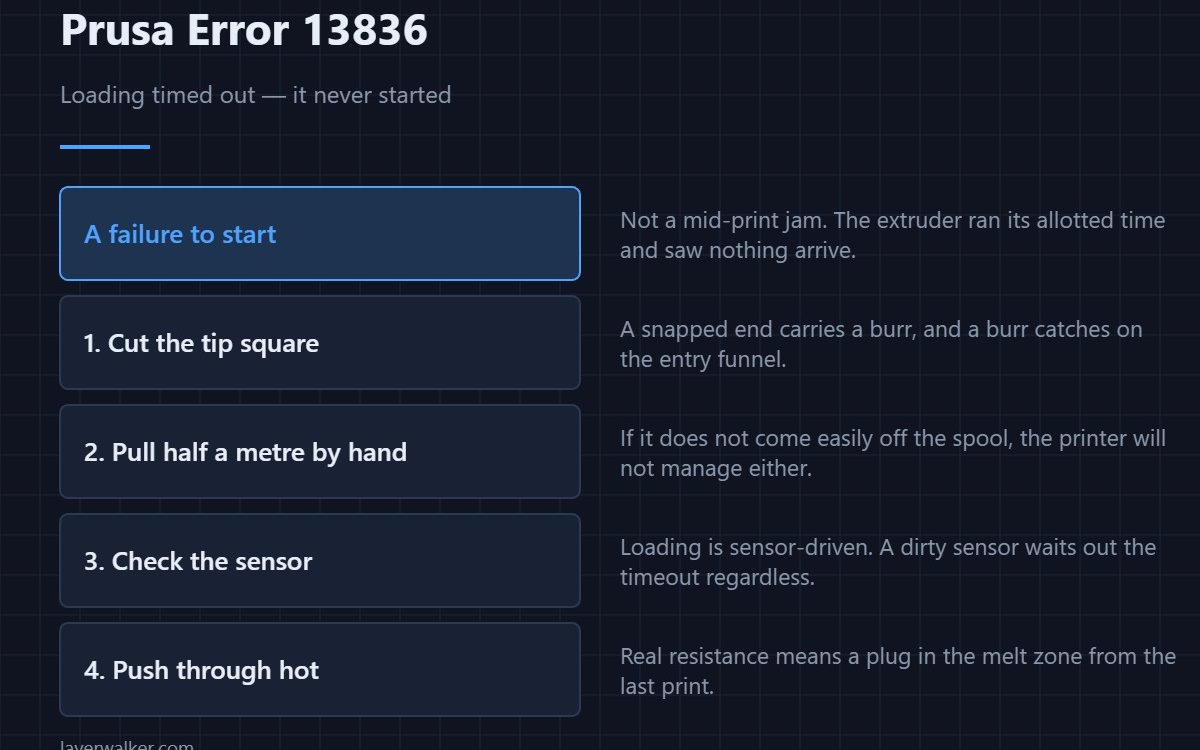
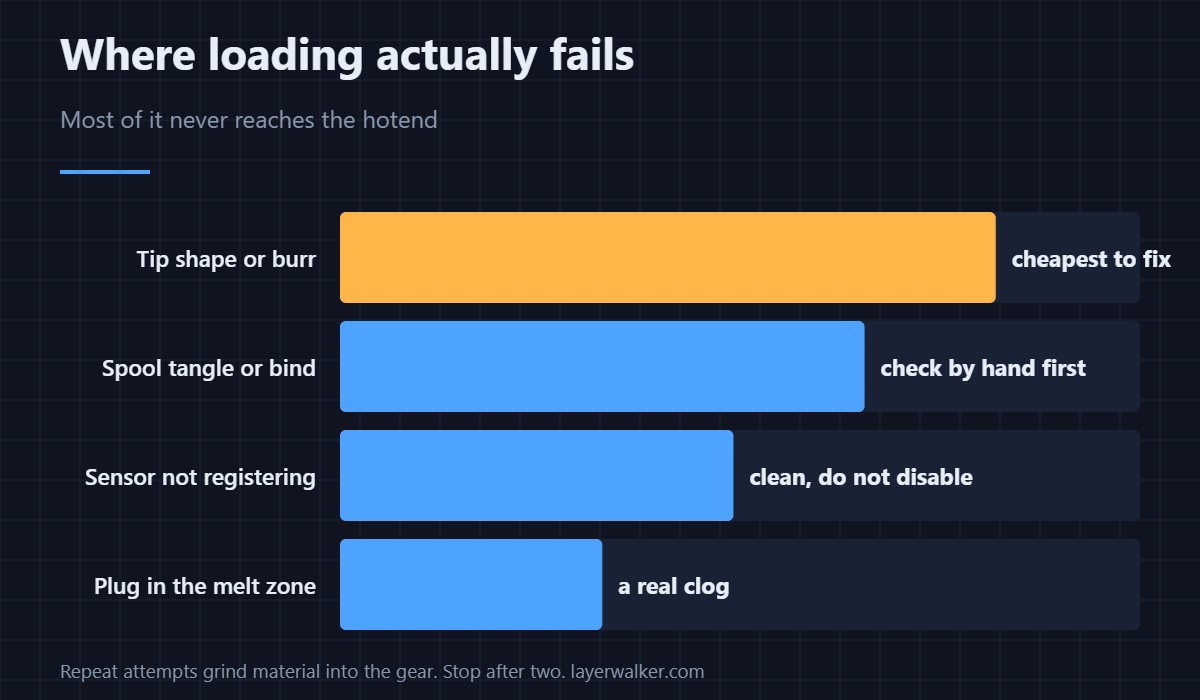
Prusa error 13836 means filament loading timed out: the printer ran the extruder for its allotted time, never saw filament reach the nozzle, and stopped. It is not a jam in the middle of a print but a failure to start. The usual causes are a badly cut tip, a sensor that never registered the filament, or a spool that will not feed.
Because it happens before printing, the fix is cheap. The trap is repeating the load five times and packing the throat with fragments.
Where to buy


Cut the tip square, every time
A filament end that has been snapped rather than cut carries a burr, and a burr catches on the entry funnel or the guide. Cut it at a slight angle with a sharp flush cutter, not scissors, and make sure there is no flattened section where the spool clip has been biting it.
Check the spool before the printer
A tangle under a coil holds the filament fast while the extruder turns freely. So does a spool that binds on its holder. Pull half a metre out by hand before loading: if it does not come easily, the printer will not manage either. Filament that has gone brittle from damp snaps inside the path and leaves a fragment behind, which is a storage problem more than a machine one.
The sensor angle
Loading is sensor-driven. If the filament sensor does not see filament arrive, the printer waits out the timeout even when the plastic is physically moving. A dirty sensor produces exactly this, and so does a sensor someone switched off — that state is announced separately as 13115.
When the path is actually blocked
If a previous print ended badly, a plug may be sitting in the melt zone. New filament then pushes up against set plastic and goes nowhere. Heat the hotend and try pushing a length through by hand: no resistance means the path is clear and the problem is upstream, real resistance means you have a clog to clear.
Filament that loads fine and then stops moving later is a different code — see 17108 stuck filament — and a genuinely blocked tip is covered in clearing a clogged nozzle.
Prusa error 13836 reads 12836 on MINI, 17836 on XL, 23836 on MK3.5 and 31836 on CORE One.
Prusa Error 13836 FAQ
How long is the timeout?
Long enough to feed a full path at normal load speed, on the order of half a minute. It is not something you can wait out by being patient.
Should I just load again?
Once. If the second attempt fails, stop and inspect the tip you pulled out, because repeated attempts grind material into the gear.
Why does it only happen with one spool?
That spool is tangled, wound too tightly, or the material has absorbed moisture and become brittle. Try a known-good spool to split machine faults from filament faults.
Does it happen more with flexible filament?
Yes. TPU buckles rather than pushing when it meets resistance, so loading is slower and more prone to timing out. Feed it slowly and keep the path as straight as possible.

LayerWalker
Print defect diagnosis, calibration procedures and parts that actually fit. Corrections welcome through the contact page.

