Multi-Head and Toolchanger 3D Printers: When Four Nozzles Beat One AMS
LayerWalker is a participant in the Amazon Services LLC Associates Program. We may earn a commission when you buy through links on our site, at no extra cost to you.
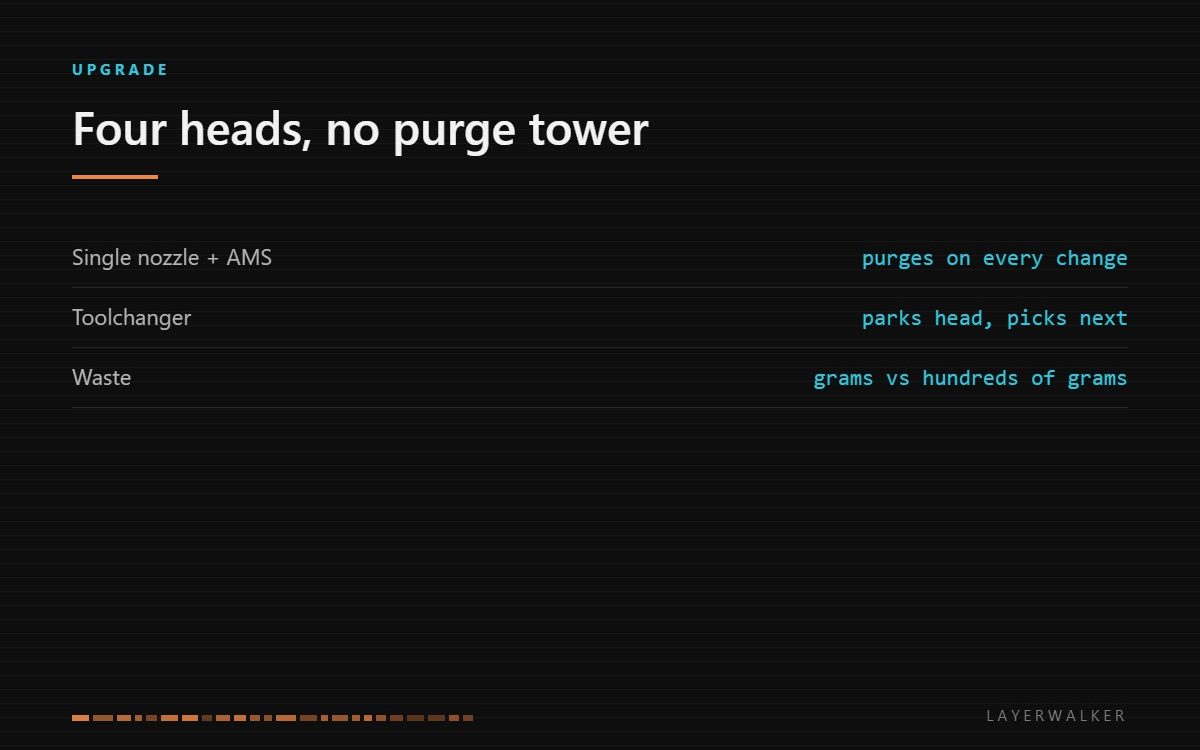
A toolchanger carries several complete hotends and swaps between them, so changing colour or material costs a park-and-pick cycle instead of a purge. On a four-colour model that is the difference between grams of waste and more plastic in the bin than in the part.
Where to buy


Two different ways to print more than one material
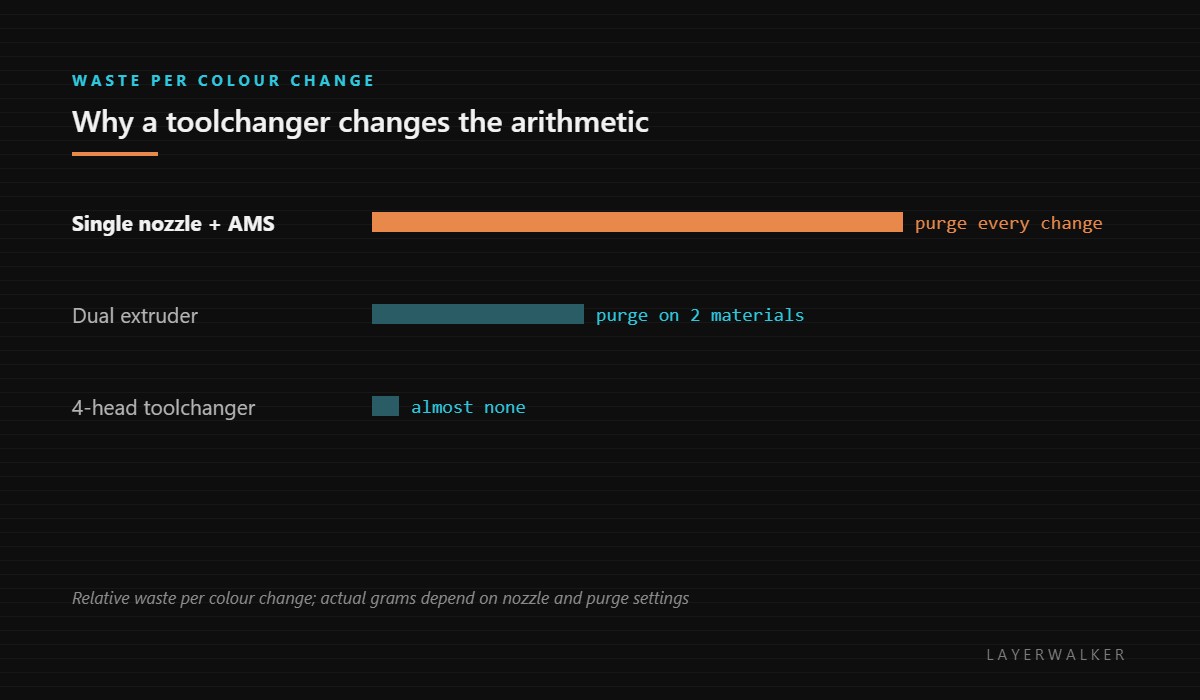
The common approach feeds several spools into one nozzle. It is cheap, it works, and it has one unavoidable cost: before the new colour can be laid down, all of the old colour has to be pushed out of the melt zone. That purge happens at every single change, and a model that alternates colours every layer changes hundreds of times.
A toolchanger takes the other route. Each material has its own complete hotend, parked in a dock. The machine puts one down, picks the next up, and carries on. Nothing needs flushing because nothing was mixed.
The purge problem is the whole argument
If you print in one colour, none of this matters and a toolchanger is expensive complication. The moment you print in four, the arithmetic changes sharply: purge volume scales with the number of changes, not with the size of the part, so a small multi-colour model can throw away more filament than it contains.
That waste is also time. Every purge is extrusion that produces nothing, and on a dense multi-colour print it can dominate the job. People who switch from an AMS to a toolchanger usually describe the time saving before the material saving.
Our page on AMS-style systems covers the single-nozzle approach properly, including the settings that reduce purge. It reduces it; it cannot remove it.
What else multiple heads buy you
Different nozzle sizes on one job: a 0.6 mm head for infill and a 0.4 mm for the visible perimeters, which is faster than either alone. Genuinely different materials, where a single nozzle would struggle with the temperature gap, such as a rigid body with flexible seals. And soluble support printed by a dedicated head, which is the case that makes PVA practical at all.
What you give up
Calibration multiplies. Every head has to agree on where the nozzle tip is, in all three axes, or the second material lands offset from the first. Machines handle this automatically now, but it is a step that can drift and a fault mode that does not exist on a single-nozzle printer.
Reliability multiplies too. Four hotends are four things that can clog, four sets of wiring in a moving loom, and a docking mechanism that has to be repeatable to a fraction of a millimetre for thousands of cycles. This is the reason toolchangers stayed rare for years.
What you can actually buy
The category is small but no longer empty. Two four-head machines are on the market at prices a serious hobbyist can reach, and both are recent. There is also the older approach of a fixed dual extruder, which avoids the docking mechanism entirely and covers the two-material case for less; see dual extruder machines if two is enough.
Multi head 3D printer FAQ
Is a toolchanger faster than an AMS?
On multi-colour work, substantially, because it does not purge. On single-colour work there is no difference.
Do the heads need aligning?
Yes, and modern machines do it automatically. It is still the thing to check when a two-colour part comes out offset.
Can I print four different materials at once?
Within reason. Materials with very different temperatures still fight over the chamber and the bed setting.
Is it worth it for two colours?
Usually not. A dual extruder or an AMS handles two materials at much lower cost and complexity.

LayerWalker
Print defect diagnosis, calibration procedures and parts that actually fit. Corrections welcome through the contact page.

