Snapmaker 3D Printers: The Case for and Against a Machine That Does Three Jobs
LayerWalker is a participant in the Amazon Services LLC Associates Program. We may earn a commission when you buy through links on our site, at no extra cost to you.
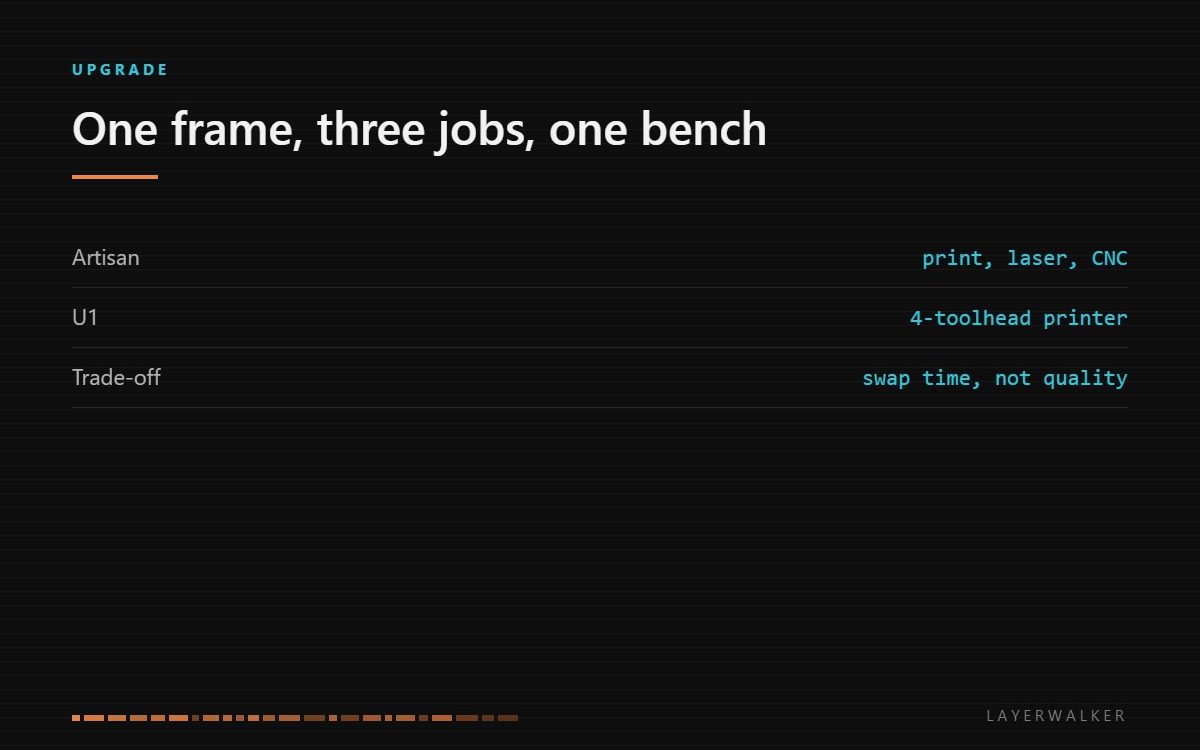
A Snapmaker puts 3D printing, laser engraving and CNC milling on one frame with swappable heads. That is genuinely useful if bench space is your constraint and you use all three occasionally. It is the wrong buy if you mainly print, because a dedicated printer at the same money prints better.
Where to buy
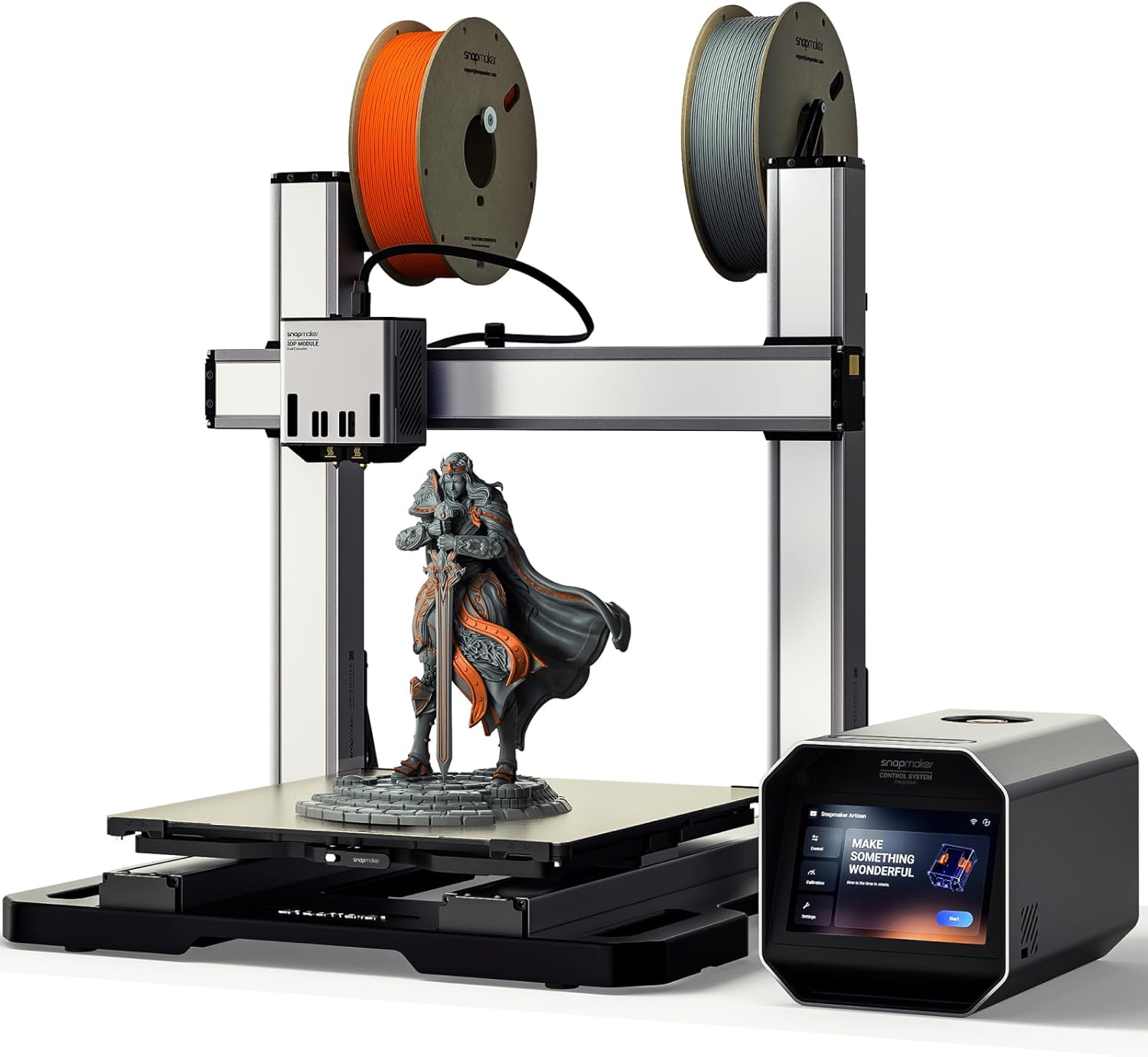

Snapmaker U1 3D Printer,4-Toolhead with 5s Toolchanger,Multi-Color Printing
What the machine actually is
The 3-in-1 line is a rigid gantry with a toolhead that comes off. Fit the extruder and it is an FDM printer. Fit the laser module and it engraves and cuts thin material. Fit the spindle and it mills wood, acrylic and soft aluminium. The frame, the motion system and the controller are shared; only the head and the bed surface change.
That sharing is the whole proposition and the whole compromise. You pay once for a well-built gantry instead of three times, and you give up the specialisation each of those three machines would otherwise have. A dedicated CNC has a stiffer frame than a printer needs. A dedicated laser has a bigger bed and better extraction. The Snapmaker is deliberately in the middle.
Where the compromise actually bites
Three places, and none of them is print quality on a simple part.
The first is swap time. Changing heads is minutes, not seconds, and it includes re-levelling for the new tool. If your work alternates between printing and cutting several times a day, that friction is real and it accumulates.
The second is that the three jobs want different environments. Milling makes dust that you do not want near a hotend or a laser lens. Lasering makes fumes that need extraction. Printing wants still, clean air. Sharing one bench means either three setups on a rotation or accepting some cross-contamination.
The third is capability ceiling. The spindle suits soft materials and light passes, not steel. The laser is a diode module, so it cuts thin ply and acrylic rather than the thicknesses a CO2 machine handles. Read the specification for what each head can do rather than assuming the category.
What Amazon carries, and what it does not
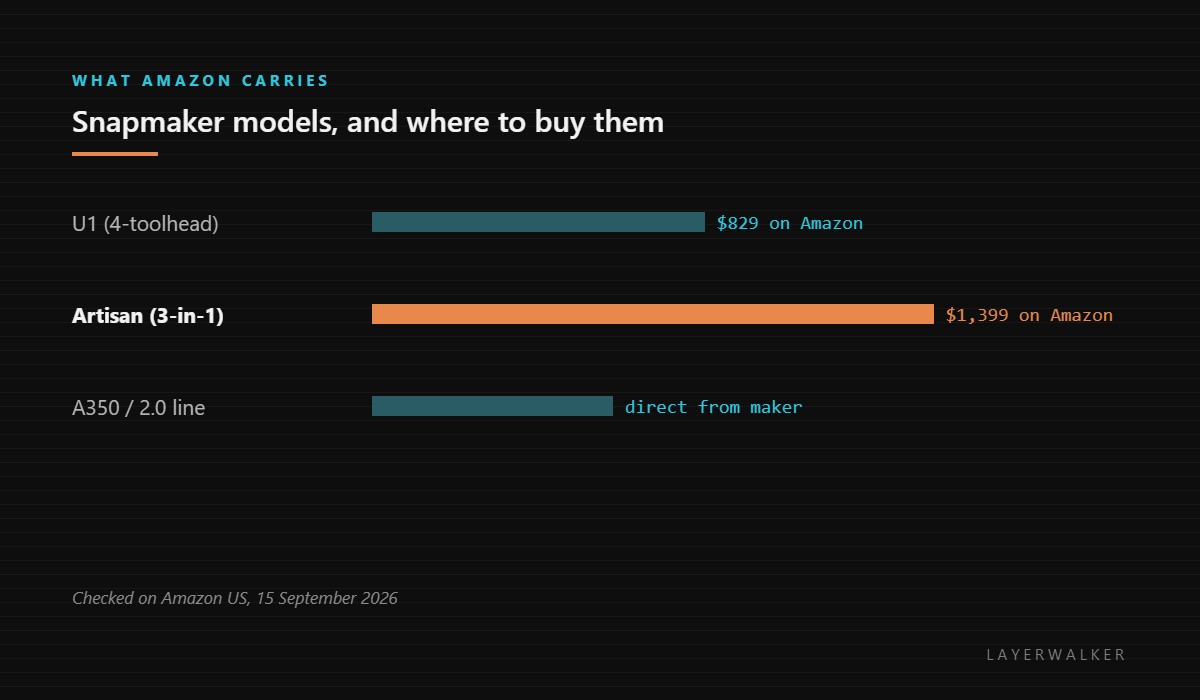
This matters because most searches land on the older models. Amazon lists the U1, which is a four-toolhead multi-colour printer rather than a 3-in-1, and the Artisan, which is the large dual-extrusion 3-in-1. The A350 and the 2.0 generation are sold by the manufacturer directly, so a search for those will not turn up a listing here.
If the goal is multi-material printing rather than three processes, the U1 is competing with other toolchangers rather than with the 3-in-1 idea at all, and our toolchanger page compares those directly.
Who it is right for
Buy a 3-in-1 when bench space is genuinely the binding constraint, when you use all three processes but none of them daily, and when the parts you make are small enough for a shared envelope. Model makers, prop builders and small product workshops fit that description well.
Buy separate machines when any one process is your main activity. If you print four times a week and laser twice a year, the printer should be chosen as a printer. Our CoreXY buying guide covers what the same money buys in a dedicated machine, and printer-plus-laser combinations covers the narrower two-job case.
Snapmaker 3D Printer FAQ
Is a Snapmaker a good first 3D printer?
Not usually. A dedicated printer at the same price is easier and prints better.
Can it cut metal?
The spindle handles soft aluminium in light passes. Steel is outside what the frame is built for.
How long does swapping heads take?
Minutes, including re-levelling. Plan work in blocks rather than alternating.
Is the U1 a 3-in-1?
No. It is a four-toolhead printer for multi-colour work, a different product from the Artisan line.

LayerWalker
Print defect diagnosis, calibration procedures and parts that actually fit. Corrections welcome through the contact page.

