Revopoint MIRACO Plus: The Standalone Scanner, and Who Needs One
LayerWalker is a participant in the Amazon Services LLC Associates Program. We may earn a commission when you buy through links on our site, at no extra cost to you.
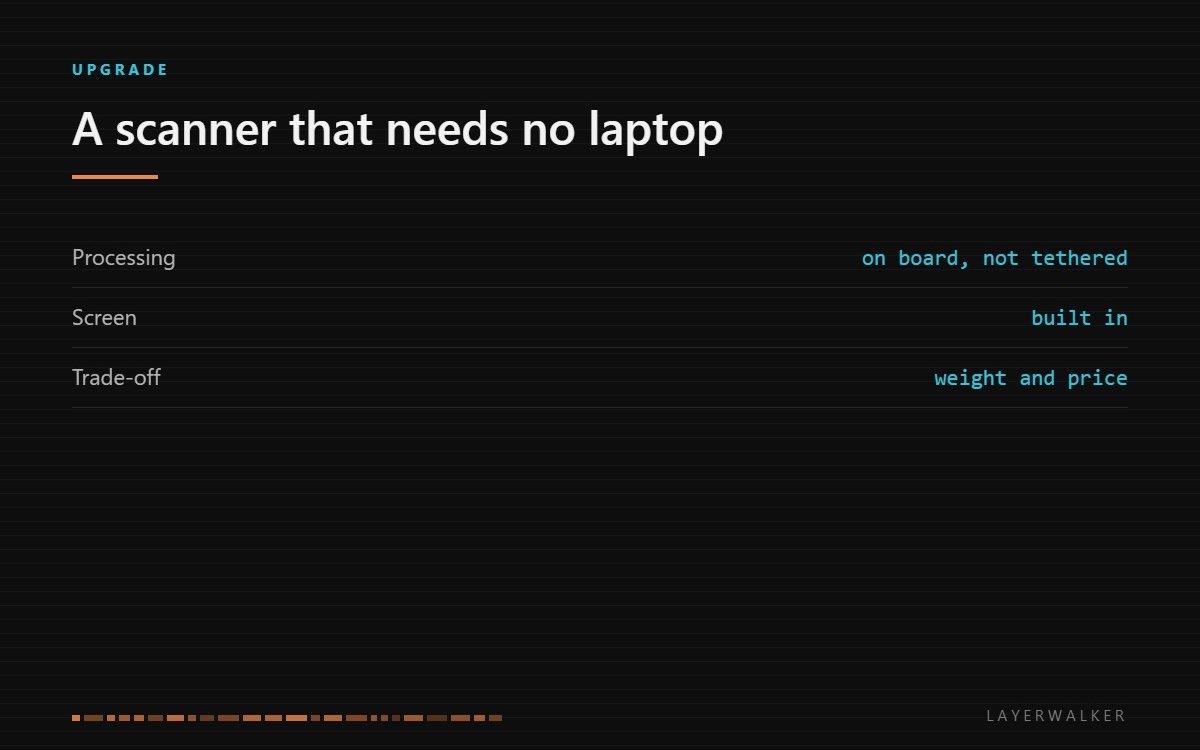
The MIRACO Plus is an all-in-one: the processor, battery and screen are in the handset, so there is no laptop and no cable. You pay a premium for that independence rather than for accuracy, and if you always scan at a desk you are paying for something you will not use.
Where to buy


Revopoint MetroX Pro 3D Scanner, Blue Laser Scan, for 3D Printing, Advanced

What the “all-in-one” part means
Most handheld scanners are a sensor on a tether. The handset projects a pattern and reads it back, and a connected computer does the alignment, the fusion and the meshing. That works well and it means the scanner goes wherever a laptop and a power supply can go.
The MIRACO line moves that computer into the handset. There is a screen on the back, a battery inside, and the scan is processed as you sweep. You can walk around an object in a workshop, a yard or a client’s premises with nothing else in your hands, look at the mesh on the spot, and rescan the patch that came out thin before you leave.
Where the standalone design pays off
Three situations, and they are all about where the scanning happens rather than what is being scanned.
Scanning away from a bench is the obvious one: vehicles, installed equipment, architectural detail, anything you cannot carry to the scanner. Scanning a person is the second, because you can move continuously around them instead of managing a cable. And scanning where you need to verify coverage immediately, because a second visit costs more than the scanner did.
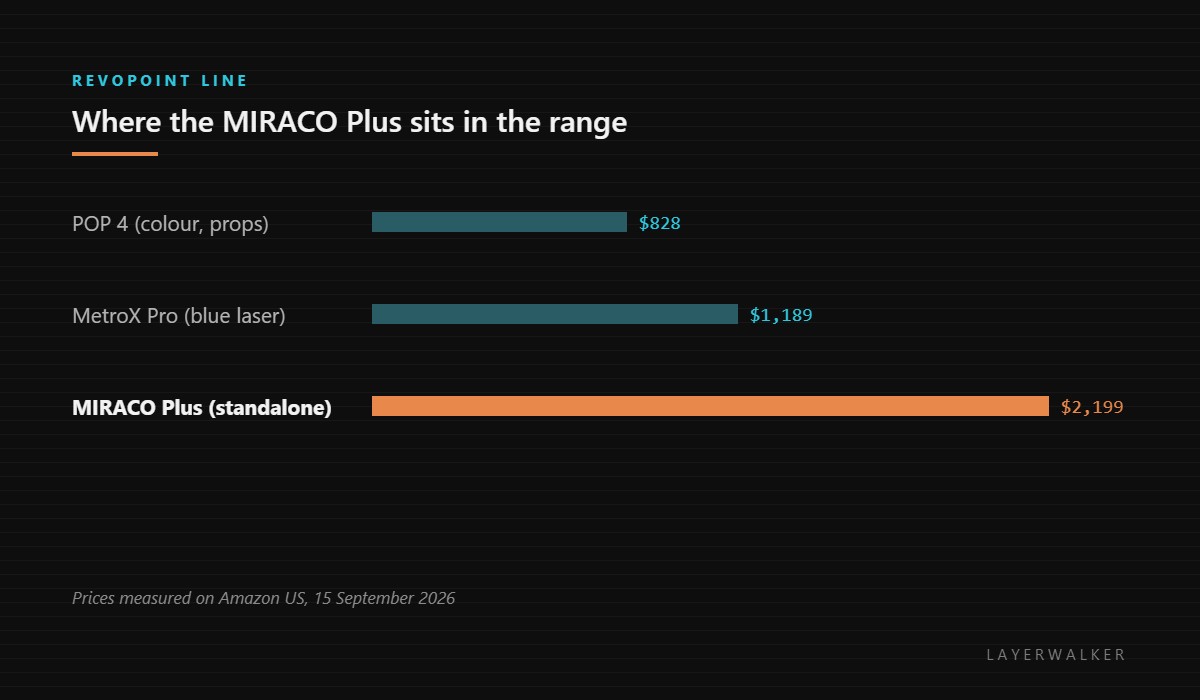
If none of those describe your work, a tethered scanner at half the price does the same job on a desk. Our comparison of handheld scanners goes through that split, and the Revopoint range overview covers the cheaper models properly.
What it is not
It is not a metrology instrument. Structured-light scanners in this class capture shape well and capture it fast, but if you need certified accuracy for inspection you are looking at a different category and a different budget. For reverse engineering a part to print a replacement, this class is more than enough; for signing off a tolerance, it is not.
It is also not a solution to difficult surfaces. Dark, shiny and transparent objects defeat structured light regardless of the handset, and the answer is matte scanning spray rather than a better scanner. Budget for it.
What you need around it
A turntable for small objects, because sweeping by hand around something the size of a mug is harder than letting it rotate. Matte spray for the surfaces above. And realistic expectations about mesh cleanup: every scan needs work in software afterwards, and that work is the actual time cost of scanning, not the capture.
If the goal is to scan things in order to print them, read scanning for 3D printing first; the resolution you need is usually lower than people assume, because the nozzle cannot reproduce what the scanner captures.
Revopoint MIRACO Plus FAQ
Does it really work without a computer?
Yes for capture and review. You will still use a computer for serious mesh editing and export.
Is it more accurate than the tethered models?
Not fundamentally. It is more convenient, and convenience is what the price difference buys.
Can it scan shiny metal?
Not without matte spray. That is true of every structured-light scanner, not just this one.
How long does the battery last?
Long enough for a session rather than a day. Carry a power bank for fieldwork.

LayerWalker
Print defect diagnosis, calibration procedures and parts that actually fit. Corrections welcome through the contact page.

