HMS 1A00-2100-0001-0001: Power Loss While Docking the Hotend
LayerWalker is a participant in the Amazon Services LLC Associates Program. We may earn a commission when you buy through links on our site, at no extra cost to you.
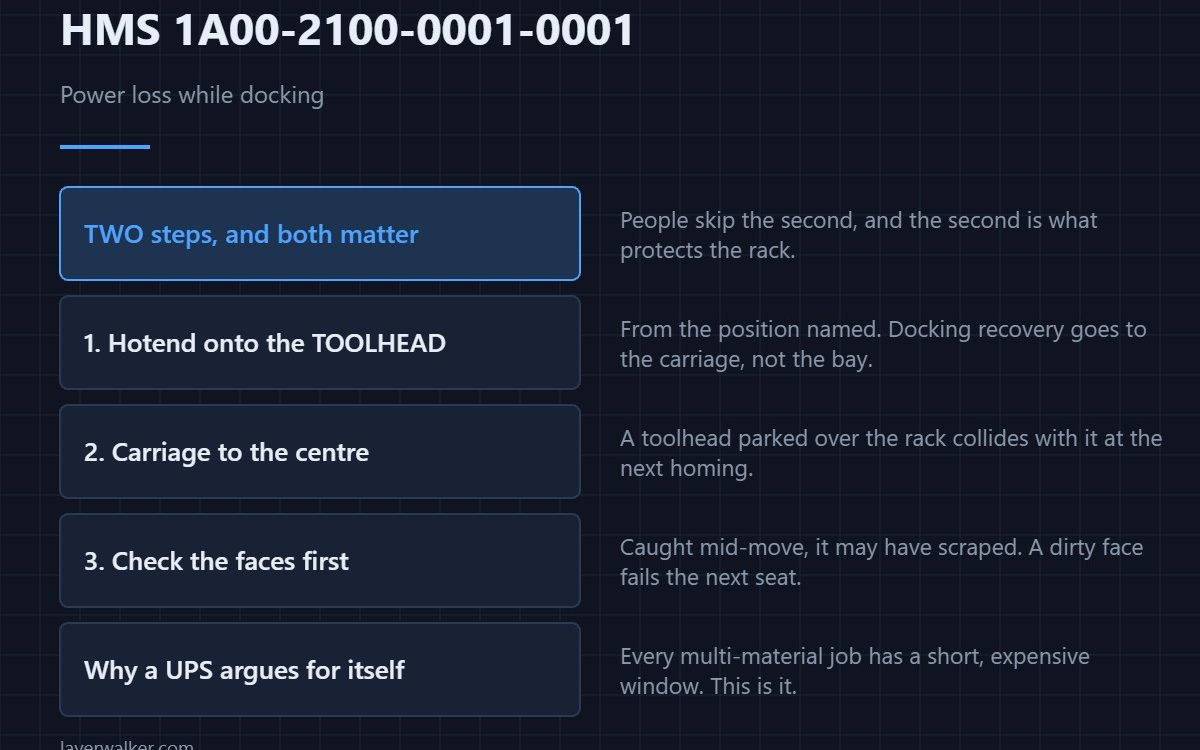
HMS 1A00-2100-0001-0001 means power was lost while the machine was docking a hotend into the rack, and Bambu asks you to reinstall the hotend from the named position onto the toolhead, then move the toolhead to the centre of the heatbed to avoid interference with the rack. Do both steps, in that order.
The second instruction is the one people skip, and it is the one that protects the rack on the next power-up.
Where to buy


Put the hotend back on the toolhead
The machine was mid-dock, so its record says the hotend is somewhere between the carriage and the bay. Bambu resolves that by asking you to return it to the toolhead rather than to the rack, which gives the next sequence a known starting point. Take the hotend from the position named in the message and seat it flush on the carriage.
Then move the toolhead to the centre
A toolhead parked over the rack will collide with it when the machine homes. Pushing the carriage to the middle of the plate by hand removes that risk entirely, and it costs ten seconds. Push on the carriage rather than on the hotend. The motion system it rides on is described in the Bambu Lab H2D.
Check the faces before reseating
A hotend caught mid-move may have scraped something. Look at the mounting faces and the top for residue and burrs before putting it back, because a dirty face is what causes the seating failure HMS 1A00-0100-0002-0033 on the next attempt.
How HMS 1A00-2100-0001-0001 differs from the fetching version
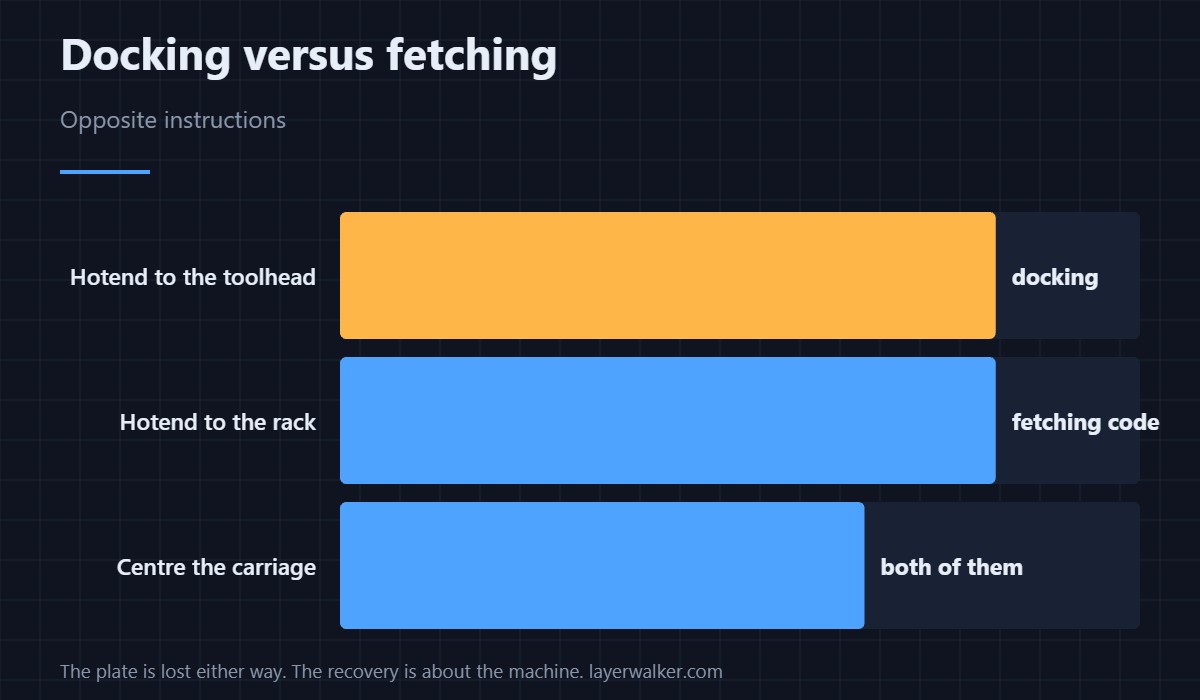
Docking and fetching get opposite instructions. When power was lost while collecting a hotend you are told to return it to the rack station instead, which is HMS 1A00-2100-0002-0001. Following the wrong one leaves the record wrong in the other direction.
Why a UPS argues for itself here
A tool changer has a short window in every multi-material job where an interruption is expensive, and this code is what that window looks like. Even a small battery backup carries the machine through the brownouts that cause most of these. The general power-loss code is HMS 1A00-2000-0002-0001.
HMS 1A00-2100-0001-0001 FAQ
Can I just restart and print?
Not safely. Do the two steps first; the next homing move is what the warning is about.
Is the print lost?
The plate almost certainly is. The recovery is about the machine, not the job.
Which position does it mean?
The one named in the message. Take the hotend from there.
Do I need to recalibrate?
Run homing and a test swap before a real plate. Setup itself does not need repeating.

LayerWalker
Print defect diagnosis, calibration procedures and parts that actually fit. Corrections welcome through the contact page.