HMS 0C00-0300-0002-000F: Parts Skipped Before First Layer Inspection
LayerWalker is a participant in the Amazon Services LLC Associates Program. We may earn a commission when you buy through links on our site, at no extra cost to you.
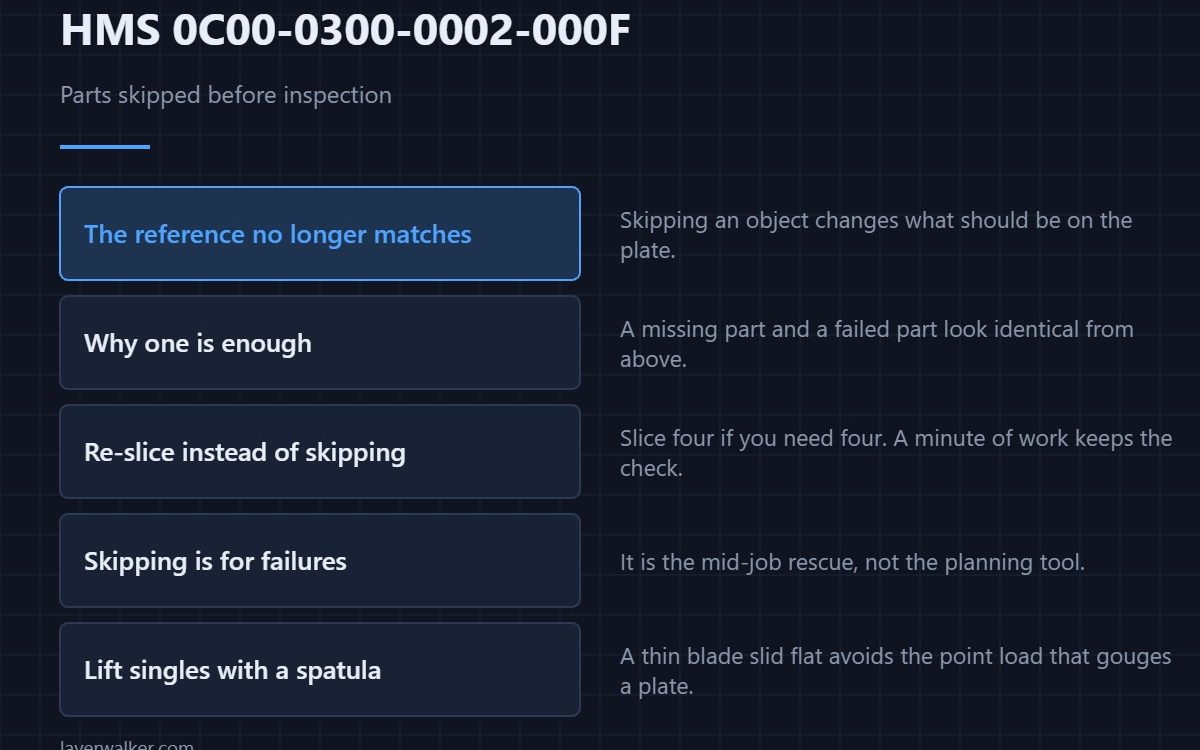
HMS 0C00-0300-0002-000F means parts were skipped before the first layer inspection could run, so the inspection will not be supported for this print. Skipping an object changes what should be on the plate, and the check works by comparing the plate against what the file said would be there.
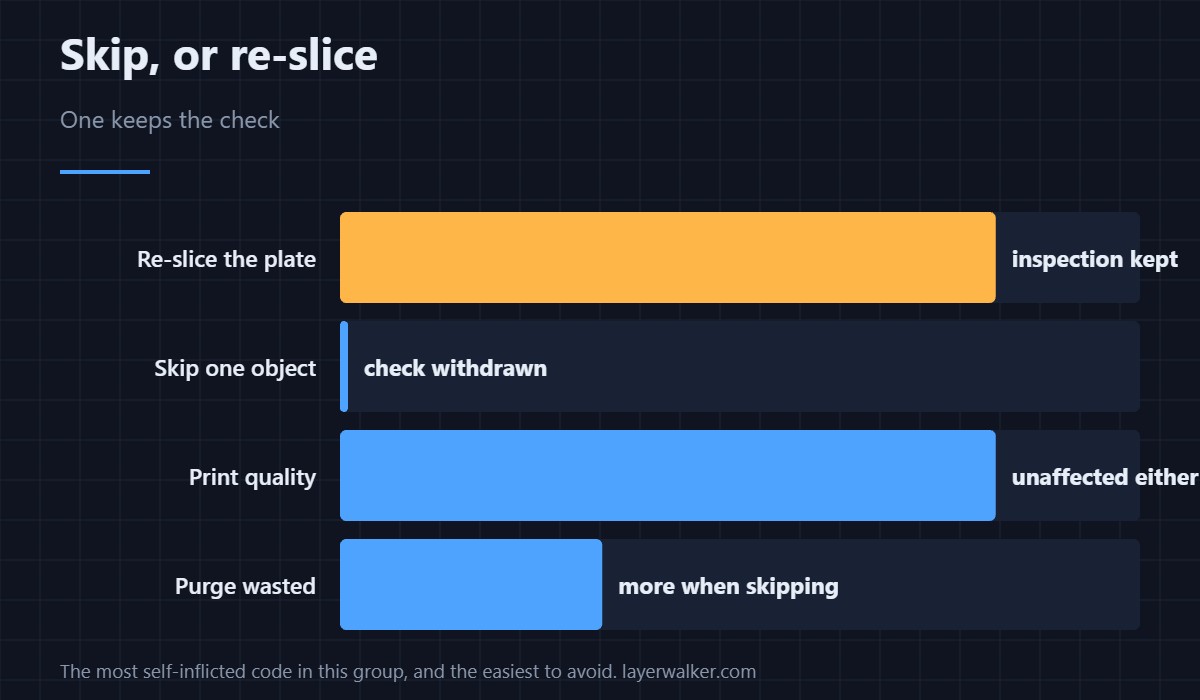
It is the most self-inflicted code in this group, and also the easiest to avoid next time.
Where to buy


Why one skipped object is enough
The comparison is not clever about absences. A plate missing an object looks like a plate where an object failed to adhere, and rather than guess, the printer withdraws the check for the whole job. That is the conservative choice and the right one.
Re-slice instead of skipping
If you only need four of the six parts, slice four. It takes a minute, it keeps the inspection, and it gives you a plate the machine can reason about. Skipping is for the moment a part fails mid-job, not for planning.
When you are reprinting singles
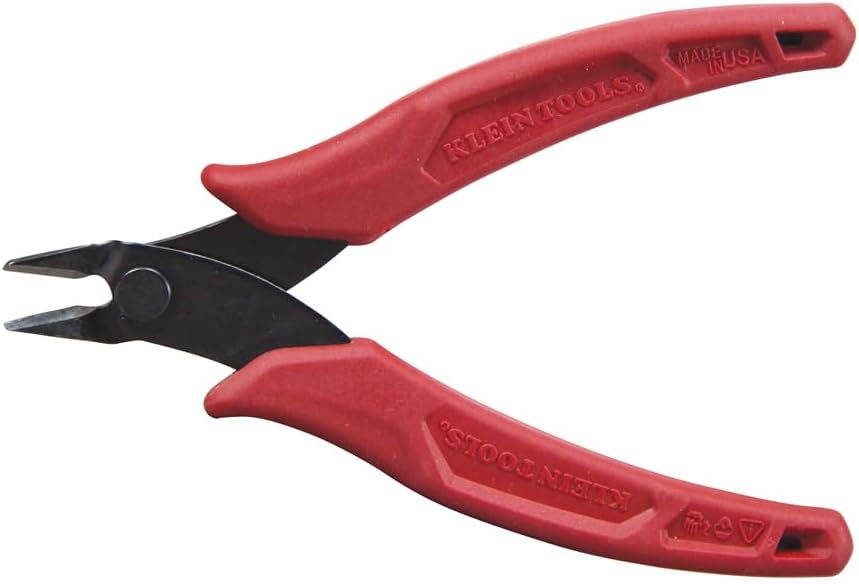
Skipping usually means you are down to one or two parts and cutting purge off by hand more often. Flush cutters make that a clean job rather than a wrestling match, and a pair that sits beside the machine gets used instead of borrowed.
Getting parts off without damaging the plate
Lifting a single part from a cold plate is where plates get gouged. A thin metal spatula slid flat under the edge does it without a point load, and a gouge in a textured surface is permanent in a way a smeared plate is not — the surfaces are compared in PEI build plates.
Then the cleanup
Single reprints come with brim and purge edges to trim. A deburring tool or a fresh craft blade takes the edge off cleanly, and sharp beats strong every time on a printed part.
How HMS 0C00-0300-0002-000F differs from the scope message
The general case, where the job was never eligible, is HMS 0C00-0300-0002-0004. This code names the specific reason, which is useful because it is a reason you control. Ordinary first-layer faults are in first layer problems.
What you lose
Only the automatic look. The inspection that would have run is HMS 0C00-0300-0003-000B, and you can do its job with thirty seconds of attention at layer one.
HMS 0C00-0300-0002-000F FAQ
Can I un-skip a part mid-print?
No, and the inspection would not come back for this job even if you could.
Does it affect print quality?
Not at all. Only the monitoring is affected.
Why does the printer not just ignore the missing part?
Because a missing part and a failed part look the same from above.
Is re-slicing really better?
Yes. You keep the check and you waste less purge.
Alignment depends on the machine recognising what you gave it. HMS 0C00-0400-0002-0017 means no visual markers were detected in Print-Then-Cut, so it refuses to guess where the cut should go.

LayerWalker
Print defect diagnosis, calibration procedures and parts that actually fit. Corrections welcome through the contact page.