HMS 0700-2000-0002-0004: filament broken in the toolhead
LayerWalker is a participant in the Amazon Services LLC Associates Program. We may earn a commission when you buy through links on our site, at no extra cost to you.
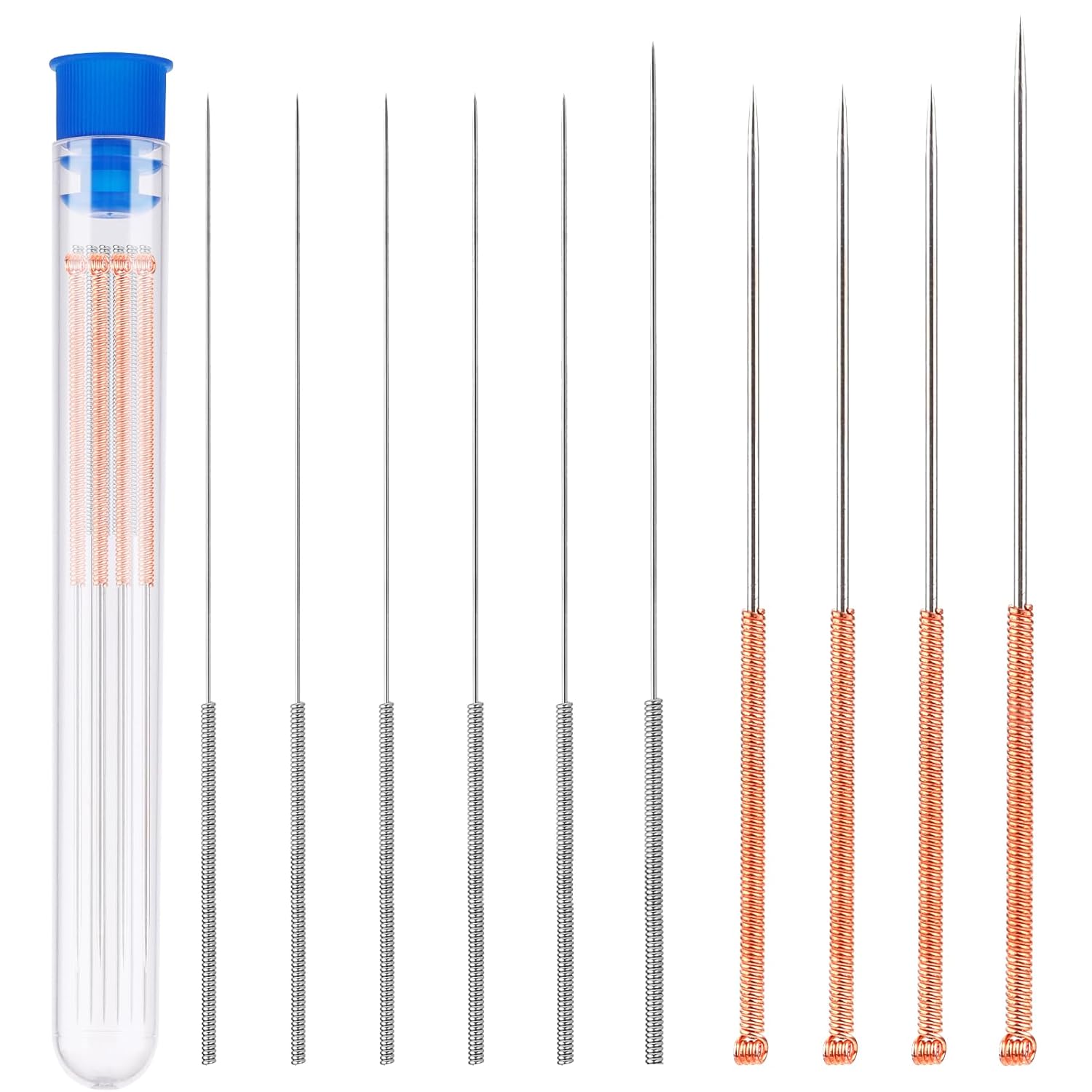
A length of filament has broken off inside the toolhead. Nothing will load past it. You need to get the fragment out, and the tools you use matter — pushing it further in turns a ten-minute job into a hotend strip.
Bambu reports that the filament in an AMS slot may be broken in the toolhead. This most often follows a filament change where the cut end caught, or a spool of filament that had gone brittle.
Affected machines: H2S, P2S, X1 series, X2D.
Where to buy


HMS 0700-2000-0002-0004: brittle filament is usually the reason
PLA that has sat on a shelf for a couple of years becomes glassy and snaps rather than bending. So does filament that has been repeatedly heated and cooled in the melt zone during many colour changes. If you are getting breaks in the same spool repeatedly, the spool is the problem, not the machine.
Load fails, nothing feeds, and a fragment is visible or suspected in the toolhead
Broken filament remnant blocking the path
- Unload from the AMS first so nothing new is pushed in behind the fragment.
- Open the toolhead cover and look. Fragments above the extruder gears can often be lifted straight out with long tweezers.
- If the fragment is below the gears, heat the hotend to printing temperature and try to push it through with a fresh length of filament.
- If it will not push through, disengage the extruder idler so the gears release, then try again.
- As a last resort, remove the nozzle at temperature and clear from below.
If you heat the hotend to soften a fragment, the toolhead is live and hot. Work with tools, not fingers, and do not lean over the heater block while pushing filament through — molten plastic can extrude suddenly once the blockage clears.
Preventing the repeat
Store filament sealed with desiccant, and treat any spool older than about two years as suspect for brittleness. If a spool has already broken twice, retire it — the cost of the filament is less than the cost of another toolhead strip.
Wrong code? The full Bambu HMS code index lists all 588 codes with the subsystem each one points to and which printers show it.

LayerWalker
Print defect diagnosis, calibration procedures and parts that actually fit. Corrections welcome through the contact page.

