HMS 0500-0300-0003-0022: MicroSD Card Degradation
LayerWalker is a participant in the Amazon Services LLC Associates Program. We may earn a commission when you buy through links on our site, at no extra cost to you.
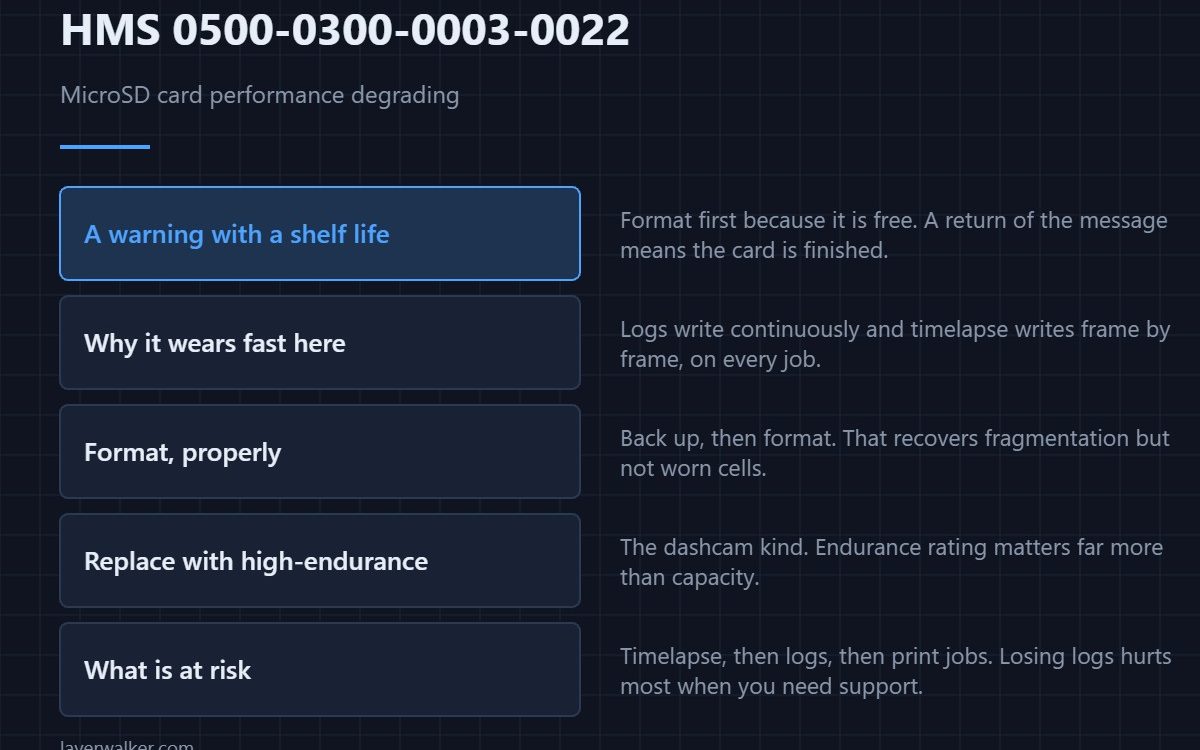
HMS 0500-0300-0003-0022 means the printer has detected performance degradation on the MicroSD card, and warns it may affect print jobs, logs and video recordings. Bambu’s advice is to format or change the card. Format first, because that is free, and treat a return of the message as the card telling you it is finished.
Flash memory wears out from writing, and a card living in a printer gets written to constantly.
Where to buy


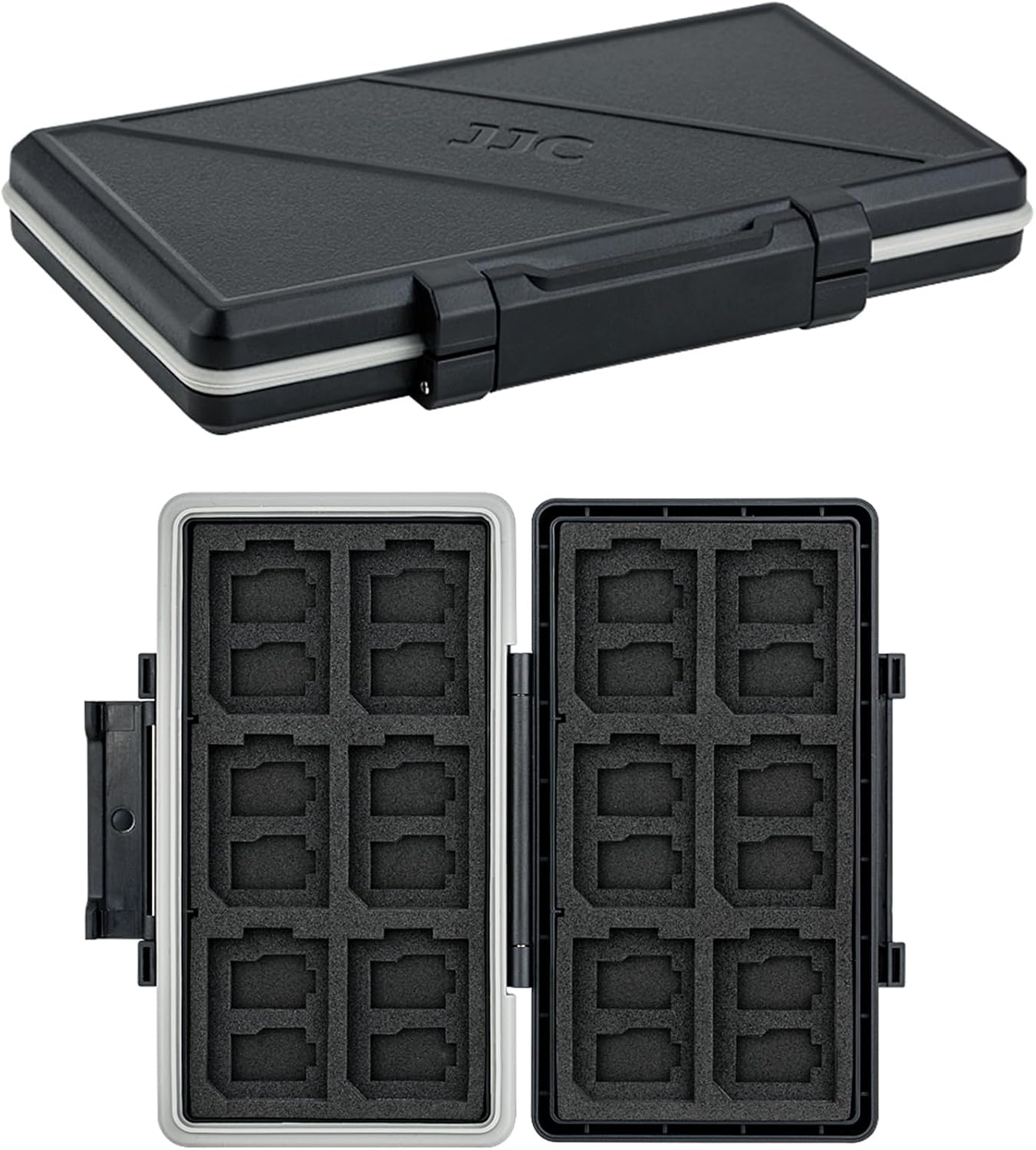
Why this card wears faster than you expect
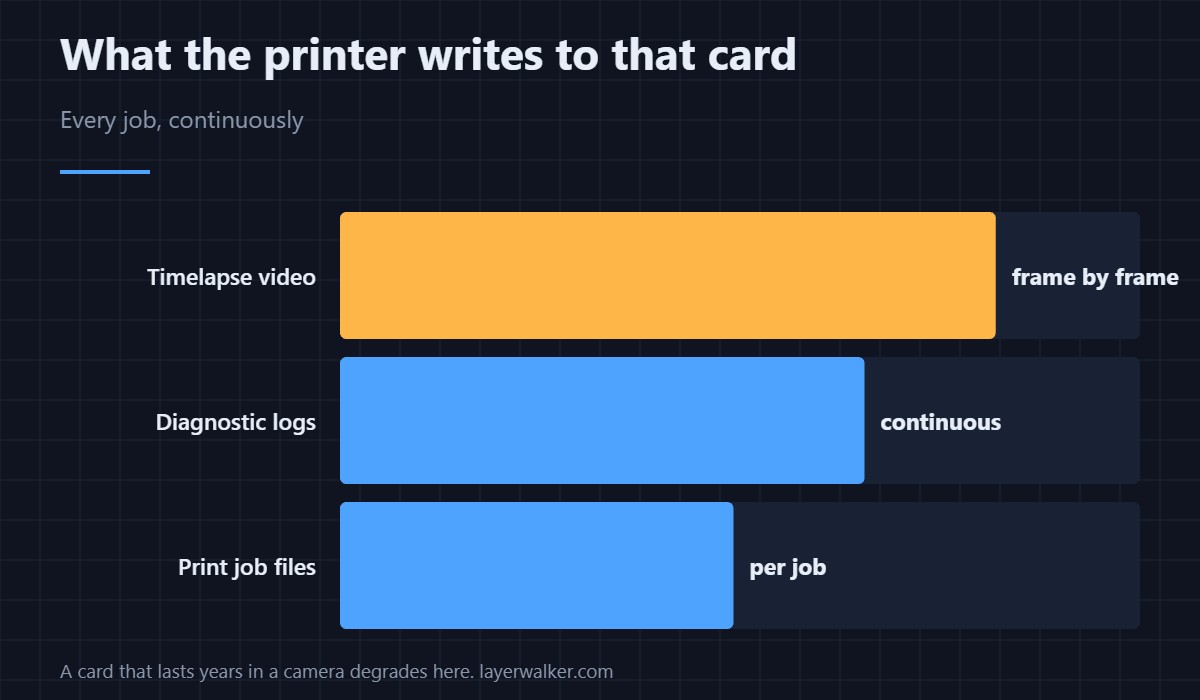
It is not just storing your print files. Logs are written continuously, timelapse video is written frame by frame, and both happen on every job. That write volume is why a card that would last years in a camera degrades in a printer.
Format, properly
Back up anything you want from the card, then format it. A format rewrites the allocation structures and can recover a card whose slowdown came from fragmentation rather than wear. If the warning returns within a few prints, the cells themselves are tired and no amount of formatting helps.
What to replace it with
A high-endurance card, the kind sold for dashcams and security cameras, is designed for exactly this continuous-write pattern. Capacity matters far less than endurance rating here, so a smaller high-endurance card beats a larger ordinary one.
What HMS 0500-0300-0003-0022 puts at risk
Three things, in rising order of annoyance: timelapse recordings, diagnostic logs, and print jobs themselves. Losing the logs matters most when you later need support, because the evidence of an intermittent fault lives there. Camera and recording features are covered in 3D printer cameras.
Not the same as a module fault
The same group contains 0500-0300-0001-0001, where the MC module is malfunctioning and a restart or a cable check is the remedy. That is a controller problem, not storage. If storage is genuinely full rather than degraded, that is a different situation again — the equivalent on another machine reads like a storage-full notice.
HMS 0500-0300-0003-0022 FAQ
Will my prints fail because of this?
Not immediately. The warning exists so you replace the card before that happens.
Can I print with no card at all?
Core printing works, but you lose timelapse and local logging. Some features expect a card to be present.
Does card brand matter?
Endurance rating matters more than brand. Look for a card rated for continuous video recording.
Should I check the file before blaming the card?
If a specific job misbehaves, yes — open it in a G-code preview first. A card warning and a bad file are separate problems.

LayerWalker
Print defect diagnosis, calibration procedures and parts that actually fit. Corrections welcome through the contact page.