HMS 0300-2500-0001-0001: right extruder eddy sensor frequency too low
LayerWalker is a participant in the Amazon Services LLC Associates Program. We may earn a commission when you buy through links on our site, at no extra cost to you.
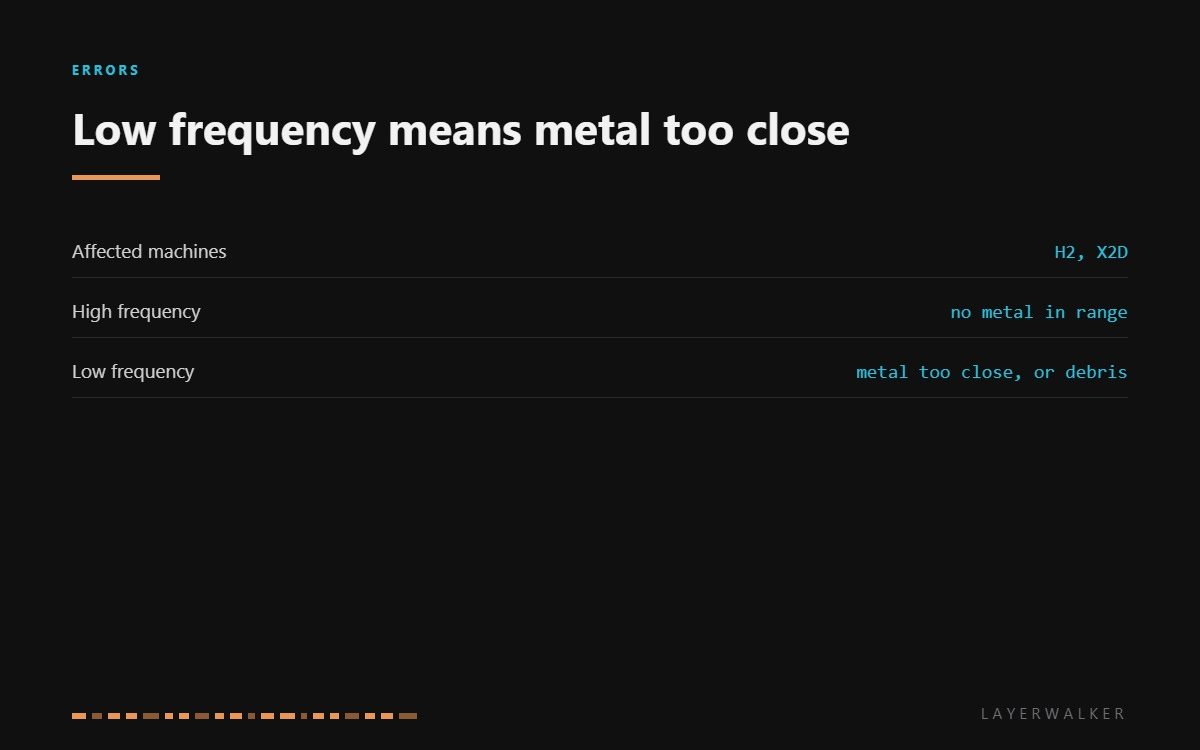
HMS 0300-2500-0001-0001 means the eddy current sensor on the right extruder is oscillating too slowly. The physics runs one way: metal near the sensor damps the oscillator and drops the frequency, so a frequency that is too low means there is more conductive material in range than the machine expects. Usually that is a nozzle sitting too close, or purge residue bridging the gap.
Difficulty moderate
Time 20-40 min
Parts under $30
Tools Hex keys, tweezers, isopropyl alcohol
Affected machines: H2 and X2D. This is a dual-nozzle machine, so the code names the right side specifically. That is useful: the left sensor gives you a healthy reference reading on the same printer in the same room.

Where to buy


Too close, or bridged by debris
Start with what is physically in the gap. Baked purge residue, a smear of melted filament or swarf from a scraped plate are all conductive enough to look like extra metal to the sensor. Clean gently with isopropyl alcohol on a soft cloth, never scraping the sensor face.
Then the nozzle. One fitted too deep, or a different nozzle with a larger body, sits nearer the sensor than the calibration assumed. Refit it fully home and square, and if you have changed nozzle type recently, run the machine’s own calibration before deciding anything is broken.
Finally the sensor. A damaged oscillator can read low on its own, and the way to confirm is the comparison: if the left sensor reads normally under the same conditions, the right one is the odd one out.
Right nozzle detection or levelling fails and the printer reports the eddy sensor frequency is too low
Conductive debris in the sensing gap, a nozzle sitting too close, or a damaged sensor
- Power off and let both hotends cool completely.
- Inspect the gap between the right nozzle and its sensor with a torch, looking for residue bridging it.
- Clean the sensor face and the nozzle area with isopropyl alcohol on a soft cloth.
- Remove the right nozzle, clean its seat, and refit it fully home and square.
- Reseat the toolhead connector and run the machine’s calibration so the sensor is baselined against the nozzle actually fitted.
- If the right sensor still reads low while the left reads normally, the sensor has failed and the hotend assembly is the replacement.
Steel and brass read differently to an eddy current sensor. If this started right after a nozzle change, recalibrating is the first thing to try and it costs nothing.
The opposite reading is frequency too high, and the left-hand equivalent is low signal on the left eddy sensor. Our page on the hotend covers the assembly, and the troubleshooting index covers the rest.
HMS 0300-2500-0001-0001 FAQ
Does low frequency mean the sensor is dead?
Not on its own. It means too much metal in range, and debris or a badly seated nozzle explains that far more often.
How do I know if it is the sensor?
Compare with the left side. Two sensors on one machine in one room should read comparably.
Can I clean the sensor face?
Gently, with isopropyl alcohol on a soft cloth. Never scrape it and never use a metal tool on it.
Will the printer still level the bed?
It will try and the mesh will be wrong. Fix the reading before trusting a first layer.
The same sensor has a sensitivity complaint of its own. HMS 0300-2500-0001-0002 means the right extruder eddy current sensor reads low, and the message names the fix: check how the nozzle is installed.

LayerWalker
Print defect diagnosis, calibration procedures and parts that actually fit. Corrections welcome through the contact page.

