HMS 0300-1E00-0001-0009: left nozzle control fault, or no hotend fitted
LayerWalker is a participant in the Amazon Services LLC Associates Program. We may earn a commission when you buy through links on our site, at no extra cost to you.
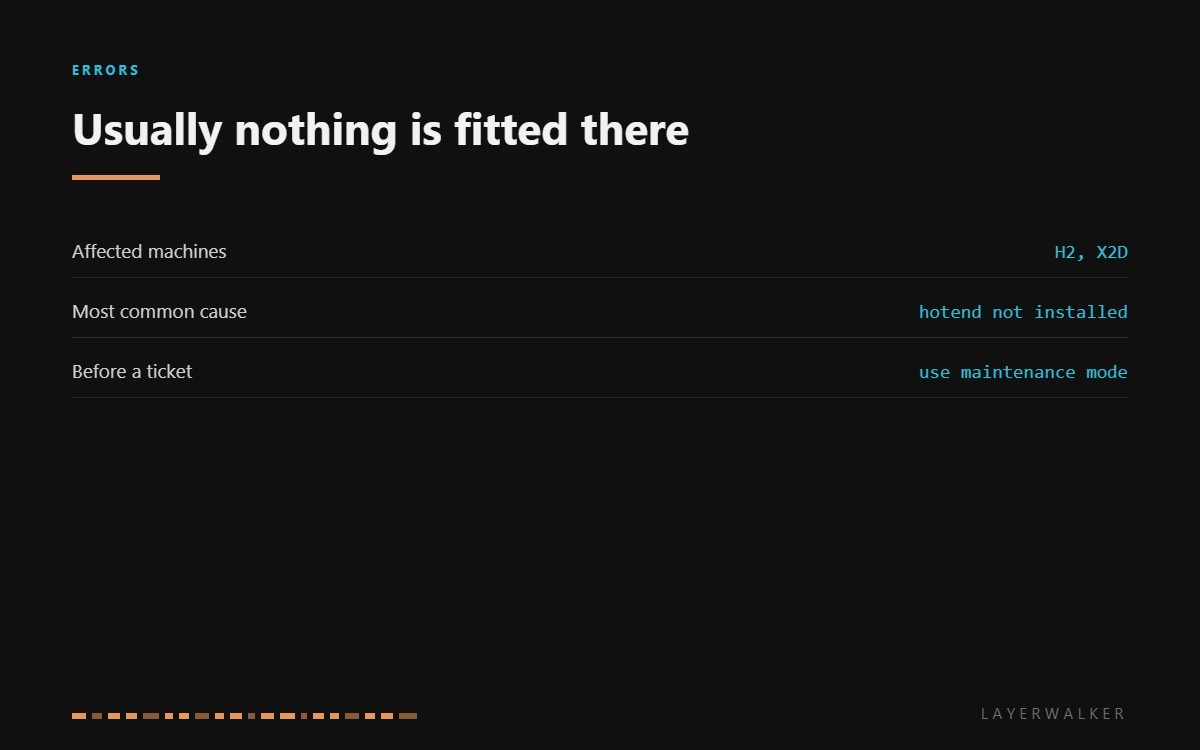
HMS 0300-1E00-0001-0009 means temperature control on the left nozzle is abnormal, and Bambu adds the likely reason: the hot end may not be installed. On a dual-nozzle machine that is not the insult it sounds like. Left hotends get removed for cleaning and nozzle changes, and a machine powered up mid-job reports exactly this.
Affected machines: H2 and X2D. The printer runs this check before it will heat anything, which is why the code appears at start-up or when you begin a print rather than during one. It is a gate, not a failure.
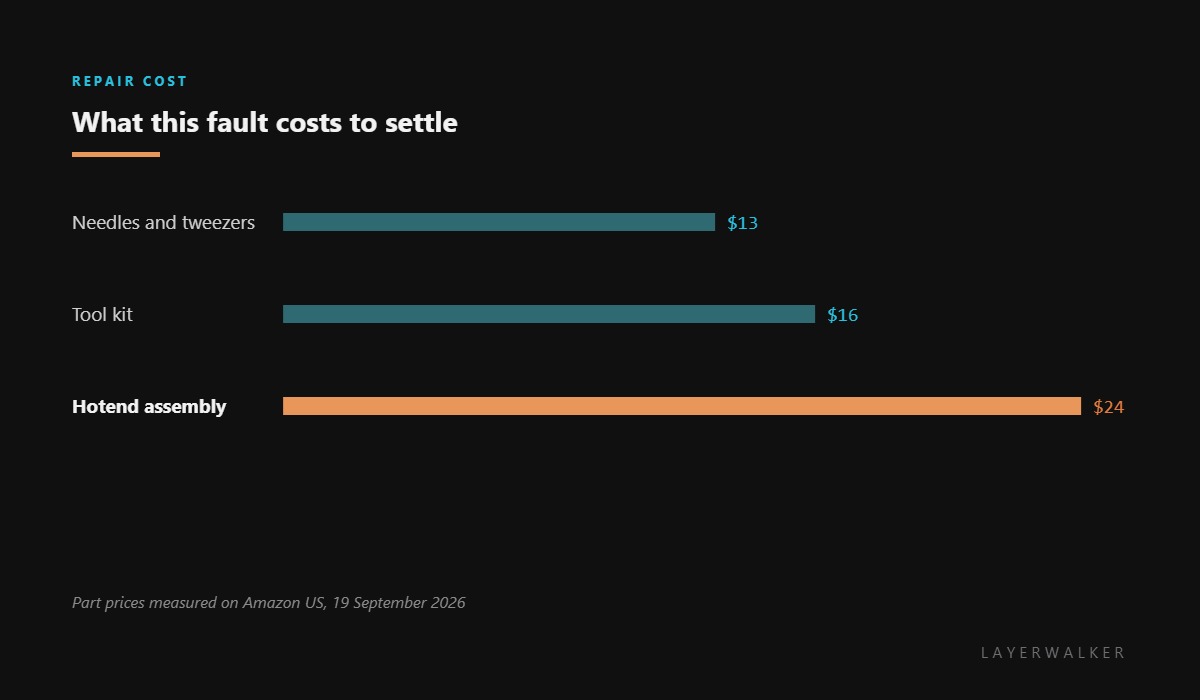
Where to buy


Fit it in maintenance mode, not by hand
These machines have a maintenance mode that parks the toolhead somewhere you can reach and releases what needs releasing. Fitting a hotend outside that mode is how people cross-thread a nozzle or leave an assembly half-seated, which produces this same code from a hotend that is technically present.
Seat it fully and squarely, then check the connector. A hotend that is mechanically home but electrically half-connected reads as absent, and the pins are easy to misalign in a confined toolhead.
If a hotend is definitely fitted, definitely seated, and the connector is clean, then the control circuit is the remaining suspect. Compare with the right-hand side: if the right hotend reads normally and the left does not, you have narrowed it to that half.
Left nozzle will not heat and the printer reports a control fault or a missing hot end
Hotend not installed or not seated, a mis-seated connector, or a genuine control fault
- Power off and let both hotends cool completely.
- Confirm whether a left hotend is physically fitted. This is the first question and it is often the whole answer.
- Enter maintenance mode for your model rather than working on a live machine.
- Remove and refit the left hotend, seating it fully and squarely, and check the connector pins in both halves.
- Power up and let the start-up check run.
- If it still reports a fault with a correctly fitted hotend, compare readings with the right-hand side and raise a ticket if only the left is wrong.
Match the part to the machine before ordering. The H2 family and the P2S use one hotend assembly, and the X1 series uses a different one, but the listings look similar enough that ordering the wrong one is easy.
The sensor-side fault on the same nozzle is left nozzle sensor open circuit, and the right-hand equivalent is right nozzle control fault. Our page on dual nozzle printers explains the layout, and the troubleshooting index covers the rest.
HMS 0300-1E00-0001-0009 FAQ
Can I print with only the right nozzle?
For single-material jobs assigned to the right tool, usually yes. Anything that switches tools will stop.
Why does it say the hotend may not be installed when it is?
Because seated and connected are different things. Refit it in maintenance mode and check the connector.
Do I need maintenance mode to change a hotend?
Use it. It parks the toolhead properly and prevents most of the mis-seating that causes this code.
Is the left hotend the same part as the right?
On these machines yes, which makes swapping sides a useful test.

LayerWalker
Print defect diagnosis, calibration procedures and parts that actually fit. Corrections welcome through the contact page.

