HMS 0300-0200-0001-0009: right nozzle temperature control fault, or no hotend fitted
LayerWalker is a participant in the Amazon Services LLC Associates Program. We may earn a commission when you buy through links on our site, at no extra cost to you.
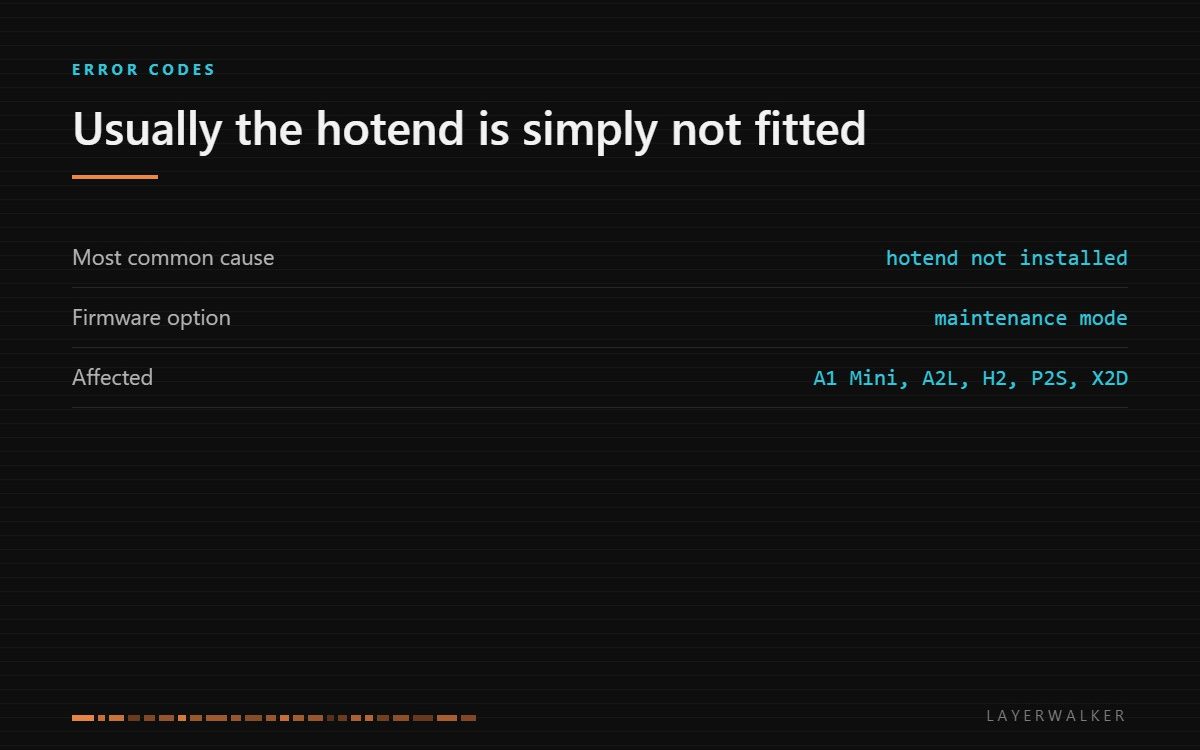
The printer cannot control the right nozzle temperature, and the usual reason is that the hotend is not installed or not seated. Fit it properly first. If you genuinely need to heat with no hotend fitted, enable maintenance mode in settings.
Affected machines: A1 Mini, A2L, H2, P2S, X2D. This code differs from the other temperature faults in one important way: it is frequently not a fault at all, but the machine telling you a part is missing.
Where to buy


Genuine Bambu Lab Hotend with Nozzle for P1S P1P X1C X1 Carbon 3D Printer .4mm Hardened Steel

2 Pack 0.4mm A1 Mini/A1/A2L Hotend Kit Hardened Steel Nozzle for Bambu Lab
Check the obvious cause first
On machines with a quick-change hotend, the assembly can sit almost home and still not make contact. It looks fitted, the clip appears engaged, and the electrical connection is not made. The firmware then sees a heater it cannot control and stops rather than guessing.
So the first action is mechanical, not electrical. Remove the hotend, look at the contacts for debris or bent pins, and refit it until it seats positively. Many reports of this code end there.
Code appears at startup or at the beginning of a heat-up, often right after a nozzle change
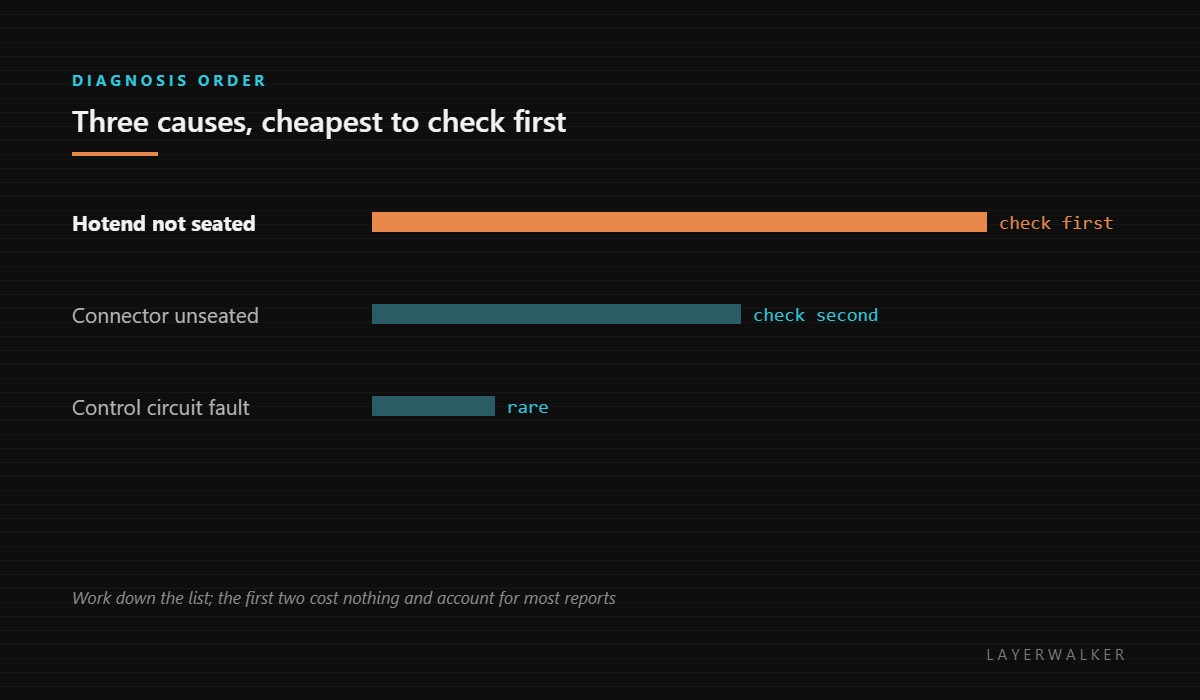
Hotend not seated, connector not fully engaged, or control circuit fault
- Power off and remove the hotend assembly completely.
- Inspect the contacts on both the hotend and the toolhead for filament debris, and for pins that are bent or pushed back.
- Refit the hotend and confirm it seats fully rather than resting in place.
- Power on and watch whether the code clears before the heat-up begins.
- If you are deliberately running without a hotend fitted, enable maintenance mode in the settings page so the firmware allows heating.
- If the code persists with a known-good hotend correctly fitted, the fault is in the toolhead control circuit rather than the part.
Maintenance mode exists because servicing sometimes requires the heater circuit to be live with no hotend present. It is not a way to print past this code; it is a way to work on the machine. Leaving it on during normal printing removes a safety check you want.
Our page on Bambu Lab nozzles and hotends covers which assembly fits which machine generation, which matters here because fitting the wrong one produces exactly this symptom. The troubleshooting index covers the other temperature codes.
HMS 0300-0200-0001-0009 FAQ
I just changed the nozzle and got this code.
That is the classic case. Refit the hotend and check the contacts.
Should I leave maintenance mode on?
No. It disables a check that protects the machine during normal printing.
Does this mean my hotend is dead?
Usually not. Test with the same hotend reseated before buying anything.
Why does it name the right nozzle?
On dual-nozzle machines the code identifies the side, which tells you which one to open.

LayerWalker
Print defect diagnosis, calibration procedures and parts that actually fit. Corrections welcome through the contact page.

