HMS 0300-2000-0001-0004: Y axis homing failed, timing belt loose
LayerWalker is a participant in the Amazon Services LLC Associates Program. We may earn a commission when you buy through links on our site, at no extra cost to you.
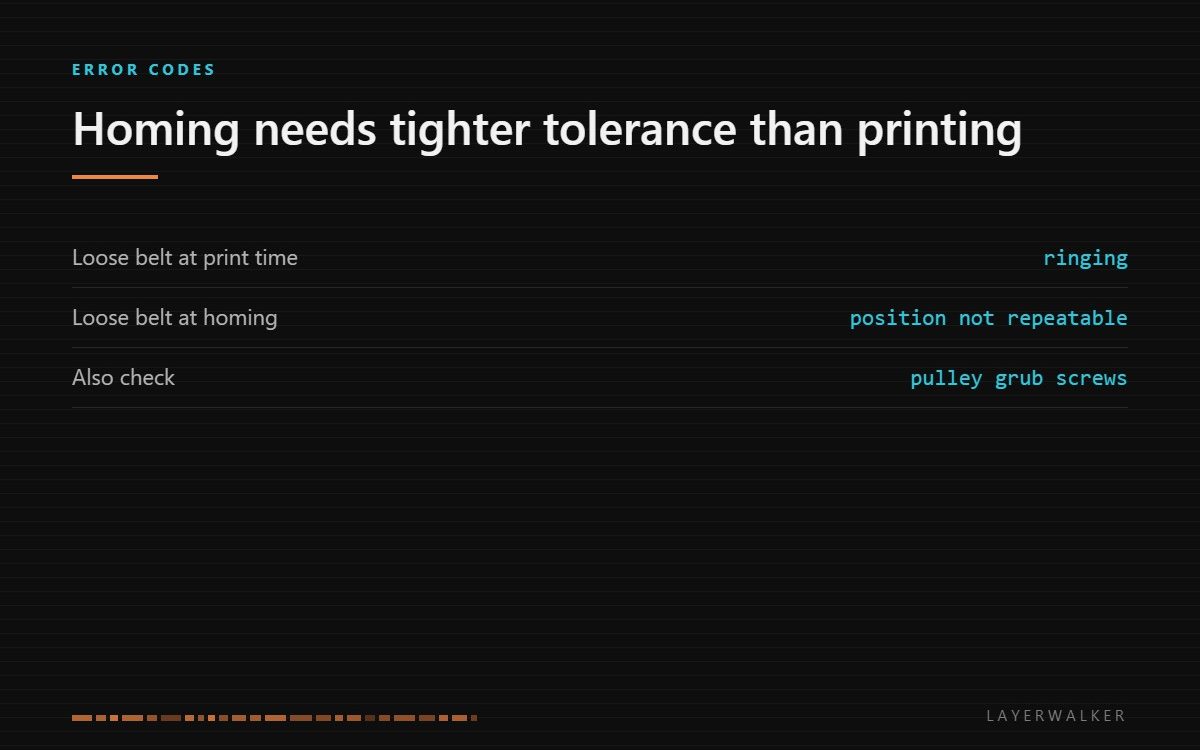
The firmware attributes the homing failure to belt tension. A slack belt lets the carriage lag behind the motor, so the machine cannot trust where the axis is. Tension it, then re-run calibration.
Affected machines: A2L, P2S, X1 series. Homing is the machine establishing where the axis actually is, so a homing failure stops everything downstream of it.
Where to buy


Why slack breaks homing rather than just quality
A slightly loose belt usually shows up as ringing on a print. Homing is stricter: the machine drives the axis until it detects the end, then uses that as the origin for everything afterwards. If the carriage lags behind the motor by a variable amount, the detected position is not repeatable and the firmware rejects it.
That is why this code can appear on a machine that was printing acceptably the day before. The tolerance for homing is tighter than the tolerance for looking fine.
Homing fails, or the axis reaches home but the machine reports the position as implausible
Timing belt has relaxed, an idler has loosened, or a pulley grub screw has backed off
- Power off at the wall and clear the plate.
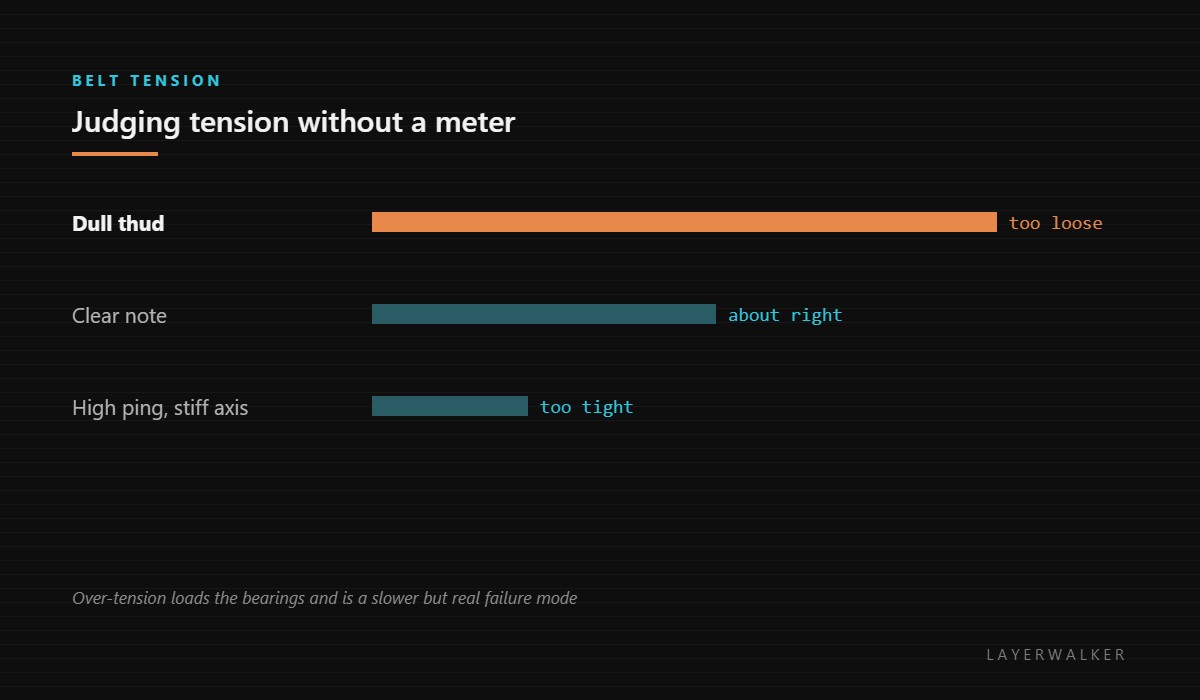
- Pluck the Y belt like a guitar string. A correctly tensioned belt gives a clear note; a dull thud means it has relaxed.
- Check the tensioner and the idler for a fastener that has worked loose.
- Check the grub screws on the motor pulley. A pulley slipping on the shaft mimics a loose belt exactly and is fixed differently.
- Adjust tension so the note is clear, without going tight enough to make the axis hard to move by hand.
- Home the axis, then re-run the resonance calibration so the stored baseline matches the new tension.
Our page on belt tension covers judging tension by ear and the real failure mode of over-tightening. Lubrication covers what belongs on rails and what must stay dry, and the troubleshooting index covers the wider family.
HMS 0300-2000-0001-0004 FAQ
Can I home by hand first?
Moving the head gently by hand to feel for a tight spot is a useful diagnostic. Do it with the power off.
Should I tighten the belt until it is very tight?
No. Over-tension loads the bearings and shortens their life.
Why does it only fail sometimes?
Marginal tension or a tight spot at one end of travel produces exactly that pattern.
Does the print need to be removed first?
Yes, if anything is on the plate that the head could strike during homing.

LayerWalker
Print defect diagnosis, calibration procedures and parts that actually fit. Corrections welcome through the contact page.

