HMS 0300-1300-0001-0001: Motor-A current sensor abnormal
LayerWalker is a participant in the Amazon Services LLC Associates Program. We may earn a commission when you buy through links on our site, at no extra cost to you.
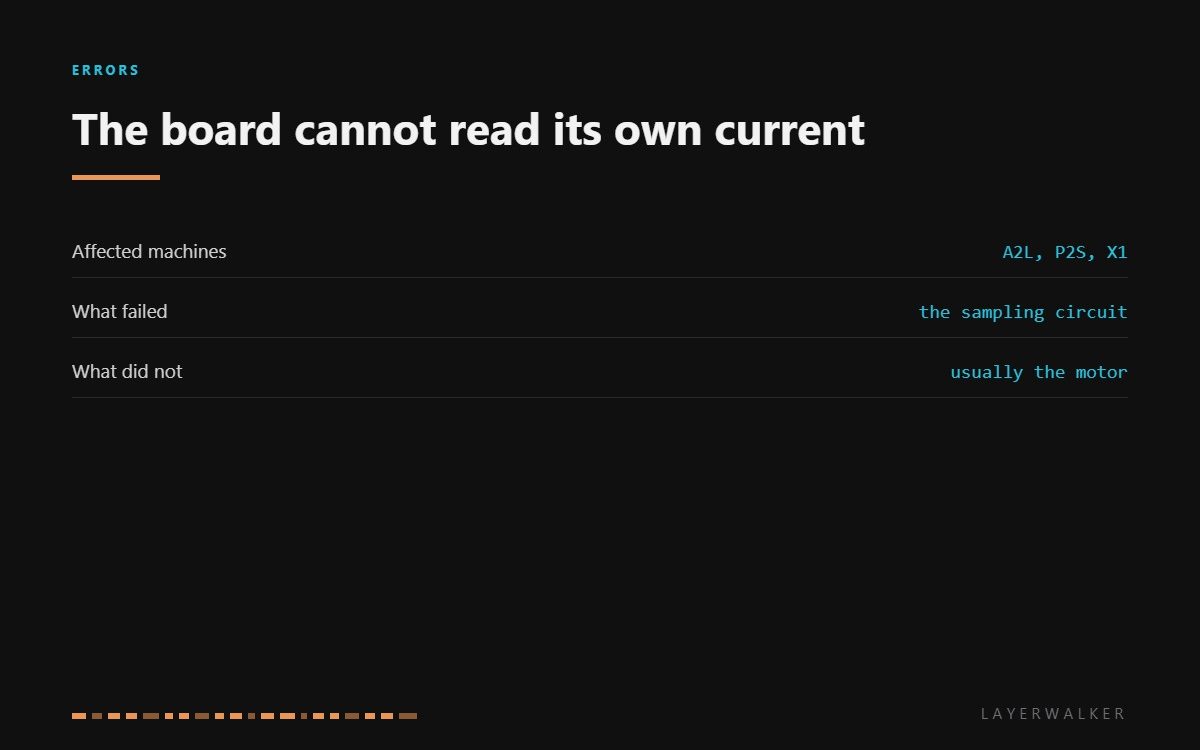
HMS 0300-1300-0001-0001 means the circuit that measures how much current is flowing through Motor-A has stopped giving sensible readings. Note what that is not: it is not the motor, and it is not the wiring. It is the measuring hardware on the board, and Bambu’s own wording points at a failure of the sampling circuit.
Affected machines: A2L, P2S and X1. Motor-A is one of the two CoreXY belt motors. The printer watches current on each driver so it can detect a stall, and this code says that watching has broken, not that a stall occurred.
Where to buy


Proving it is the board and not the motor
The test is quick and it saves buying the wrong part. Measure the motor itself: unplug it and check resistance across each coil pair. Healthy coils read a few ohms and match each other, with no continuity to the motor can. A motor that passes that test is not the cause of a current sensing fault.
The second check is a swap. If the machine has two identical motors, move Motor-A to the Motor-B connector and see which way the code follows. If it stays on the same channel with a different motor plugged in, the channel is the problem. If it follows the motor, the motor was faulty after all and you have just proved it without buying anything.
Printer stops with a Motor-A current sensor fault, often at power-up rather than mid-print
Failed current sampling circuit on the board, rarely a motor or a connector
- Power off at the wall and let the machine sit before opening it.
- Unplug Motor-A and measure resistance across both coil pairs, then from each pin to the motor body.
- Reseat the connector at both the motor and the board. A high-resistance joint can upset a current reading.
- If the motor measures healthy, swap it with the other CoreXY motor and power up to see whether the code follows the motor or stays on the channel.
- If the code stays on the channel, stop. That is a mainboard fault, and it is a service item rather than a home repair.
Resist the urge to clear and carry on. Current sensing is how the printer notices a belt jam before it drives the head into the frame, so running without it removes a protection you will only miss once.
The motor-side faults on the same axis are Motor-A short circuit and its open-circuit twin. Our page on CoreXY printers explains why both motors matter, and the troubleshooting index covers the rest.
HMS 0300-1300-0001-0001 FAQ
Will a new motor fix this?
Almost never. The fault is in the measuring circuit, and a new motor changes nothing on that side.
Can I disable the check and keep printing?
No, and you should not want to. It is the protection that stops a jam becoming a crash.
Why does it appear at power-up?
Because the printer tests its sensing circuits during start-up, before any motion happens.
Is it worth repairing out of warranty?
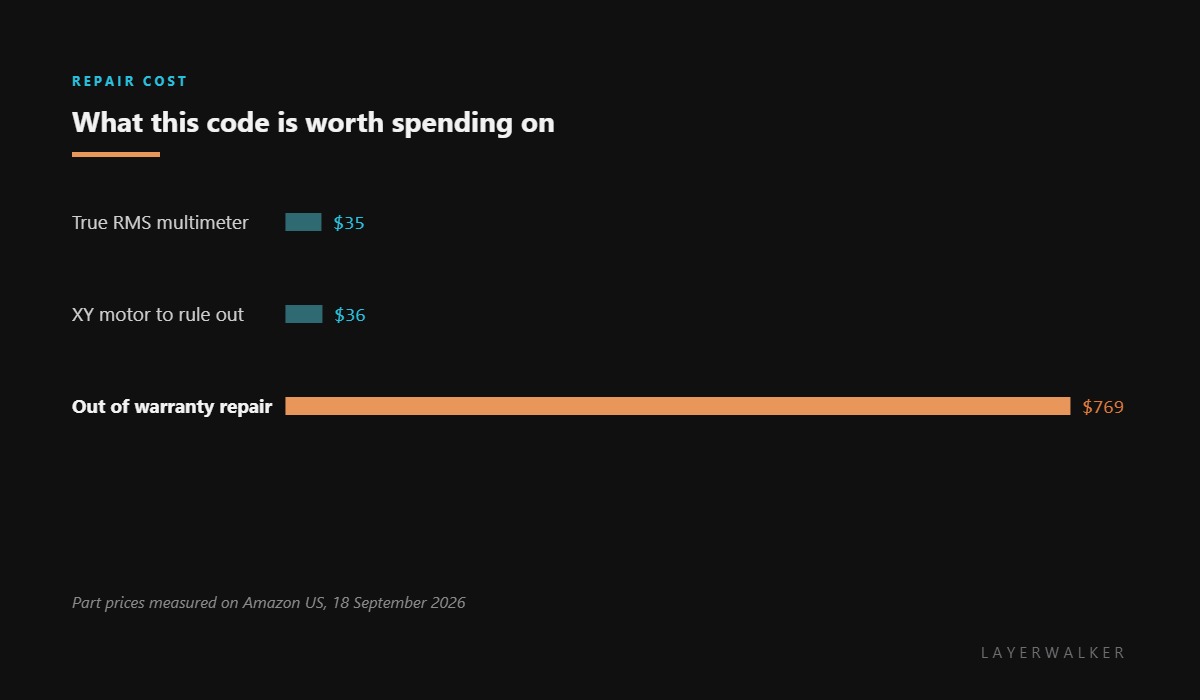
Get a quote first. A mainboard plus labour on these machines lands close to the price of a current printer.

LayerWalker
Print defect diagnosis, calibration procedures and parts that actually fit. Corrections welcome through the contact page.

