HMS 0300-0600-0001-0002: Motor-A short circuit
LayerWalker is a participant in the Amazon Services LLC Associates Program. We may earn a commission when you buy through links on our site, at no extra cost to you.
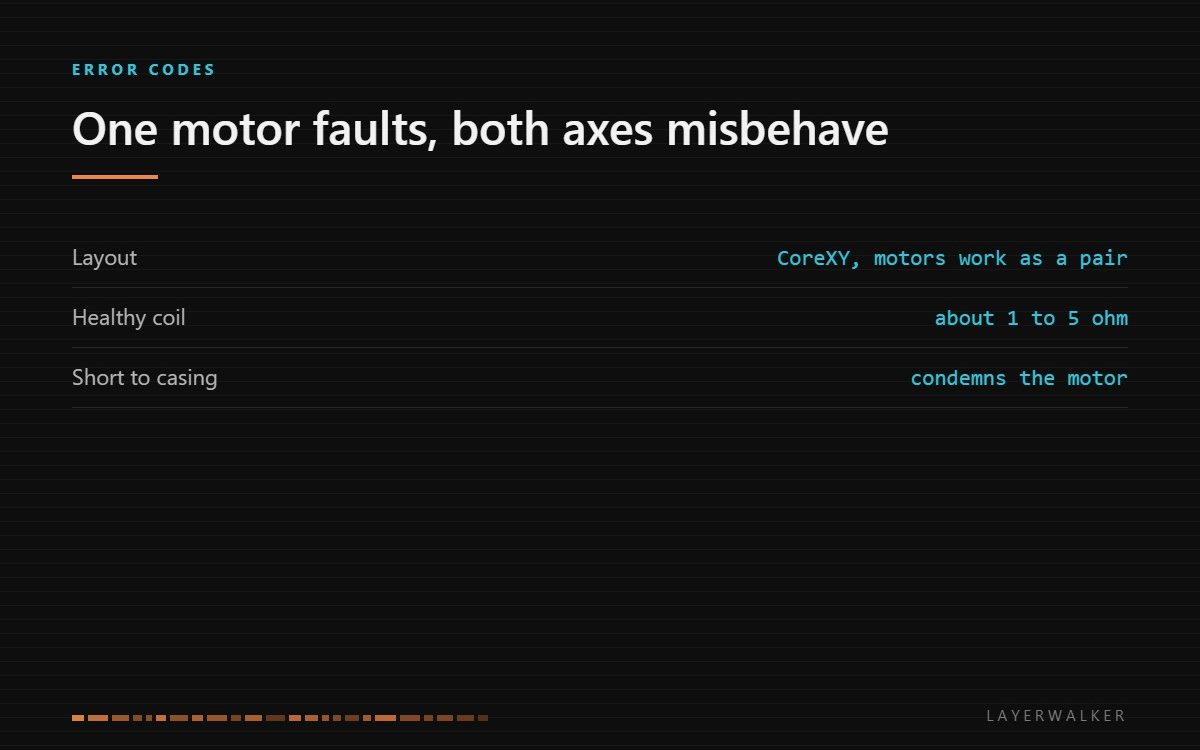
The driver measured a short across Motor-A. On a CoreXY the two motors work as a pair, so a fault in one does not lose a single axis; it makes both behave strangely. Stop printing rather than retrying.
Affected machines: A2L, P2S, X1 series.
Where to buy


Why a CoreXY loses both axes, not one
On a bed slinger each motor owns an axis, so a dead motor produces an axis that will not move. CoreXY is different: the two motors drive a shared belt path, and X and Y movement are combinations of both. A fault in one motor produces diagonal movement, grinding, or a head that drives into a corner.
That is worth knowing because the symptom does not point at the faulty motor. The code does, which is why it is more useful than what you can see.
Machine halts during a move or at homing, often with grinding, and both X and Y behave oddly
Shorted motor winding, or a damaged lead pinched in the cable chain
- Power off at the wall before touching any connector.
- Unplug Motor-A at the board and measure across each coil pair. A healthy coil reads a low resistance, typically 1 to 5 ohm.
- Measure from each coil to the motor casing. Any continuity there is a short to frame and condemns the motor.
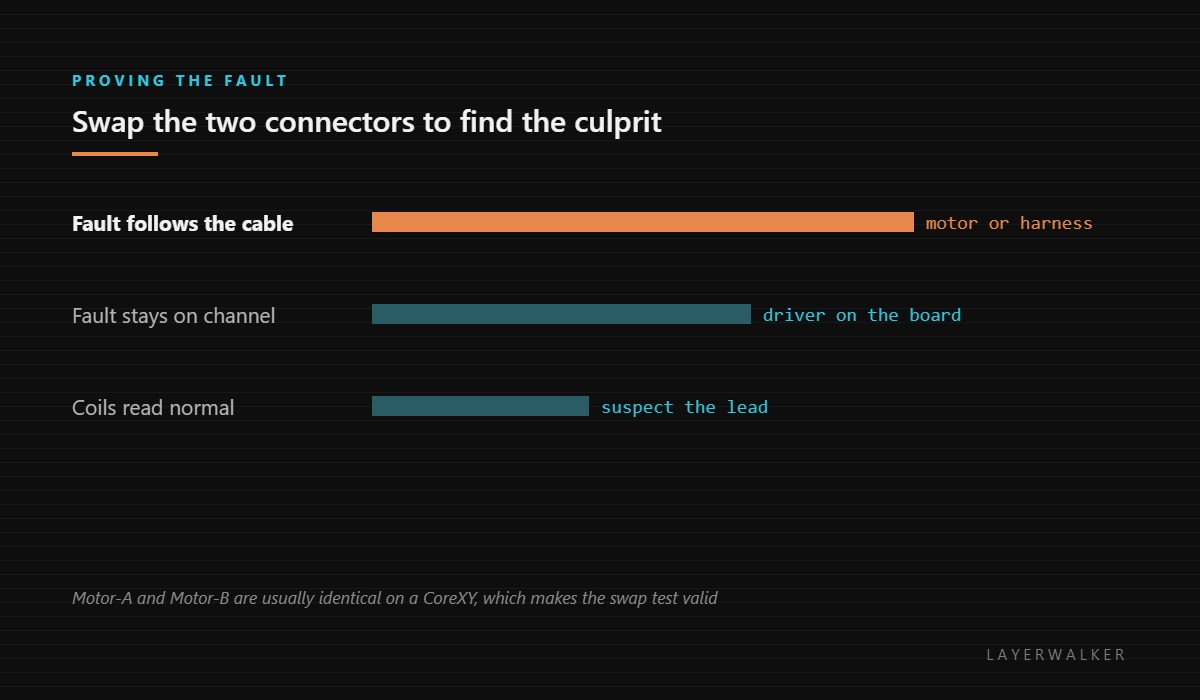
- If both coils read normally, the fault is the lead or the driver. Swap the Motor-A and Motor-B connectors at the board and see whether the fault follows the cable or stays with the channel.
- If the fault follows the cable, replace the motor or its harness; if it stays with the channel, the driver is at fault.
Our page on 3D printer stepper motors covers how to tell a dead motor from a dead driver, which is the distinction this code turns on. The troubleshooting index covers where motion faults sit among the rest.
HMS 0300-0600-0001-0002 FAQ
Can I swap motors between axes to test?
On a CoreXY the two motors are usually identical, which makes that the fastest test you can run.
Do stepper motors fail often?
Rarely. Wiring and connectors fail far more often, which is why the meter comes before the credit card.
Is it safe to keep printing?
No. A motion fault mid-print wastes the whole job and can drive the head into the part.
What resistance should a coil read?
Typically a low value between about 1 and 5 ohm. Compare the two coils against each other.

LayerWalker
Print defect diagnosis, calibration procedures and parts that actually fit. Corrections welcome through the contact page.

