HMS 0300-1400-0001-0001: Motor-B current sensor abnormal
LayerWalker is a participant in the Amazon Services LLC Associates Program. We may earn a commission when you buy through links on our site, at no extra cost to you.
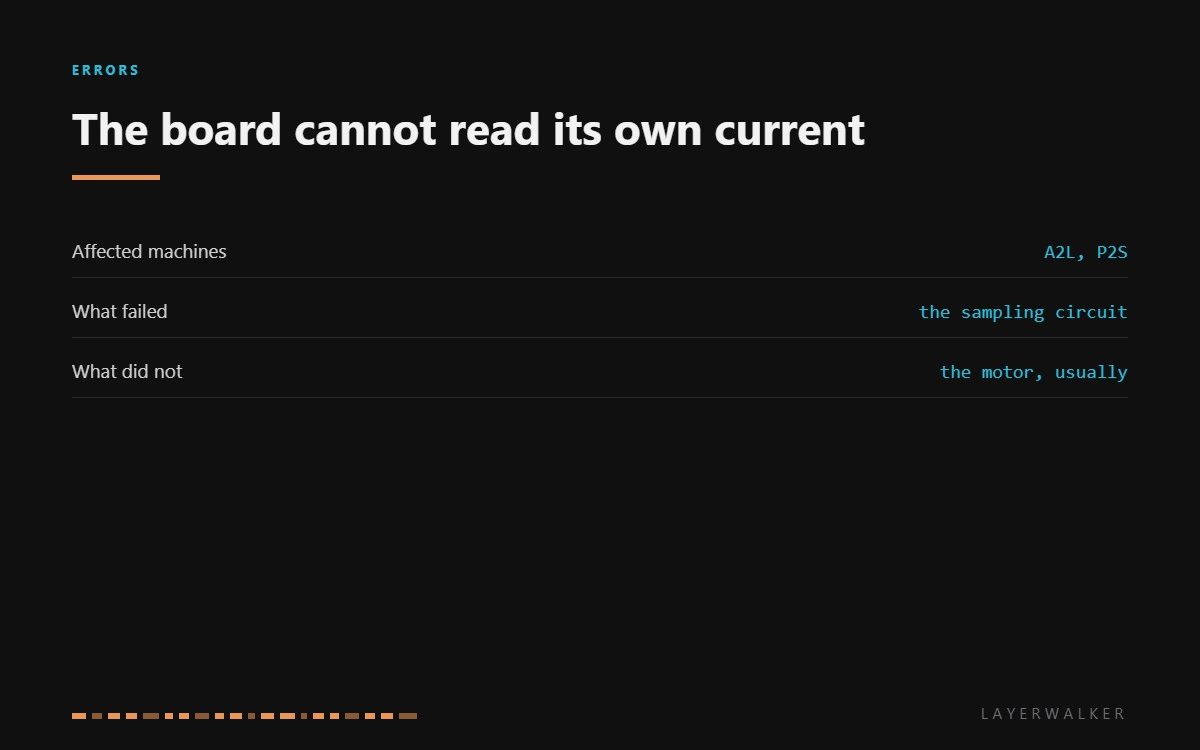
HMS 0300-1400-0001-0001 means the circuit that measures current through Motor-B has stopped giving sensible readings. This is the twin of the Motor-A version, and the same thing is true of both: the fault is in the measuring hardware on the board, not in the motor and not in the wiring to it.
Affected machines: A2L and P2S. Motor-B is one of the two CoreXY belt motors. The printer watches current on each driver so it can detect a stall before the head crashes, and this code says that watching has broken rather than that a stall happened.
Where to buy


The swap test settles it in ten minutes
Measure the motor first: unplug it and check resistance across both coil pairs, then from each pin to the can. A motor that passes that is not causing a current sensing fault.
Then swap. Move Motor-B to the Motor-A connector and power up. If the fault stays on the same channel with a different motor plugged in, the channel is broken and the board is the answer. If it follows the motor, you have found a motor fault without buying anything.
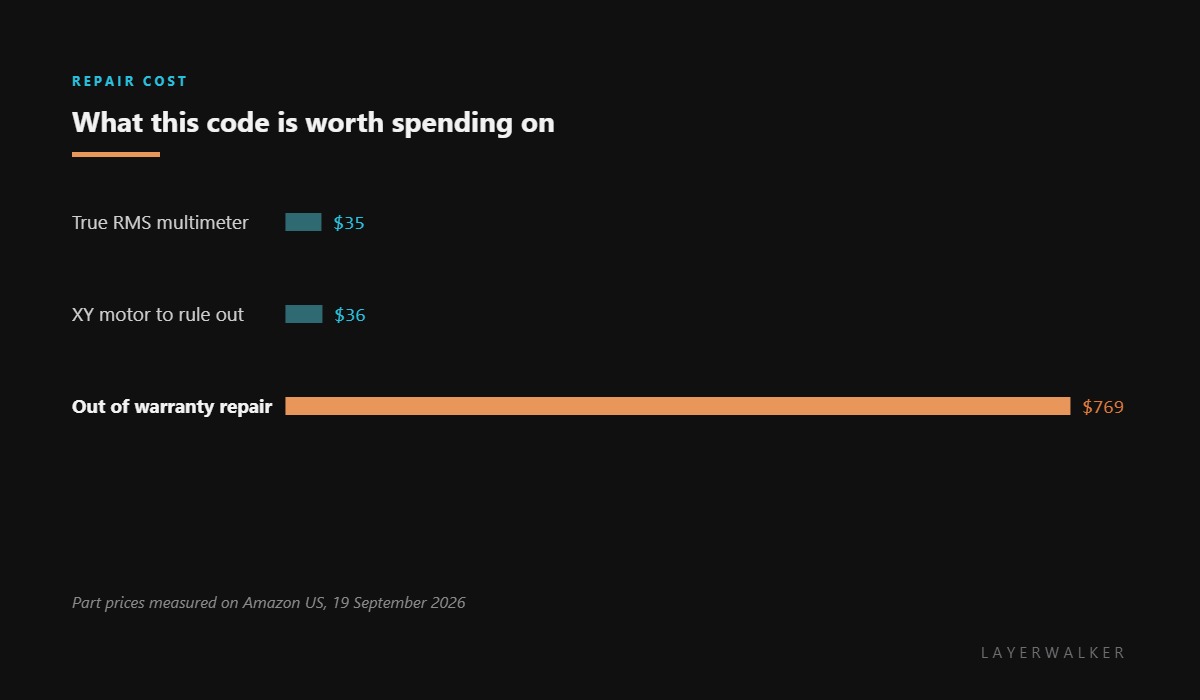
This test matters because the two parts look identical from the error message and cost wildly different amounts to put right. Ten minutes with a screwdriver saves either a wasted part or a wasted service call.
Printer stops with a Motor-B current sensor fault, often at power-up rather than mid-print
Failed current sampling circuit on the board, rarely a motor or a connector
- Power off at the wall and let the machine sit before opening it.
- Unplug Motor-B and measure resistance across both coil pairs, then from each pin to the motor body.
- Reseat the connector at both ends. A high-resistance joint can upset a current reading.
- Swap Motor-B and Motor-A at the board and power up, watching whether the code follows the motor or stays on the channel.
- If it stays on the channel, stop. That is a mainboard fault and a service item rather than a home repair.
Do not clear the code and carry on printing. Current sensing is how the printer notices a belt jam before it drives the toolhead into the frame, so running without it removes a protection you will only miss once.
The Motor-A version is Motor-A current sensor abnormal, and the motor-side fault is abnormal Motor-B resistance. Our page on CoreXY printers explains why both motors matter, and the troubleshooting index covers the rest.
HMS 0300-1400-0001-0001 FAQ
Will a new motor fix this?
Almost never. The measuring circuit is what failed, and a new motor changes nothing on that side.
Why does it appear at power-up?
Because the printer tests its sensing circuits during start-up, before any motion happens.
Can I disable the check?
No, and you should not want to. It is the protection that stops a jam becoming a crash.
Is it worth repairing out of warranty?
Get a quote first. A mainboard plus labour on these machines lands close to the price of a current printer.

LayerWalker
Print defect diagnosis, calibration procedures and parts that actually fit. Corrections welcome through the contact page.

