Snapmaker U1: A Four-Toolhead Printer at a Price Toolchangers Never Reached
LayerWalker is a participant in the Amazon Services LLC Associates Program. We may earn a commission when you buy through links on our site, at no extra cost to you.
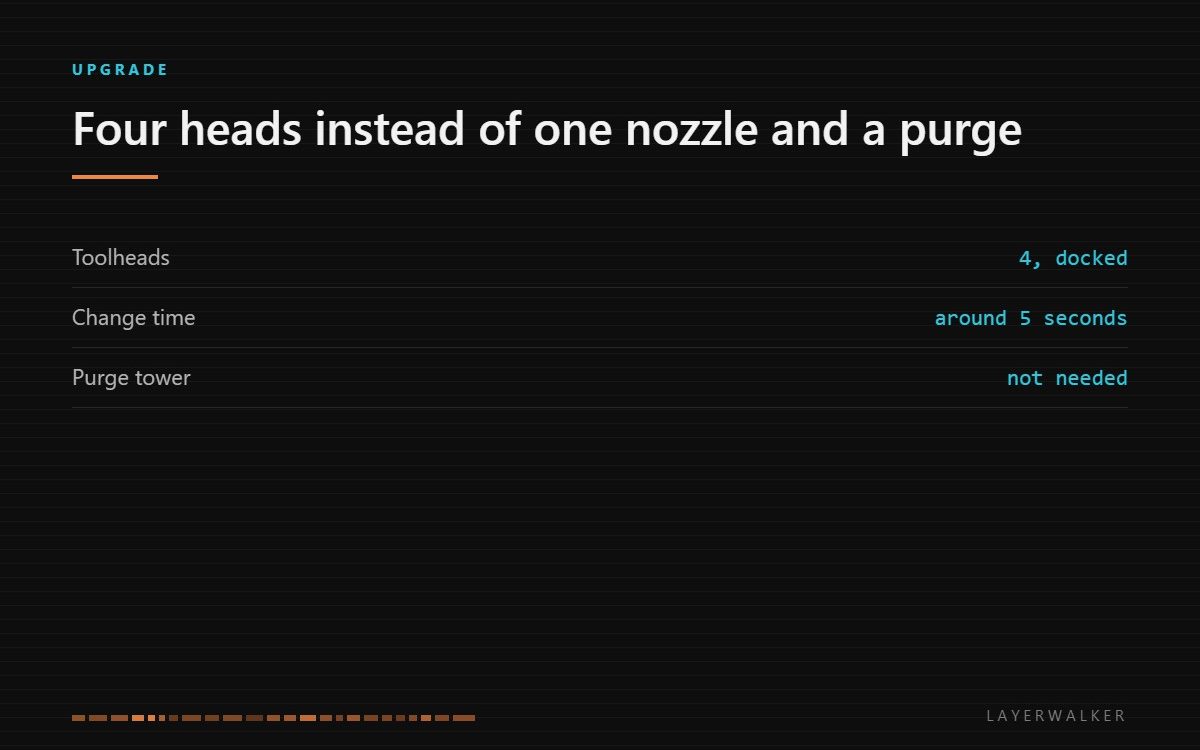
The U1 carries four complete toolheads and swaps them in seconds, so a four-colour print does not build a purge tower. That is a genuine change in how much filament and time a colour-heavy model costs, and it is the reason to look at this machine rather than a cheaper AMS printer.
Where to buy


What the toolchanger changes
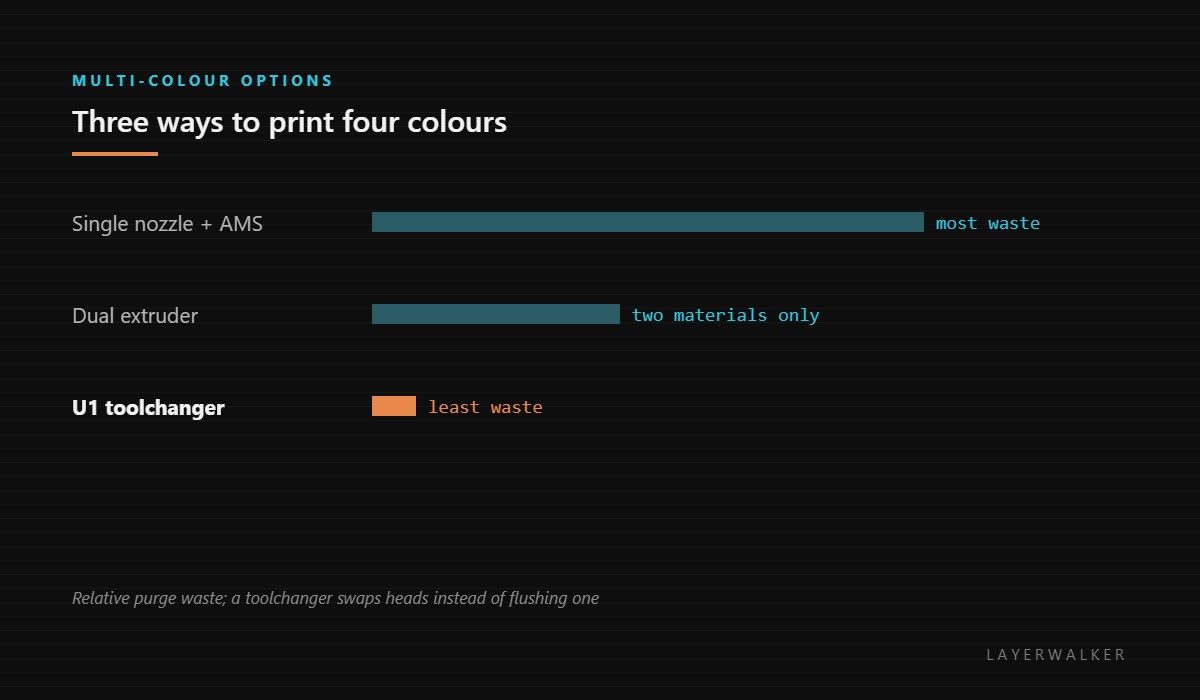
On a single-nozzle multi-colour printer, every colour change flushes the old material out of the melt zone. The waste is proportional to the number of changes, so a model that alternates colours every layer can discard more plastic than it keeps. A toolchanger has nothing to flush: it parks the head it was using and picks up another that is already loaded with the right material.
The second effect is time. Purging is extrusion that produces nothing, and on dense multi-colour work it can take longer than the printing. Swapping heads takes seconds and produces no waste at all.
Who it is actually for
People who print in colour regularly rather than occasionally. If multi-colour is something you do twice a year, an AMS-style machine costs far less and the purge waste never adds up to the difference. If you print figures, signage, models or anything where colour is the point, the arithmetic reverses quickly.
It also suits mixed-material work: a rigid body and a flexible gasket, or a part with soluble support printed by its own head. Our toolchanger overview covers that case, and AMS systems covers the cheaper alternative honestly.
What to weigh against it
Four heads mean four things to maintain and four nozzles that can clog. Toolchangers also depend on the dock being repeatable: the machine has to put a head back and pick it up in the same place thousands of times, and any drift there shows up as misaligned colours. Modern implementations handle this well, but it is a fault mode that a single-nozzle printer simply does not have.
Note also that this is not the 3-in-1 machine the brand is known for. The U1 prints; it does not laser or mill. If you came looking for the multi-process machine, that is the Artisan, covered on our Snapmaker overview.
Snapmaker U1 FAQ
Does it need a purge tower at all?
No, and that is the main reason to buy it over an AMS machine.
Can it print four different materials?
Within reason. Materials with very different bed and chamber needs still conflict.
Is it a 3-in-1?
No. It is a printer with four toolheads.
How often does alignment need checking?
Rarely in normal use, but it is the first thing to check if colours land offset.

LayerWalker
Print defect diagnosis, calibration procedures and parts that actually fit. Corrections welcome through the contact page.

