Revopoint MetroY Ultra: Frame Rate as a Scanning Feature
LayerWalker is a participant in the Amazon Services LLC Associates Program. We may earn a commission when you buy through links on our site, at no extra cost to you.
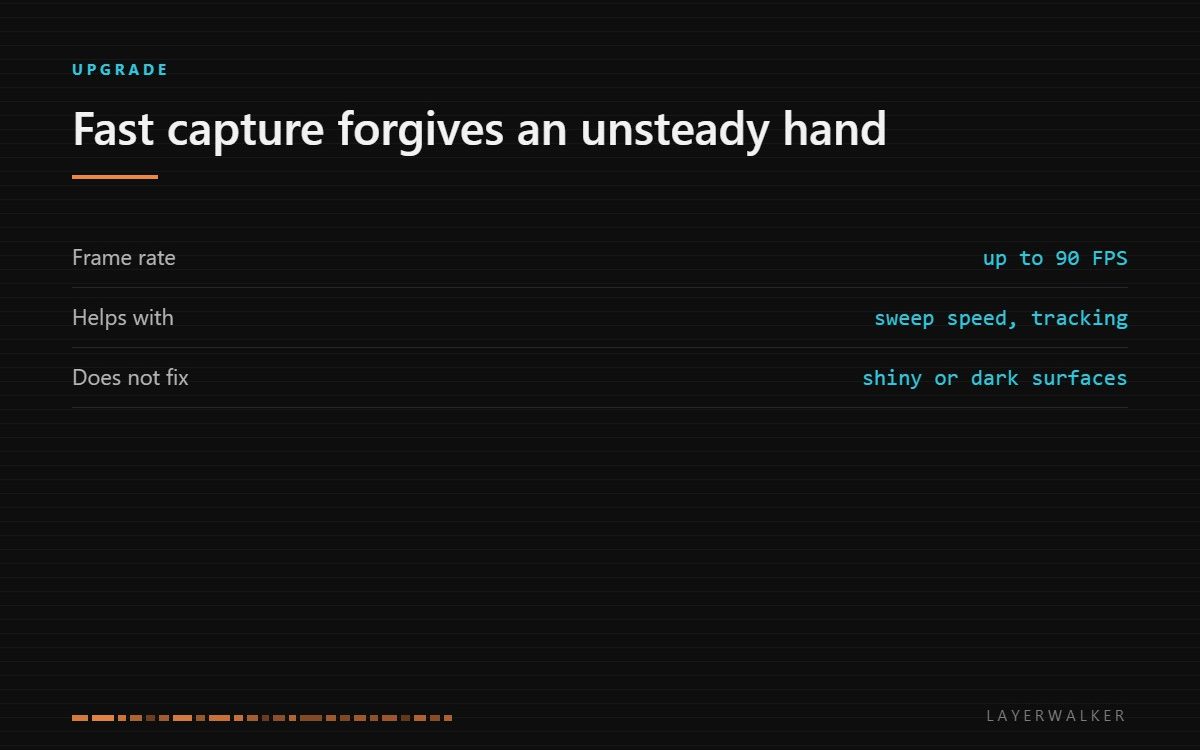
Frame rate is the spec that decides how forgiving a handheld scanner feels. A fast sensor keeps tracking when you move quickly or change angle, which is where most failed scans actually come from. It does nothing about shiny, dark or featureless surfaces.
Where to buy


What tracking failure actually looks like
Handheld scanning works by matching each new frame to the ones before it. When the overlap between consecutive frames is too small, the scanner loses its place and either stops or, worse, glues the new data on in the wrong position. That is the moment that ruins a scan, and it is almost always caused by moving too fast for the capture rate rather than by moving badly.
Raising the frame rate widens the margin. At 90 frames per second the sweep can be quicker and the angle can change faster before consecutive frames stop overlapping. In practice that means fewer restarts, shorter sessions, and a scanner that feels less like it is testing your patience.
Why frame rate beats accuracy on a handheld
Every scanner in this class quotes an accuracy figure, and those figures are measured under conditions you will not reproduce by hand. The accuracy you actually get is dominated by whether the alignment held, not by the sensor’s best case. A scan that tracked cleanly at a moderate specification beats a scan that drifted on a better sensor.
So when comparing models, read frame rate and working distance before the accuracy headline. Those two decide whether the capture succeeds; accuracy decides how good it is once it has.
What it does not solve
Surface behaviour. Structured light needs to see its own pattern on the object, and dark surfaces absorb it, shiny surfaces scatter it, and transparent surfaces let it through. No frame rate fixes any of those, and the answer is matte scanning spray on the object.
Featureless geometry is the other one. A flat panel or a smooth cylinder gives the tracker nothing to lock onto, and the fix is markers on or around the object rather than a faster sensor.
Who should buy this tier
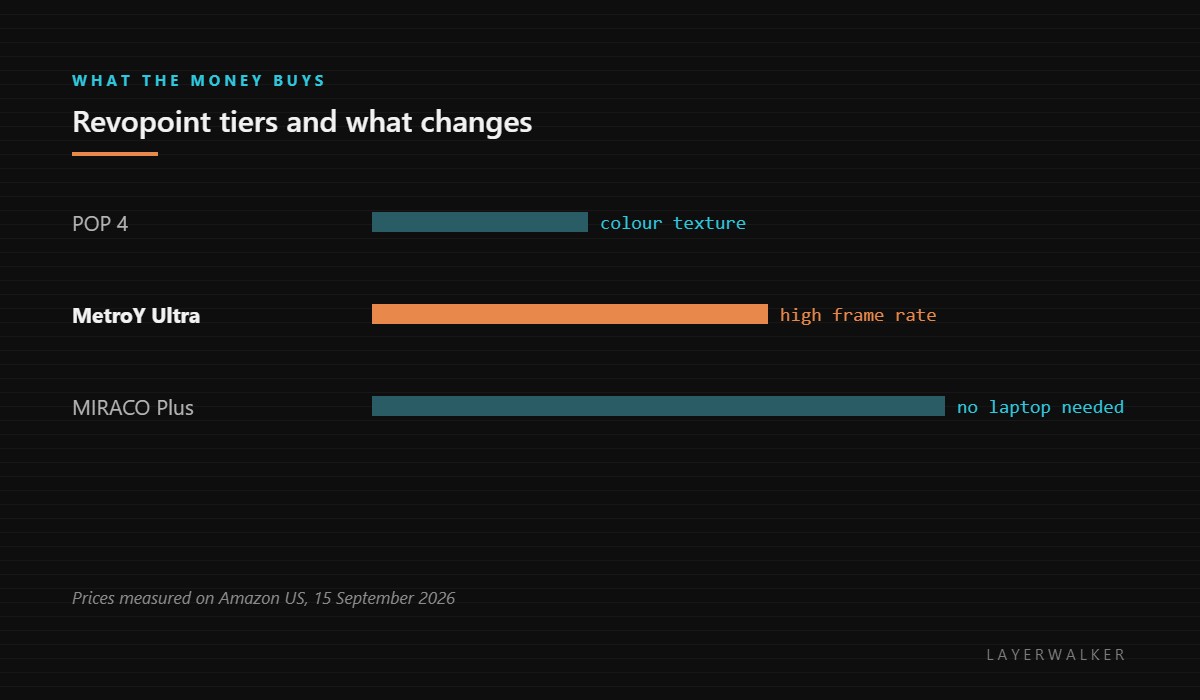
People scanning objects that cannot be put on a turntable, and people who scan often enough that session time matters. If you scan occasionally, on a bench, with a turntable doing the moving, the tracking problem largely disappears and the cheaper models in the range do the same work. Our Revopoint range overview covers where each model sits.
If the scans are destined for a printer rather than for inspection, read scan to print first, because the mesh cleanup between the two is where most of the real work happens.
Revopoint MetroY Ultra FAQ
Does a higher frame rate mean higher resolution?
No. They are separate specifications and this one is about tracking.
Will it scan a car panel?
Large flat surfaces need markers whatever the scanner. Plan for them.
Do I still need a laptop?
Yes, this model is tethered. The MIRACO line is the standalone one.
Is spray really necessary?
On anything dark, glossy or clear, yes. It is the cheapest accessory that changes results.

LayerWalker
Print defect diagnosis, calibration procedures and parts that actually fit. Corrections welcome through the contact page.

