How Much Is a 3D Printer? What Each Price Band Actually Buys
LayerWalker is a participant in the Amazon Services LLC Associates Program. We may earn a commission when you buy through links on our site, at no extra cost to you.
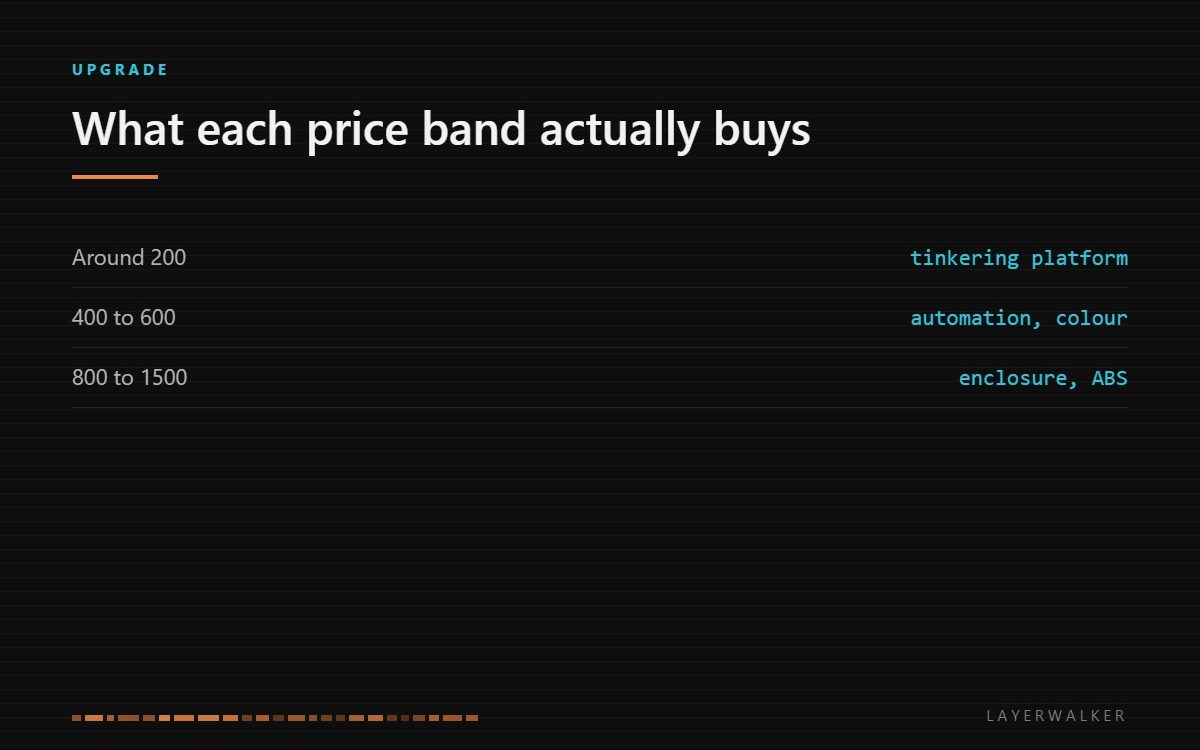
Around $200 buys a working machine you will tinker with. Around $500 to $600 buys automation and multi-colour. Over $1,000 buys an enclosure, engineering materials and a machine that does not need managing. The jump that changes daily life most is the first one.
Where to buy


What to look for
Price bands in this hobby do not buy print quality in any simple way. A carefully tuned budget machine and a machine costing five times as much will produce a similar PLA benchy. What the money buys is automation, materials range, enclosure and reliability, and those decide how much of your attention the printer consumes rather than how the first successful print looks.
So the question to ask is not what quality you want but how much tinkering you want. If the tinkering is the hobby, the bottom band is genuinely fine. If the printing is the hobby and the machine is a tool, spending once at the middle band saves more than it costs.
What each band gives you
| Band | You get | You still do without |
|---|---|---|
| Around $200 | Open frame, PLA and PETG, manual or basic levelling | Enclosure, multi-colour, hands-off calibration |
| $400 to $600 | Full auto calibration, multi-colour, faster motion, good software | Heated chamber, the highest-temperature materials |
| $800 to $1,500 | Enclosure, CoreXY, ABS and ASA reliably, hardened path options | Toolchanging, very large envelopes |
| Above $1,500 | Large format, multiple toolheads, production features | Little, at a price most hobbies do not justify |
The first jump is the one that matters
Going from the entry band to the middle band changes what you do on a Tuesday evening. Automatic bed meshing, flow calibration and resonance compensation remove the three tasks that make a cheap printer feel like a project, and multi-material feeding changes what you bother to design. People who make that jump rarely describe it as better quality; they describe it as the printer finally getting out of the way.
Going from the middle band to the enclosed band changes what you can make rather than how it feels. An enclosure holds chamber heat, which is what ABS and ASA need to bond between layers without splitting, and it contains the fumes those materials produce. If everything you print is PLA and PETG, you are paying for a capability you will not use. Our page on enclosures covers doing it by retrofit instead, which is much cheaper if the machine is otherwise fine.
The costs that are not the printer
A printer is not the purchase; it is most of the purchase. Budget for filament from day one, and for a few consumables that arrive sooner than expected: a spare nozzle, a build plate when the first one wears, and a way to keep filament dry if you live anywhere humid. None of them is expensive individually, and together they are a meaningful fraction of a budget machine’s price in the first year.
Running cost is small. A printer draws modest power and a spool covers a lot of parts, and our page on what a print costs works through the arithmetic. What is not small is time, and time is exactly what the higher bands buy back.
Where the money is wasted
Two kinds of spending rarely pay off. The first is buying a very large envelope before you know you need it: most people print small parts, and a big machine is slower to heat, harder to enclose and no better at the thing you actually do. The second is buying resolution you cannot use. Marketing sells micron figures, but the nozzle diameter, the belts and the material set the visible result, and a finer theoretical step does nothing on a machine whose belts are the limiting factor.
The one upgrade that reliably repays a budget machine is not an upgrade at all: buying good filament and keeping it dry. That is a smaller sum than any hardware change and fixes more problems.
FAQ: How much is a 3D printer
What is the cheapest usable 3D printer?
The entry band works, with the understanding that you will spend time levelling and tuning rather than printing.
Is a more expensive printer more accurate?
Not in a way most people can see on a PLA part. It is more automated and more capable with hard materials.
Should I buy used?
Only if you can inspect it. The cost of a worn hotend and a scored plate erases the saving quickly.
Do I need an enclosure?
Only for ABS, ASA and similar. PLA prints worse in a hot enclosure, not better.

LayerWalker
Print defect diagnosis, calibration procedures and parts that actually fit. Corrections welcome through the contact page.

