HMS 1A00-1200-0002-0007: The Hotend Rack Motion Timed Out
LayerWalker is a participant in the Amazon Services LLC Associates Program. We may earn a commission when you buy through links on our site, at no extra cost to you.
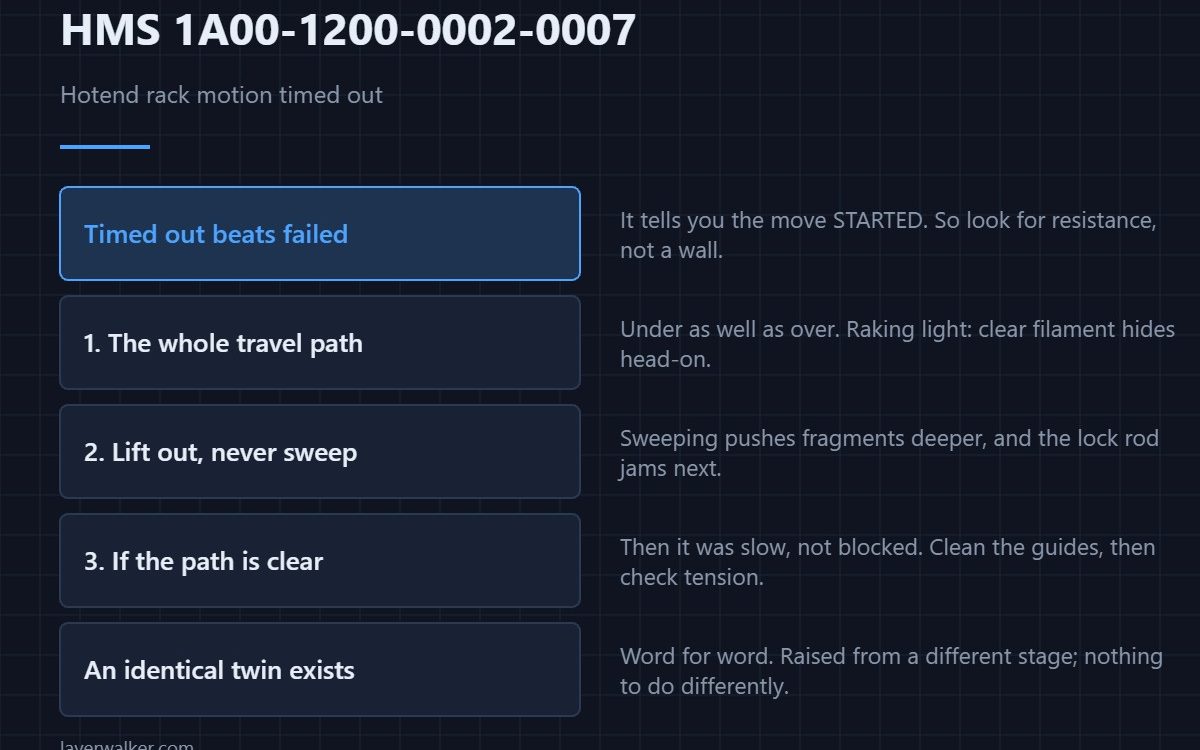
HMS 1A00-1200-0002-0007 means a rack movement did not complete within the time the machine allows, and Bambu asks you to look for foreign objects or obstructions causing it to jam. A timeout is not a detection fault: the rack was told to move and did not arrive.
Timed out is a more useful word than failed. It tells you the move started.
Where to buy

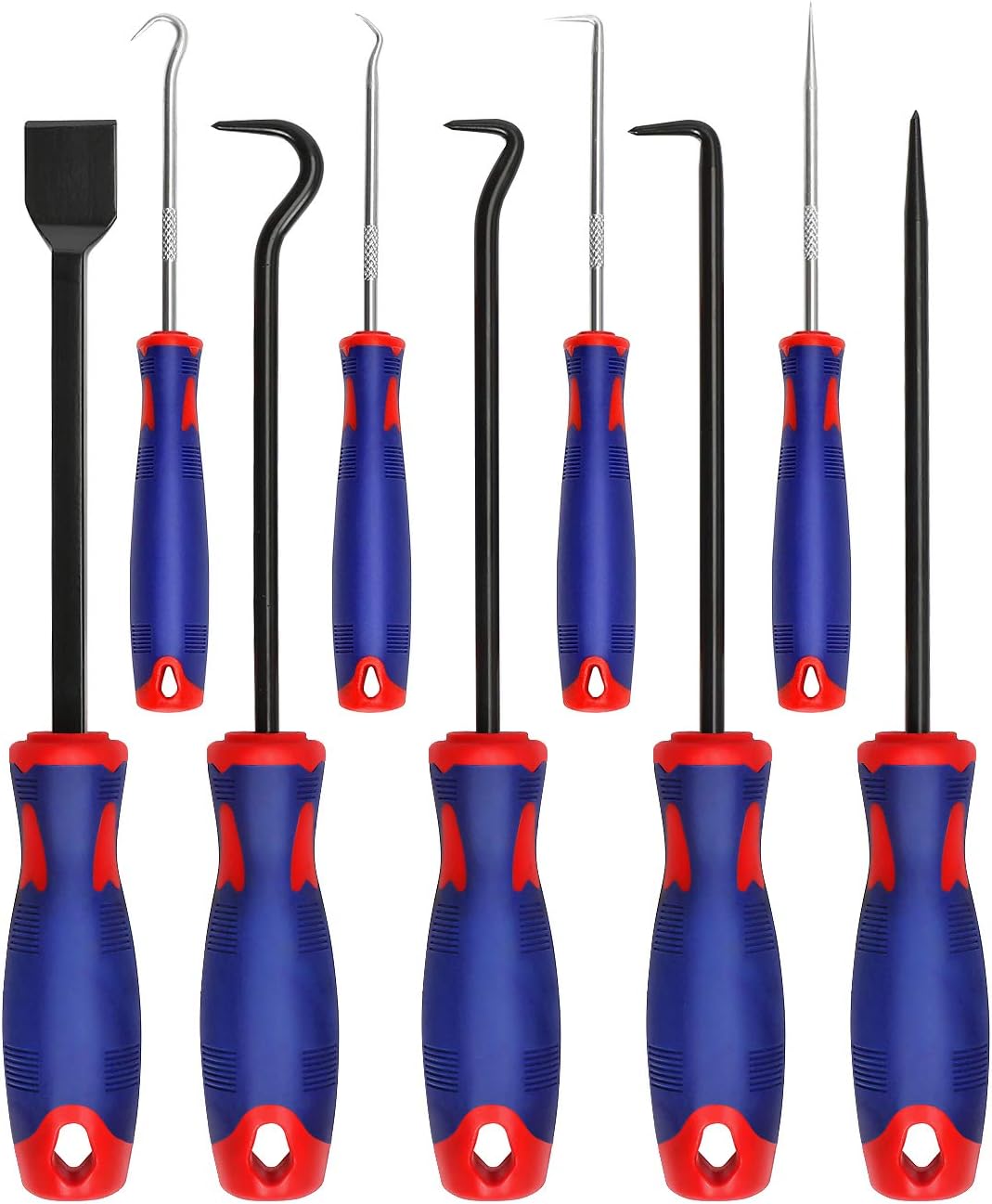
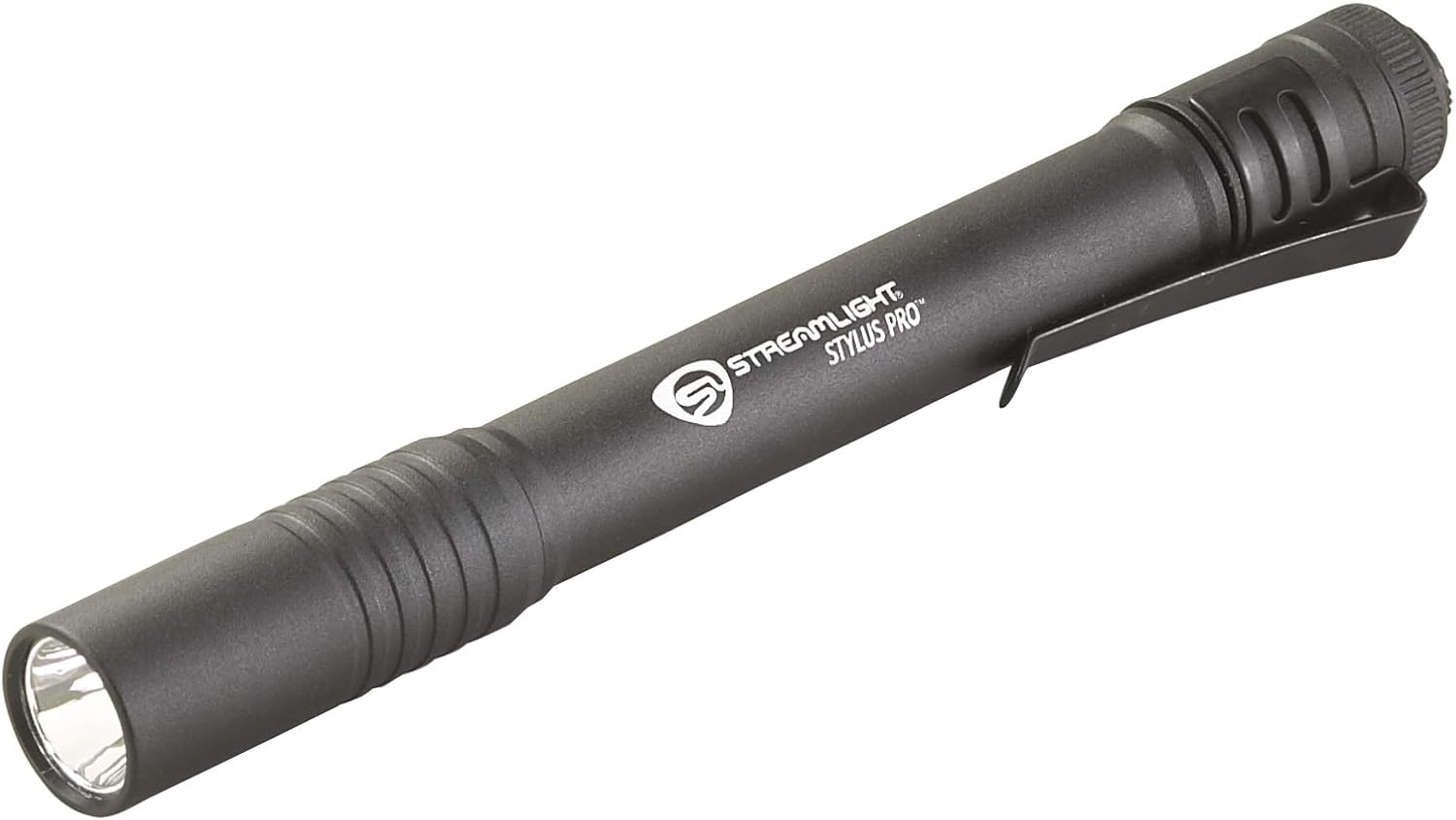
Clear the whole travel path
With the power off, follow the full range of rack movement rather than inspecting the bay that was being used. Look under the rack as well as over it, and use a light at a low angle, because clear filament on a pale surface is almost invisible viewed straight on.
Lift debris out rather than sweeping it
Tweezers, a pick or a magnetic retriever take fragments out cleanly. Sweeping pushes them deeper into the mechanism, and the next thing they jam is the lock rod, which has its own code: HMS 1A00-1200-0002-0008.
If the path is clear
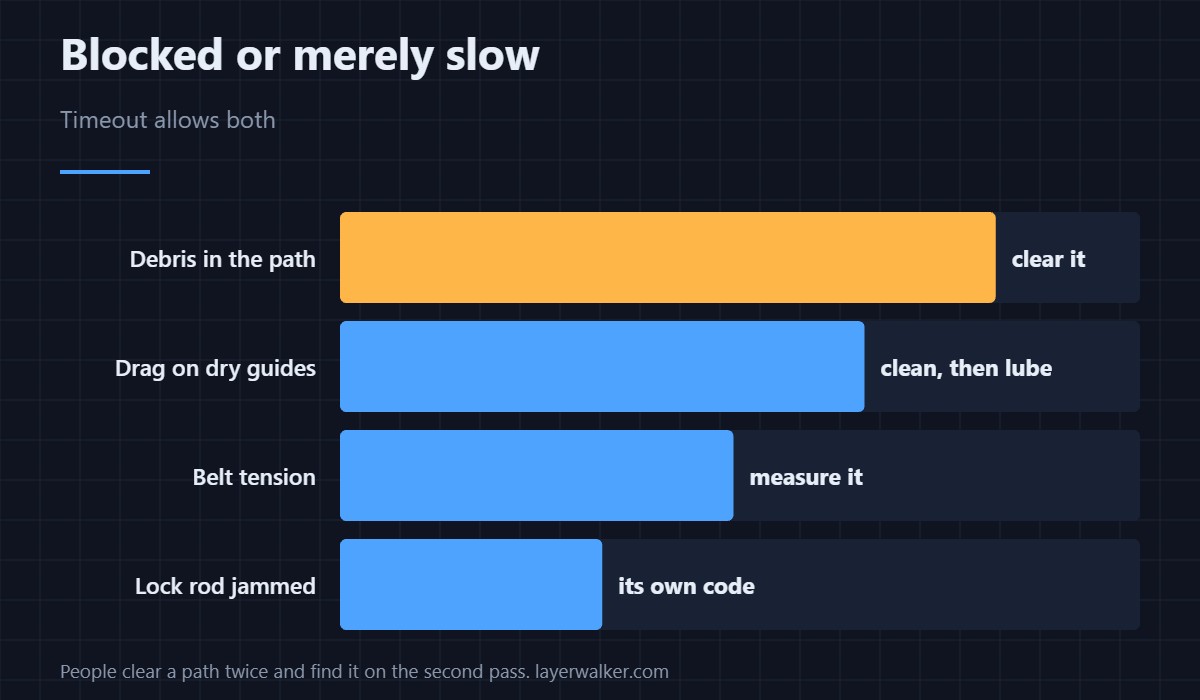
Then the move was slow rather than blocked, and the suspects are drag and tension. A dry or dirty guide surface adds enough resistance to miss a timeout without stopping the rack outright. Clean first, lubricate second, and check belt tension third — the measurement side of that is in 3D printer belt tension.
The byte-identical sibling
Bambu ships HMS 1A00-1200-0002-0009 with exactly the same wording as this code. They are raised from different internal stages and there is no difference in what you do about it. If you searched the specific number, that is the answer: no, you have not missed something.
The homing-specific version
A rack blocked during homing rather than during a swap is HMS 1A00-E000-0001-0005, which names the movement path explicitly. Same class of problem, reported at a different moment.
HMS 1A00-1200-0002-0007 FAQ
Can I resume the print?
Usually, once the path is clear. The swap restarts rather than continuing mid-move.
What if I find nothing?
Treat it as drag rather than blockage: clean the guides, then check tension.
Should I move the rack by hand?
Only with the power off, and only to feel where it stiffens. Never to force it past a stop.
Is a timeout worse than a block?
No, and it is often easier: the mechanism still moves, so you are looking for resistance rather than a wall.

LayerWalker
Print defect diagnosis, calibration procedures and parts that actually fit. Corrections welcome through the contact page.