HMS 0C00-0100-0001-0003: Micro Lidar Synchronization Abnormal
LayerWalker is a participant in the Amazon Services LLC Associates Program. We may earn a commission when you buy through links on our site, at no extra cost to you.
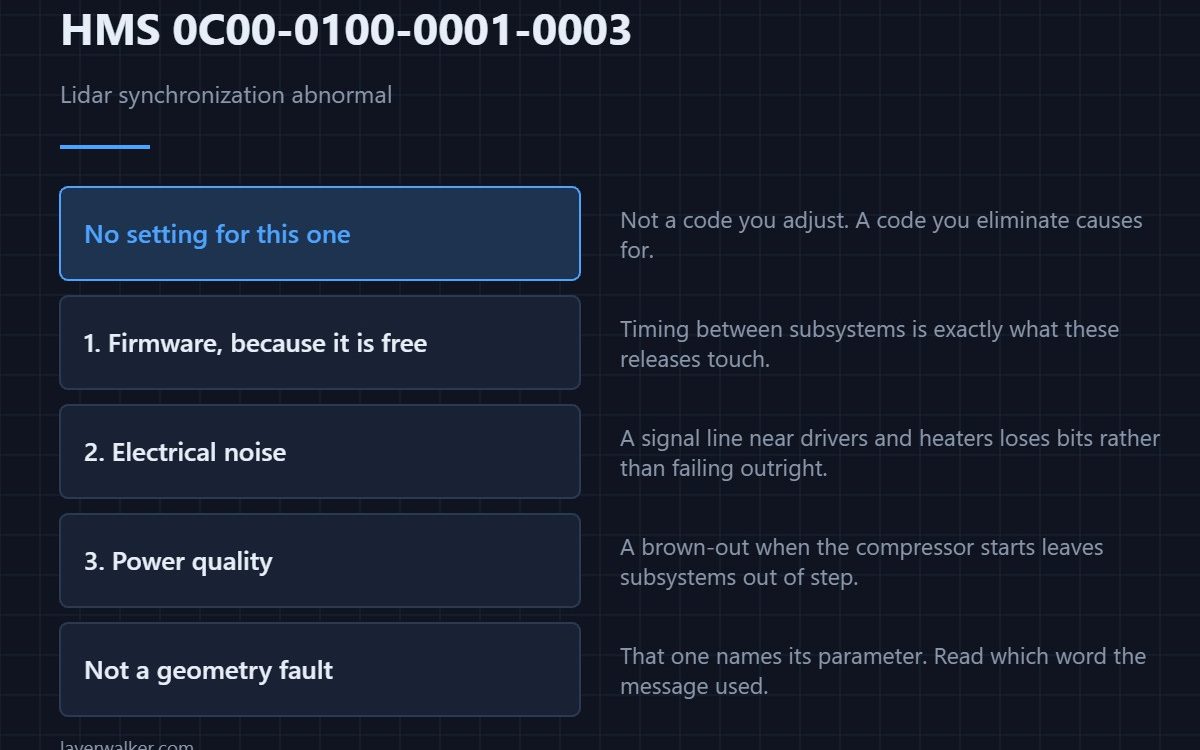
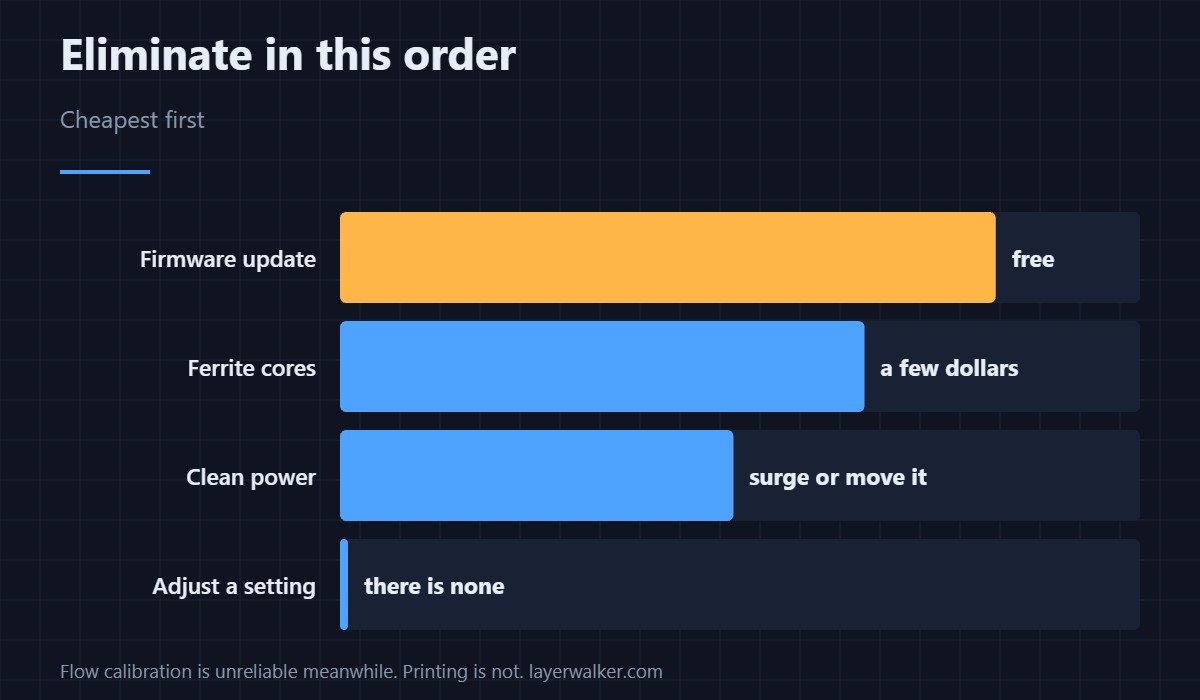
HMS 0C00-0100-0001-0003 means micro lidar synchronization is abnormal: the lidar readings and the motion they are supposed to line up with have lost step with each other. There is no setting for this. What you can do is rule out firmware, electrical noise and power, in that order.
It is worth being blunt that this is not a code you solve by adjusting something. It is a code you eliminate causes for.
Where to buy


Firmware first, because it is free
Timing between subsystems is exactly what firmware revisions touch, and a machine two releases behind is the commonest version of this report. Keep a USB drive formatted and set aside so updating is a short job rather than a project you keep postponing.
Then electrical noise
Stepper drivers and bed heaters throw noise onto every cable near them, and a signal line that picks it up loses bits rather than failing outright. Clip-on ferrite cores cost a few dollars; so does an anti-static mat on the bench if you are going to have the panels off anyway, and both are cheaper than a module.
Then power quality
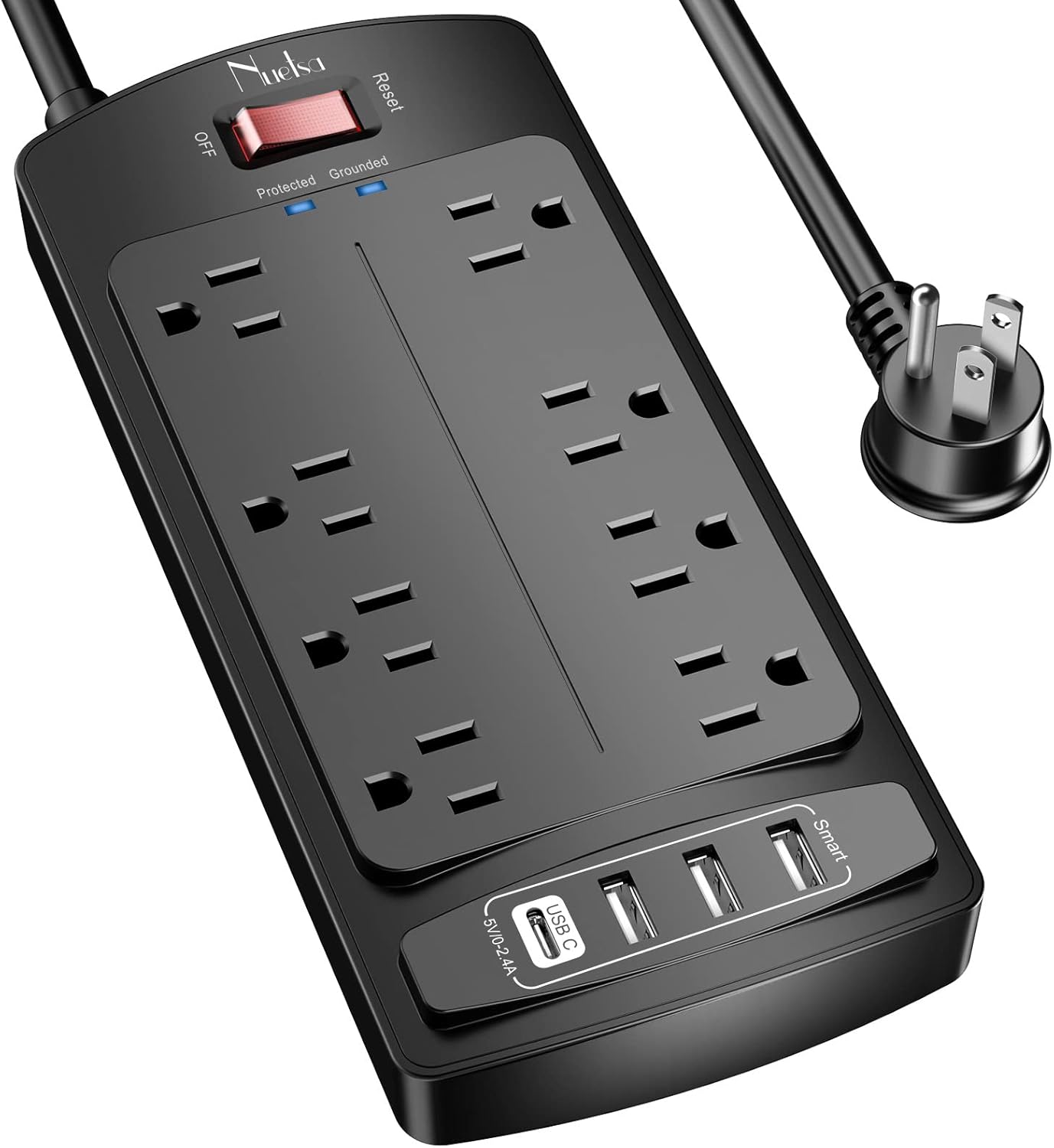
A printer that browns out when the workshop compressor starts comes back with subsystems out of step. A surge-protected outlet is the cheap half of the answer and moving the machine off a shared circuit is the thorough half. The camera-side version of a power-sensitive failure is HMS 0C00-0400-0002-0026.
What HMS 0C00-0100-0001-0003 has in common with its neighbours
Module reboots give HMS 0C00-0300-0001-0009 and generic detection failures give HMS 0C00-0300-0002-0013. All three have the same short list behind them, which is itself a hint about where these faults live.
What it is not
It is not a geometry complaint. That one names its parameter and is HMS 0C00-0100-0002-0006. Reading which word the message uses saves you taking a module off for no reason.
HMS 0C00-0100-0001-0003 FAQ
Is there a setting for this?
No. Rule out firmware, noise and power instead.
Can I keep printing?
Yes, with flow calibration unreliable. Watch the first layers yourself.
Does it mean the lidar is dying?
Not usually. Timing faults are more often environmental than terminal.
Should I contact support?
After the three checks above, yes, and tell them which you did.

LayerWalker
Print defect diagnosis, calibration procedures and parts that actually fit. Corrections welcome through the contact page.