HMS 0700-6000-0002-0001: AMS Slot 1 Is Overloaded
LayerWalker is a participant in the Amazon Services LLC Associates Program. We may earn a commission when you buy through links on our site, at no extra cost to you.
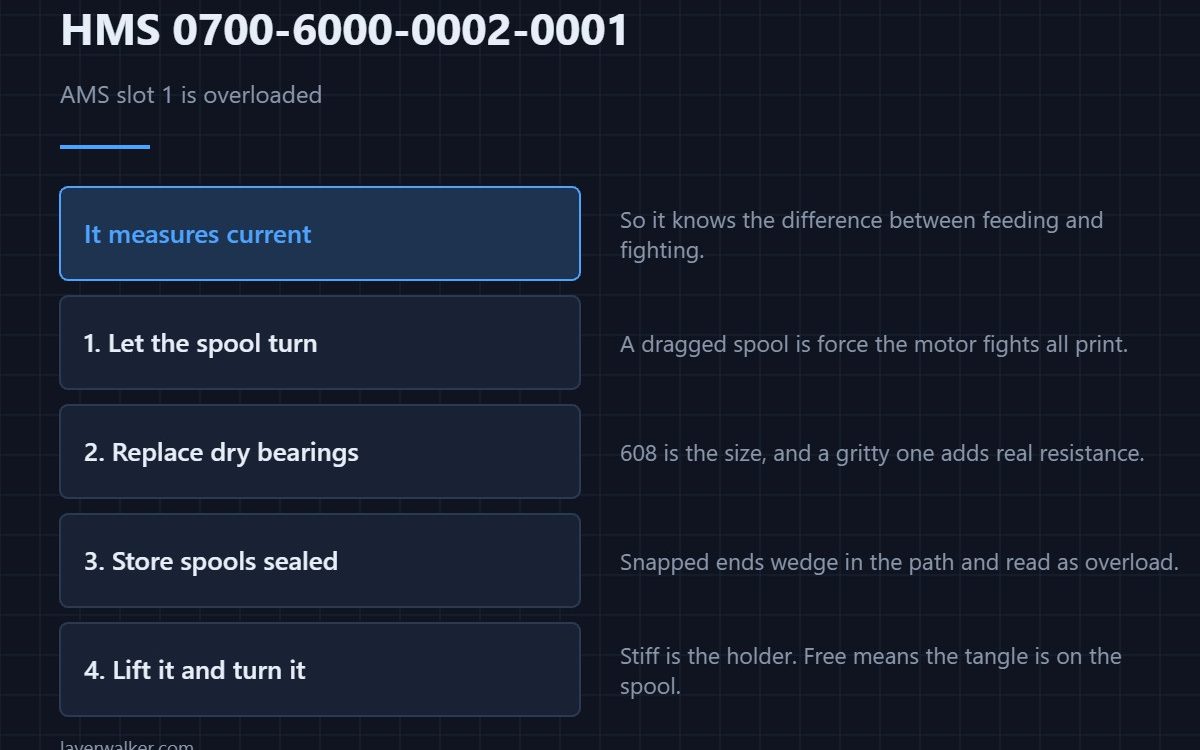
HMS 0700-6000-0002-0001 means AMS slot 1 is overloaded, and the message offers two causes: the filament may be tangled or the spool may be stuck. Both come down to the same thing, which is that the feed motor is being asked for more force than the path should need.
The AMS measures current, so it knows the difference between feeding and fighting. This message is it noticing the difference.
Where to buy


Let the spool turn without effort
An adjustable filament holder with a free-turning shelf removes most of the drag an external spool adds. A spool that has to be dragged round is a spool the motor is working against for the whole print.
Replace the bearings that have gone dry
Standard 608 bearings are what most spool holders and rollers use, and a dry or gritty one adds real resistance. A twenty-pack costs less than a spool of filament and fixes several holders at once.
Store spools so they stop going brittle
Vacuum storage bags made for filament keep moisture out between prints. Brittle filament snaps, and a snapped end wedged in the path reads as an overload from the motor side.
Then take the spool off and turn it
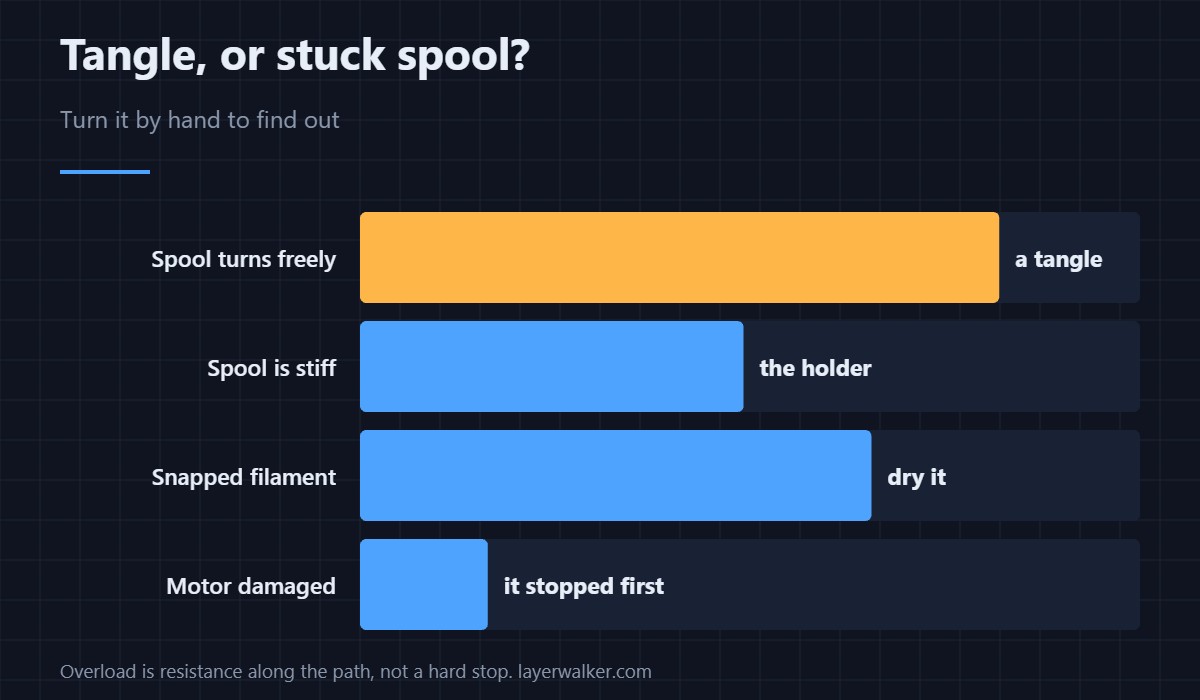
Lift the spool out and turn it by hand. Stiff means the holder; free means the tangle is on the spool itself and you need to find the crossed turn.
How HMS 0700-6000-0002-0001 differs from a blockage
Filament stuck at the switch inlet is HMS 0700-8700-0002-0003. An overload is resistance along the whole path rather than a hard stop at one point.
What is meant to absorb that load
The buffer takes up the slack, and its own fault code is HMS 0700-4000-0002-0002. Storage is covered in drying filament and desiccant choices.
HMS 0700-6000-0002-0001 FAQ
Tangle or stuck spool?
Turn the spool by hand. That separates them in seconds.
Can I resume the print?
Usually, once the path turns freely again.
Does dry filament help?
It snaps less, and snapped ends are a common cause.
Is the motor damaged?
Unlikely. The machine stopped precisely to avoid that.
Mechanical drift shows up as a sensor message. HMS 0500-0400-0003-0008 means the door is detected open, and when it is shut the usual cause is a door that no longer quite latches.

LayerWalker
Print defect diagnosis, calibration procedures and parts that actually fit. Corrections welcome through the contact page.

