HMS 0500-0400-0001-0002: Failed to Report Print State
LayerWalker is a participant in the Amazon Services LLC Associates Program. We may earn a commission when you buy through links on our site, at no extra cost to you.
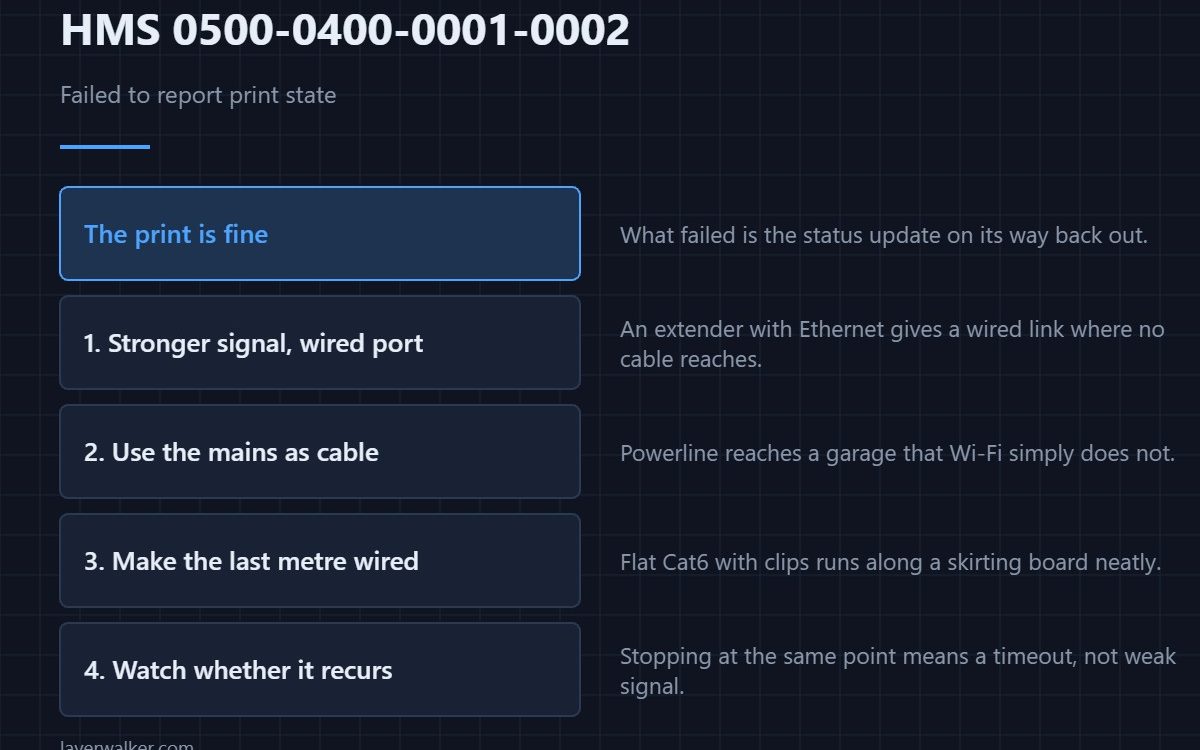
HMS 0500-0400-0001-0002 means the printer failed to report its print state and asks you to check your network connection. The job itself is unaffected: what failed is the status update going back out, so this is a connectivity message rather than a printing one.
A printer two walls from the router will print happily and then fail to tell anyone how it is getting on.
Where to buy


Put a stronger signal where the printer is
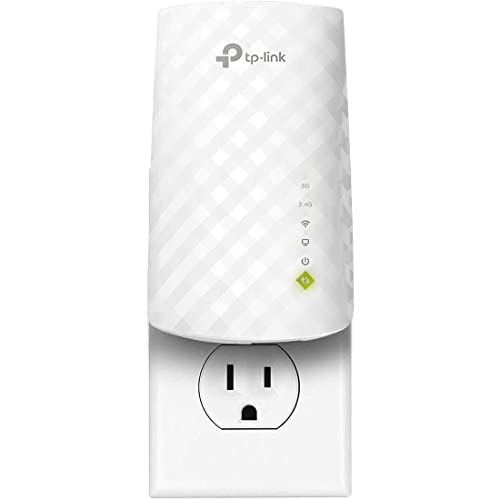
A dual-band extender with an Ethernet port costs very little and solves the common case, which is a machine sitting at the edge of coverage. The Ethernet port matters: it lets you give the printer a wired link even where no cable reaches.
Use the wiring you already have
A powerline adapter kit carries the network over the mains to a garage or a basement where Wi-Fi simply does not go. It is the honest answer when the printer is on the other side of a concrete wall.
Then make the last metre wired
A flat Cat6 cable with clips runs along a skirting board without looking like an installation. Wired is the one change that removes this class of message entirely.
Then watch whether it recurs
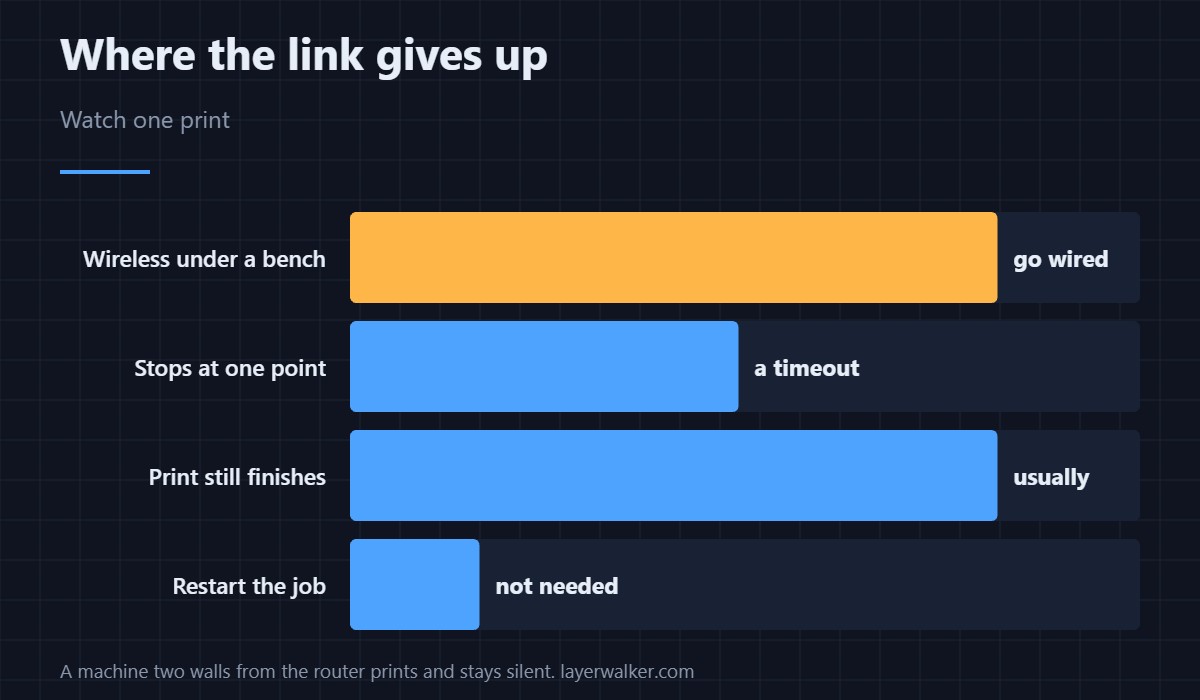
Start a print and watch the app. Reports that stop at the same point each time point at something on the network timing out, not at signal strength.
How HMS 0500-0400-0001-0002 differs from a failed download
A job that never arrived is HMS 0500-0400-0001-0001. Reporting failures happen after the file is safely on the machine.
When the file itself is the problem
An unauthorized file is HMS 0500-0400-0001-0004, which is not about the network at all. The machine and its connectivity are described in the X1 Carbon and monitoring in printer cameras.
HMS 0500-0400-0001-0002 FAQ
Will the print finish?
Usually yes. Only the reporting failed.
Is wireless the problem?
Most often, and especially under a steel bench.
Does it affect timelapse?
It can, since that also depends on the link.
Do I need to restart the job?
No. Fix the link and the reports resume.

LayerWalker
Print defect diagnosis, calibration procedures and parts that actually fit. Corrections welcome through the contact page.

