HMS 0700-4500-0002-0003: filament cutter handle has not released
LayerWalker is a participant in the Amazon Services LLC Associates Program. We may earn a commission when you buy through links on our site, at no extra cost to you.
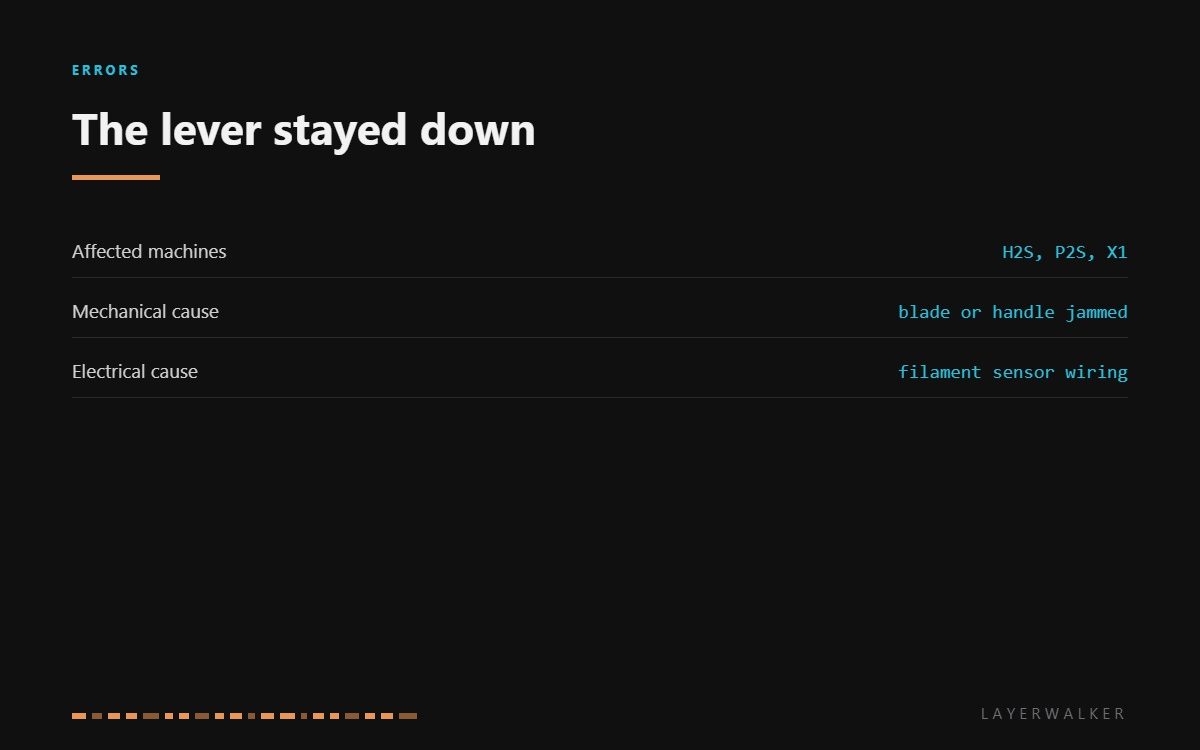
HMS 0700-4500-0002-0003 means the filament cutter handle has not come back up after a cut. Bambu names three possible reasons and they split neatly in two: mechanical, where the handle or blade is jammed, and electrical, where the filament sensor connection is not reporting properly. A torch and a pair of tweezers settle which, in about a minute.
Affected machines: H2S, P2S and the X1 series. The handle is spring-returned, so it should snap back the moment the toolhead moves away. Anything that stops it returning leaves the printer unable to confirm the cut finished, and it will not start the next filament move until it can.
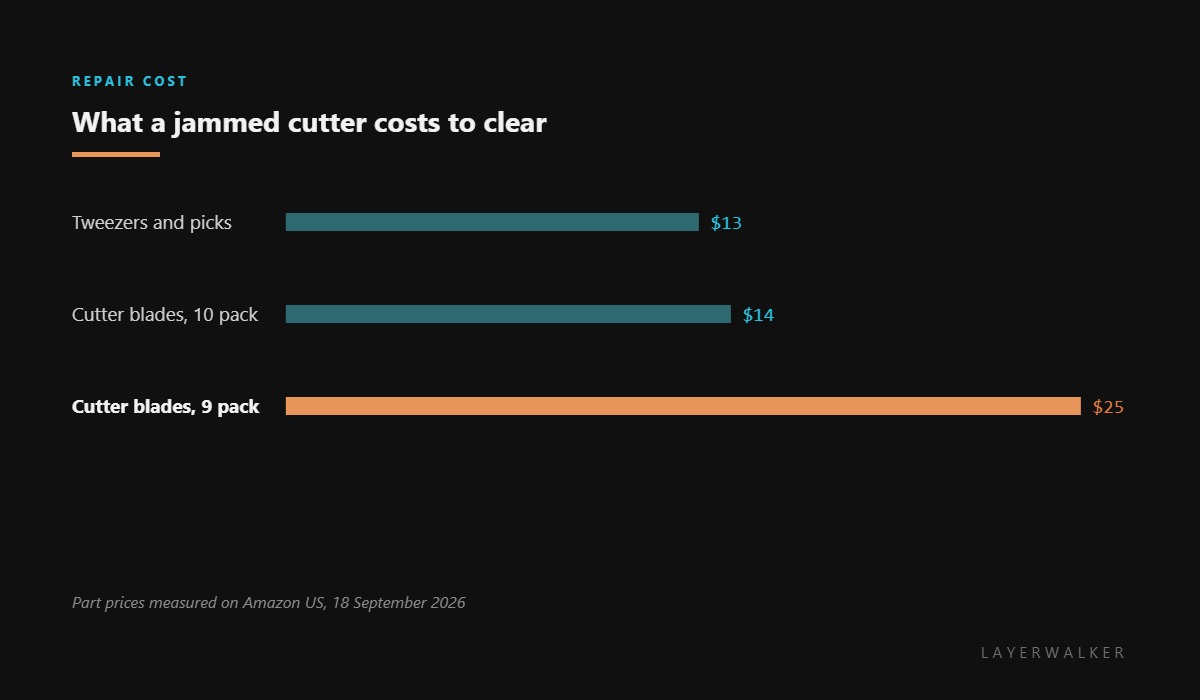
Where to buy


Mechanical or electrical, in one look
Power down and look at the handle. If it is visibly down, or you can feel it binding when you move it by hand, the fault is mechanical and the usual culprit is a sliver of filament wedged behind the blade. The other common one is a blade that has been fitted a fraction proud and now catches on its return.
If the handle moves freely and returns crisply by hand, the mechanism is fine and the printer is being told otherwise. That points at the filament sensor connector at the toolhead, which shares the circuit that confirms the cut and is the part most disturbed by maintenance.
Printer stops after a cut, reporting that the cutter handle has not been released
Filament fragment jamming the blade, a mis-seated blade, or a filament sensor connection fault
- Power off and let the hotend cool. Do not put fingers near the blade on a live machine.
- Look into the cutter with a torch and remove any filament fragments with tweezers, working from the side rather than head on.
- Move the handle through its travel by hand. It should return crisply under its own spring.
- If it binds, remove the blade, clean the seat, and refit it fully home rather than resting proud.
- If the handle moves freely, reseat the filament sensor connector at the toolhead and check the loom for a pinched wire.
- Power up and run a load and unload cycle to confirm the cut and the return both complete.
If the blade looks tired while you are in there, change it. A blade that is losing its edge is what causes the companion fault, where the cut travels too far, and you are already holding the tools.
The companion fault is cutter distance too large, which is the blunt-blade version of the same mechanism. Our page on the hotend covers the assembly this sits in, and the troubleshooting index covers the rest.
HMS 0700-4500-0002-0003 FAQ
Can I free the handle by hand?
Yes, with the printer powered off and the hotend cool. Work gently and from the side, never with a finger in the blade path.
Why does filament get behind the blade?
Short off-cuts do not always fall clear, and a warm sliver sticks where it lands. It is the most common cause of this code.
Is the filament sensor the same as the runout sensor?
On these machines the same circuit confirms filament presence and the cut, which is why a sensor fault produces a cutter message.
Should I change the blade while I am in there?
If it has done a few hundred cuts, yes. Blades come in packs and the job is already open.

LayerWalker
Print defect diagnosis, calibration procedures and parts that actually fit. Corrections welcome through the contact page.

