HMS 0500-0400-0002-0030: The BirdsEye Camera Is Not Installed
LayerWalker is a participant in the Amazon Services LLC Associates Program. We may earn a commission when you buy through links on our site, at no extra cost to you.
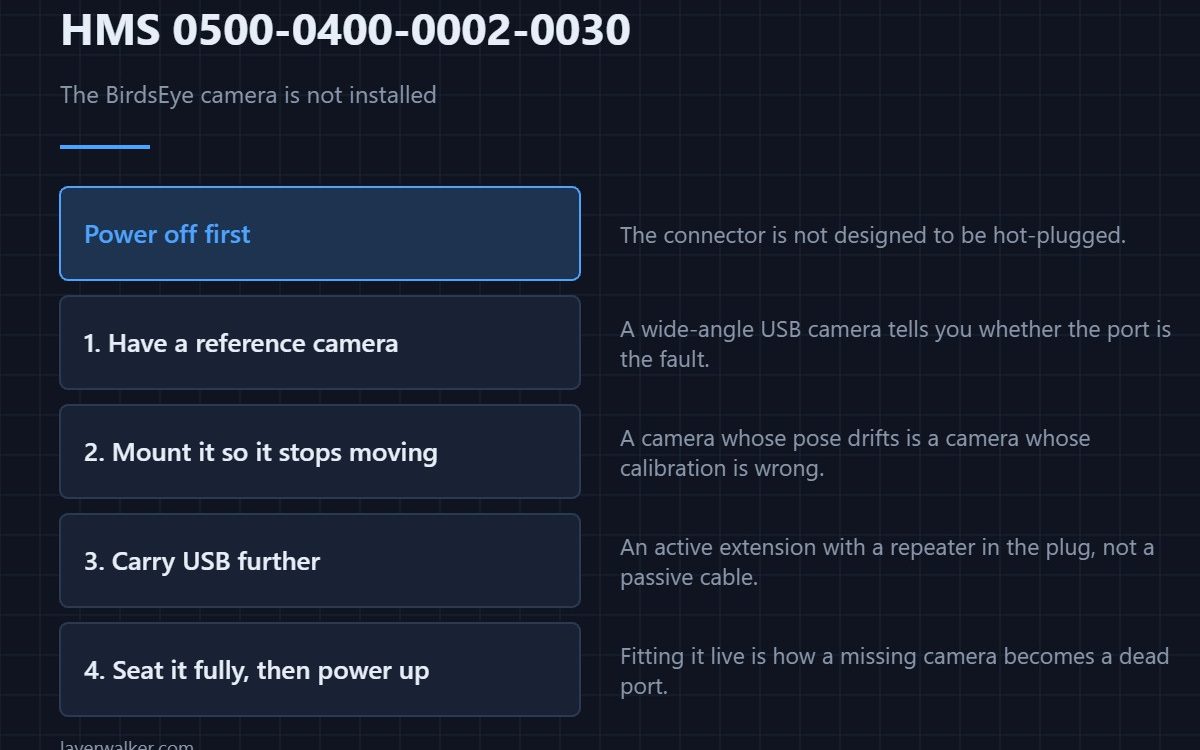
HMS 0500-0400-0002-0030 means the BirdsEye camera is not installed, and asks you to power off the printer and then install the camera. That ordering matters: the connector is not designed to be hot-plugged.
On a machine with a laser, this camera is not an accessory. The laser setup depends on it.
Where to buy


Know what a good camera link looks like
A decent wide-angle USB camera on the bench gives you something to compare against when you are deciding whether the problem is the camera, the cable or the port. It is also the easier way to watch a print from a laptop.
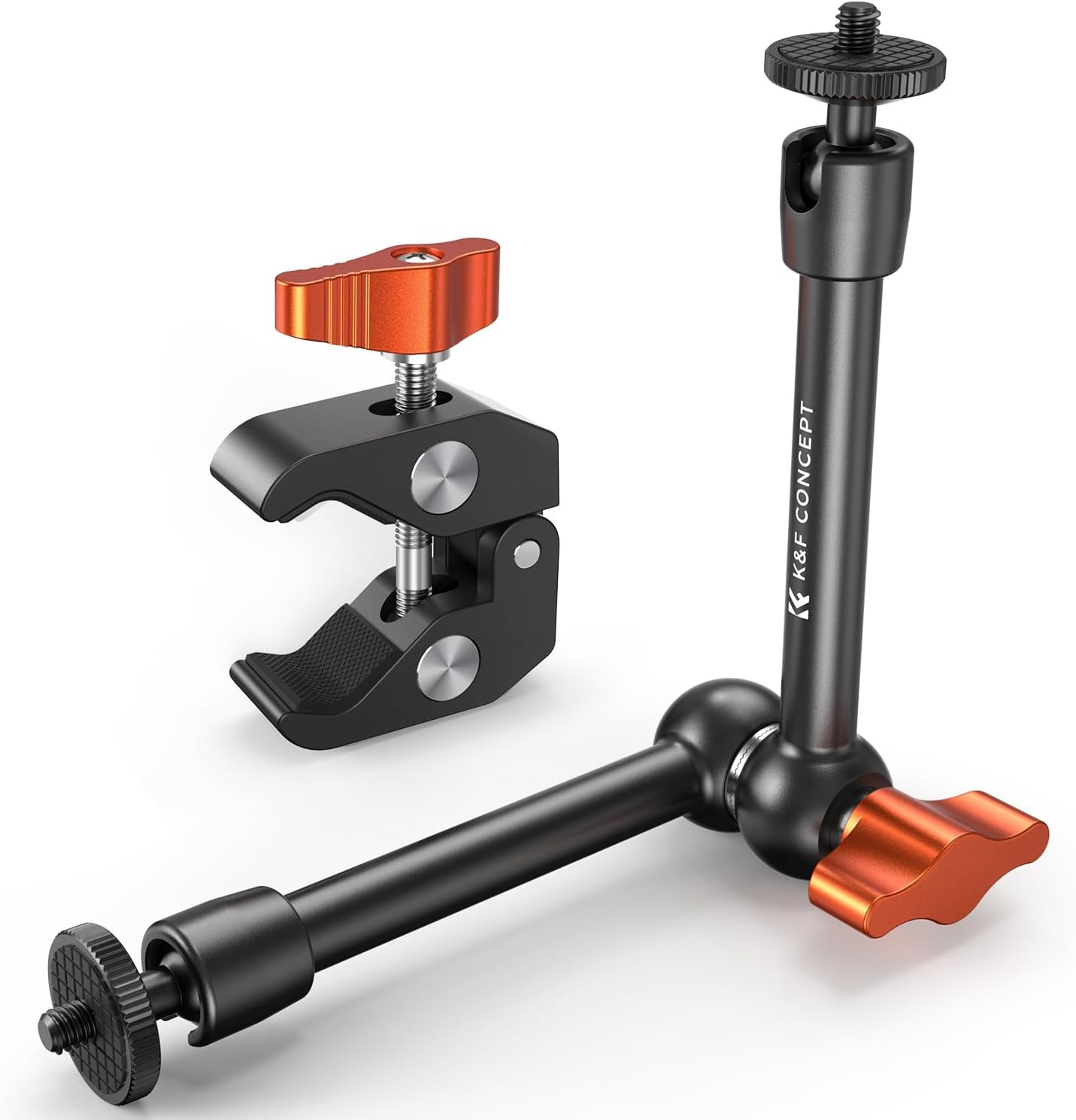
Mount it so it stops moving
A clamp arm holds a camera at a fixed angle instead of letting it drift every time the bench is knocked. A camera whose pose changes is a camera whose calibration is wrong.
Carry USB further without losing it
Passive USB cables fail over distance. An active extension with a repeater in the plug carries the signal to the far side of a room, which is what you need if the machine and the computer are not next to each other.
Then power off and fit it
Switch off at the wall, seat the camera and its connector fully, power up and confirm it is recognised. Fitting it live is how a missing camera becomes a damaged port. The platform is described in the Bambu Lab H2D.
How HMS 0500-0400-0002-0030 leads into the laser setup
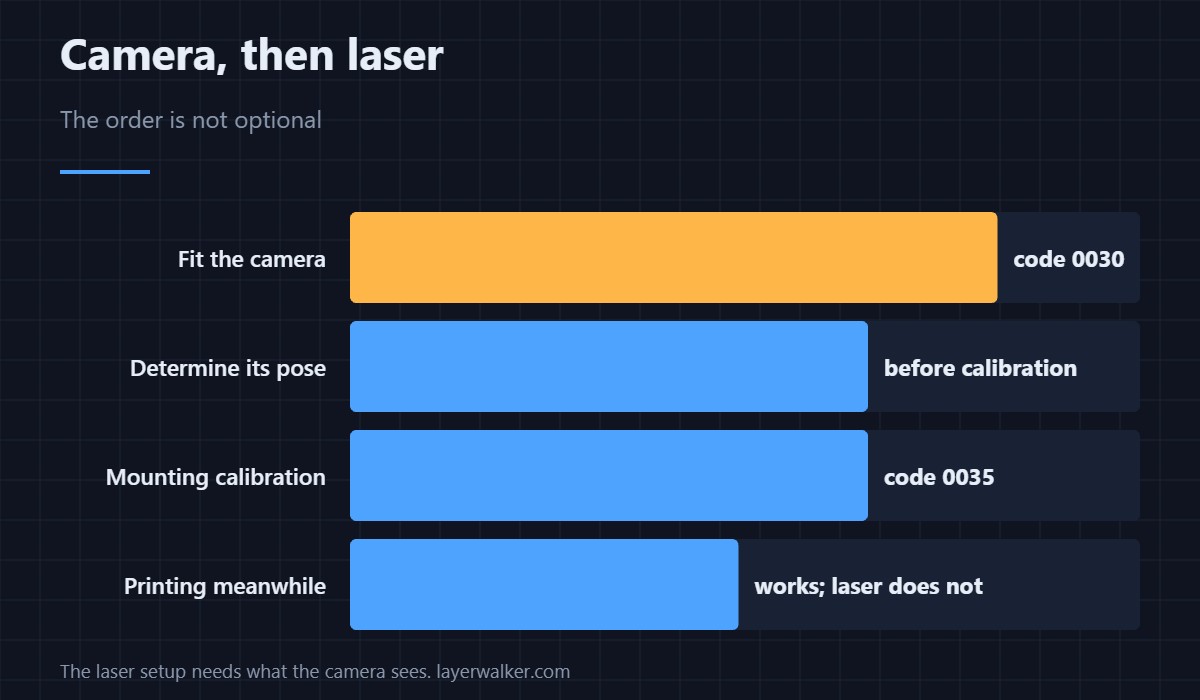
Once the camera is fitted, the laser needs its pose determined and then its mounting calibrated — see HMS 0500-0400-0002-0035. The camera is a prerequisite, not a parallel task.
When the camera is present but unreachable
A connectivity fault reports HMS 0500-0300-0002-000C instead. Camera options and placement are covered in printer cameras.
HMS 0500-0400-0002-0030 FAQ
Can I use the laser without it?
No. The laser setup needs the camera’s view.
Why power off first?
The connector is not built for hot-plugging.
Will printing still work?
Normal printing, yes. Laser and cutting work, no.
Does the camera need calibrating?
Its pose does, before laser use. That is a separate code.
Fitting things badly shows up as movement faults. HMS 0300-E000-0001-0004 means the hotend rack motor is stalled, and it asks you to look for foreign objects or a collision with the toolhead.

LayerWalker
Print defect diagnosis, calibration procedures and parts that actually fit. Corrections welcome through the contact page.

