HMS 0500-0300-0002-000C: Wireless Hardware Error, Turn WiFi Off and On
LayerWalker is a participant in the Amazon Services LLC Associates Program. We may earn a commission when you buy through links on our site, at no extra cost to you.
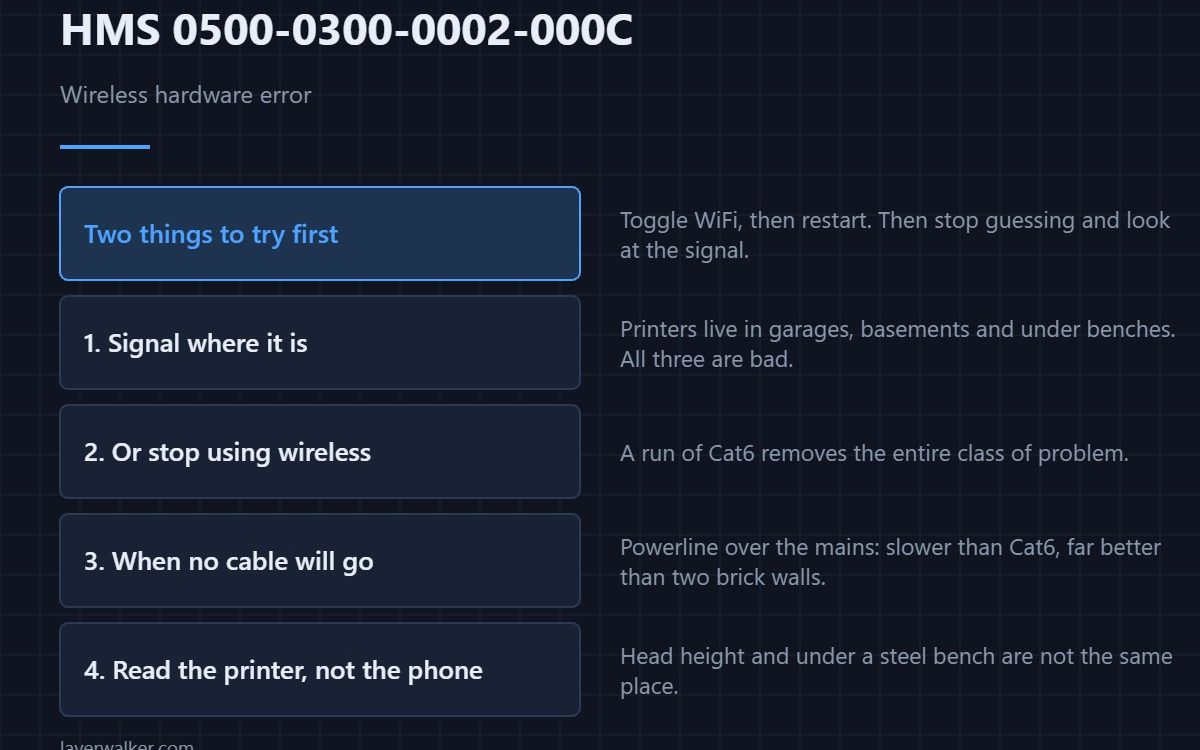
HMS 0500-0300-0002-000C means a wireless hardware error occurred and asks you to turn WiFi off and on, or restart the device. Try both in that order, then stop guessing and look at the signal the printer is actually getting.
Printers end up in garages, basements and under benches, which are the three worst places in a house for wireless.
Where to buy
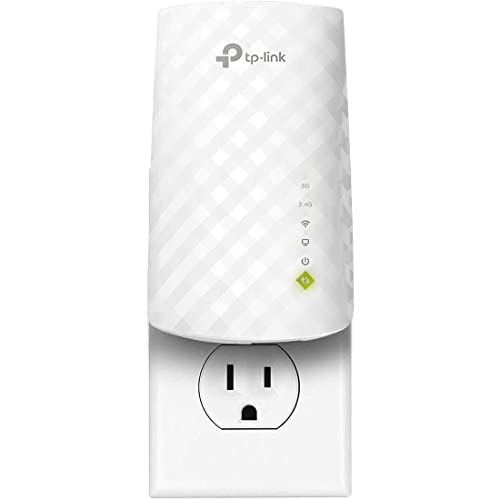


Put signal where the printer is
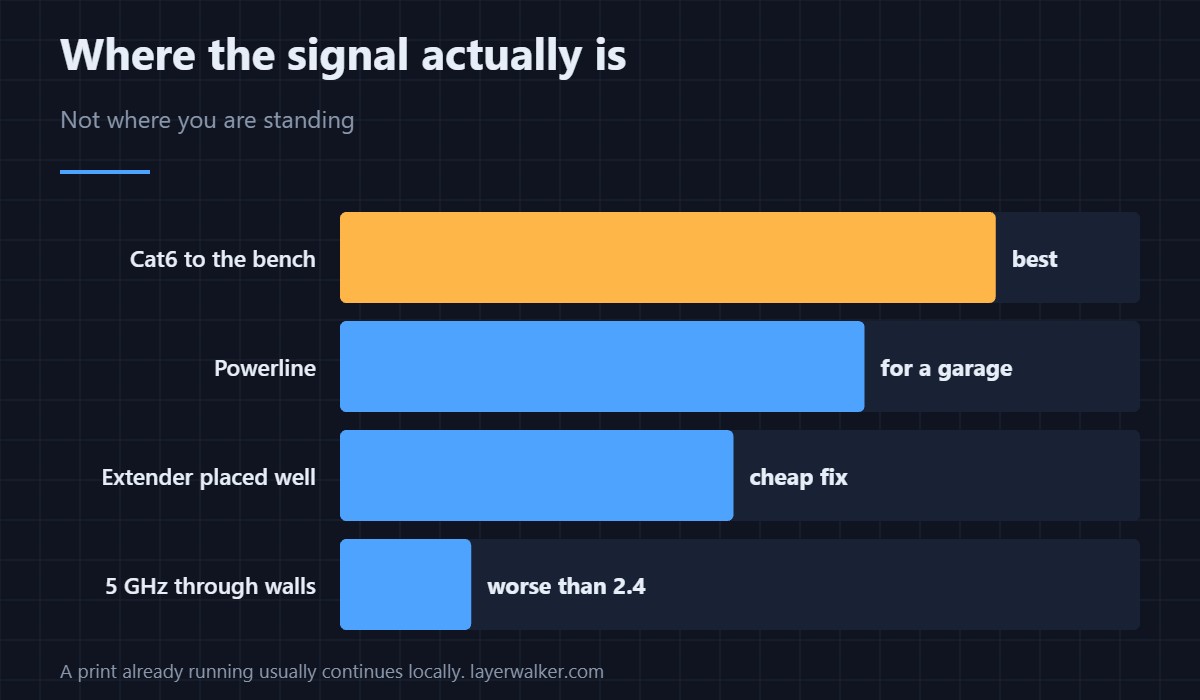
A dual-band range extender placed between the router and the machine is the straightforward fix for a printer two walls away. Point it at the band the printer actually uses rather than assuming it picks the better one.
Or stop using wireless at all
A run of Cat6 to the bench removes the entire class of problem, and on a machine that uploads camera frames it is noticeably better. Wireless is a convenience, not a requirement.
When you cannot run a cable
A powerline adapter pair carries the network over the mains, which is the usual answer for a garage on a different circuit. It is slower than Cat6 and far more reliable than wireless through two brick walls.
Then check what the printer reports
Look at the signal strength the machine shows, not the one your phone shows standing next to it. A phone held at head height and a printer under a steel bench are not in the same place.
How HMS 0500-0300-0002-000C differs from a storage fault
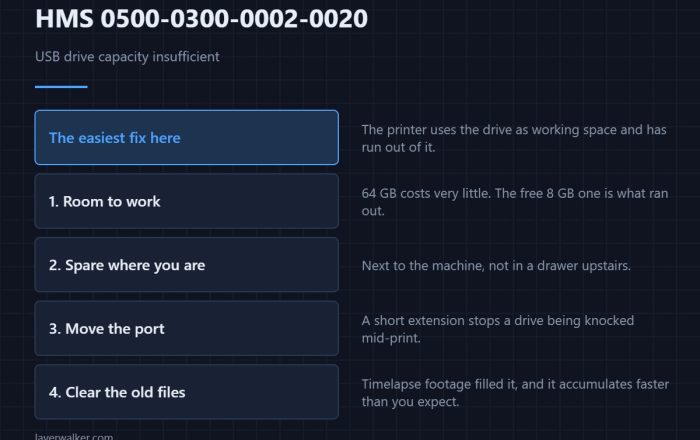
If the problem is caching print files rather than reaching the network, you get HMS 0500-0300-0002-0020 instead. The two often appear together on a slow link.
What the connection is carrying
Camera streaming is the heaviest thing on it — see printer cameras. A related connectivity code is HMS 0500-0100-0002-0001, and the machine is covered in the X1 Carbon.
HMS 0500-0300-0002-000C FAQ
Is the wireless chip broken?
Rarely. Start with the signal and the toggle it suggests.
Does 5 GHz help?
Only if the signal is strong. Through walls, 2.4 GHz is better.
Can I use Ethernet instead?
On machines with a port, yes, and it is more reliable.
Will it stop a print?
A print already underway usually continues locally.

LayerWalker
Print defect diagnosis, calibration procedures and parts that actually fit. Corrections welcome through the contact page.