HMS 0500-0300-0001-0021: Hardware Incompatible, Please Check the Laser
LayerWalker is a participant in the Amazon Services LLC Associates Program. We may earn a commission when you buy through links on our site, at no extra cost to you.
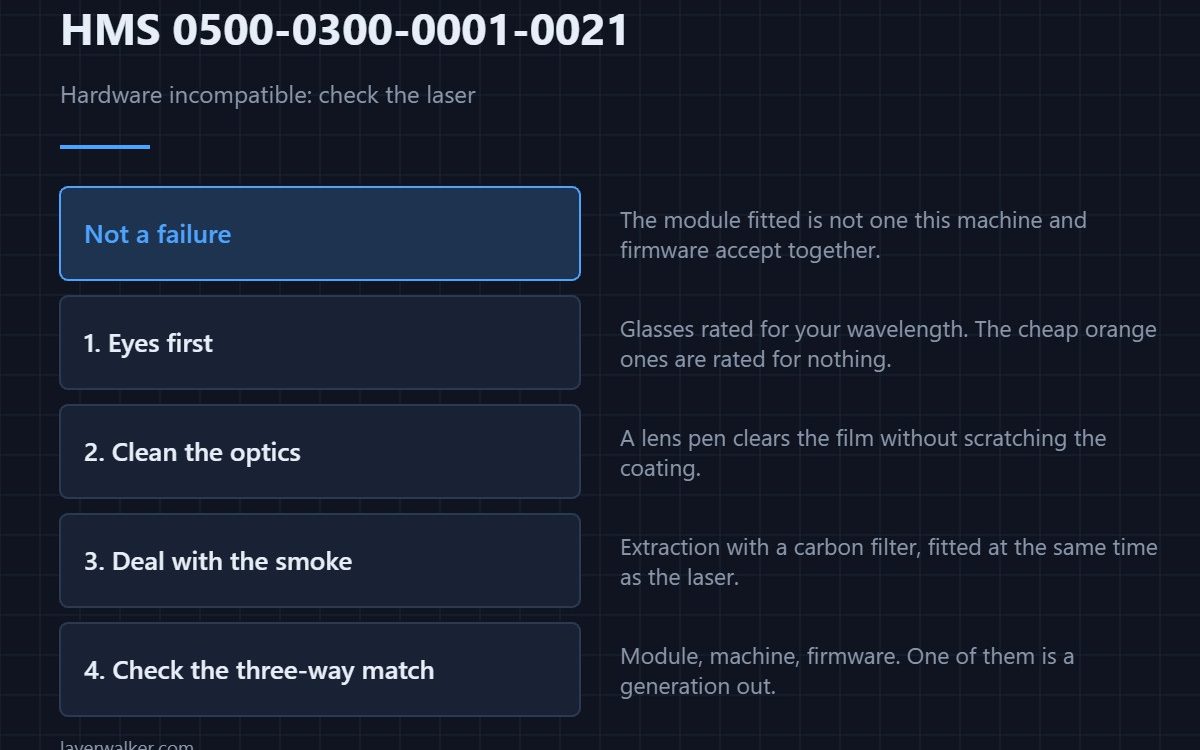
HMS 0500-0300-0001-0021 means the hardware is incompatible and asks you to check the laser. It is not reporting a broken part: it is telling you the laser module fitted is not one this machine and this firmware will accept together.
That makes it a three-way question: the module, the machine, and the firmware version on it.
Where to buy


Protect your eyes before you investigate anything
Laser safety glasses matched to the wavelength are not optional, and the cheap orange ones sold for everything are not matched to anything. Buy the rated pair for your module and keep them with the machine, not in a drawer.
Clean the optics while you are there
A lens pen designed for optics clears the film that collects on a laser lens without scratching the coating. A smeared lens does not cause this code, but it is the other thing worth doing while the module is off.
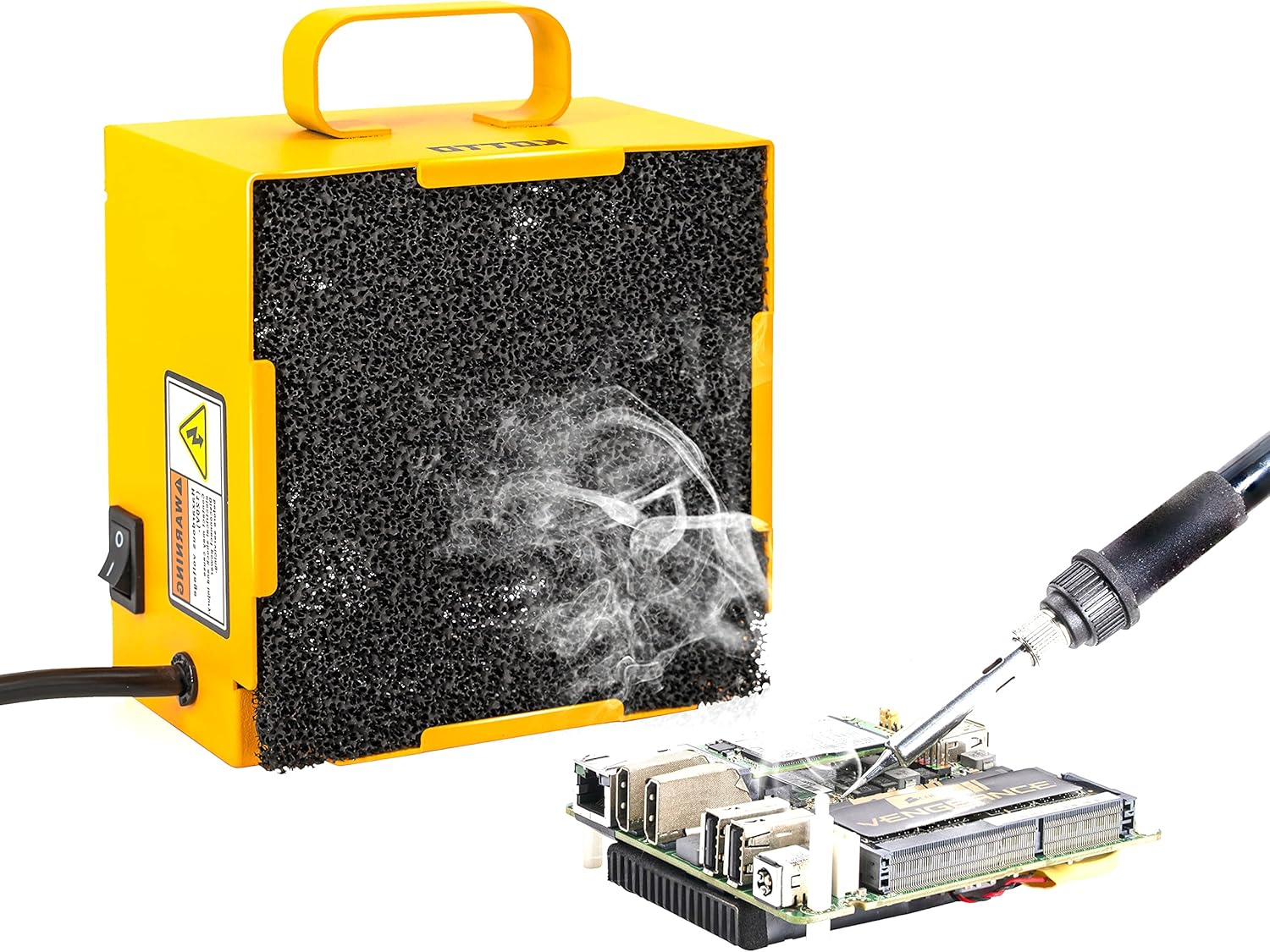
Deal with the smoke properly
A fume extractor with a carbon filter is what makes laser work in a room survivable, and the filter is the part people forget to replace. If you are fitting a laser at all, fit this at the same time.
Then check the three-way match
Module part number, machine model, firmware version. An incompatibility message almost always resolves to one of those three being a generation out of step with the other two.
How HMS 0500-0300-0001-0021 differs from a module fault
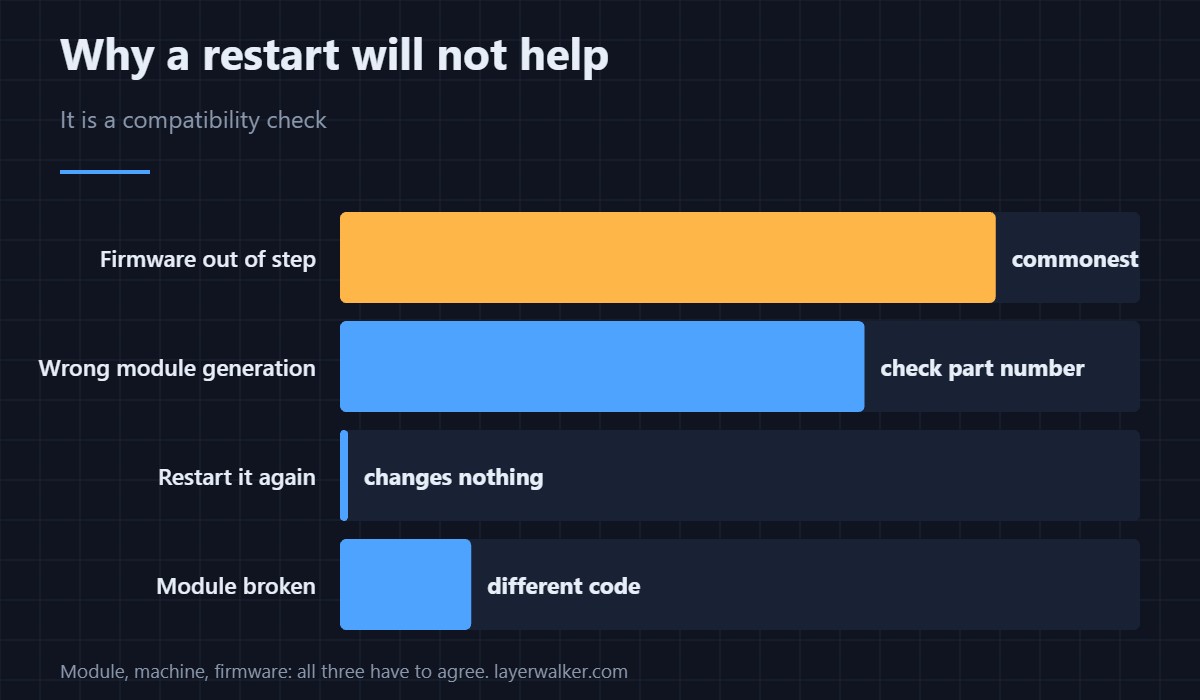
A module that is accepted but failing reports differently, such as HMS 0500-0300-0001-0002 for the toolhead. This code is a compatibility check, which is why a restart does not clear it.
What laser work needs from the machine
The requirements and the safety side are set out in laser engravers on 3D printers, and the platform in the Bambu Lab H2D. Monitoring is covered in printer cameras.
HMS 0500-0300-0001-0021 FAQ
Will a restart clear it?
No. It is a compatibility check, not a transient state.
Can I fit any laser module?
No. It has to match the machine and the firmware.
Are cheap safety glasses adequate?
Only if they are rated for your wavelength. Most are not.
Do I need extraction?
For anything you actually cut or engrave, yes.

LayerWalker
Print defect diagnosis, calibration procedures and parts that actually fit. Corrections welcome through the contact page.