HMS 0500-0300-0002-0020: USB Flash Drive Capacity Is Insufficient
LayerWalker is a participant in the Amazon Services LLC Associates Program. We may earn a commission when you buy through links on our site, at no extra cost to you.
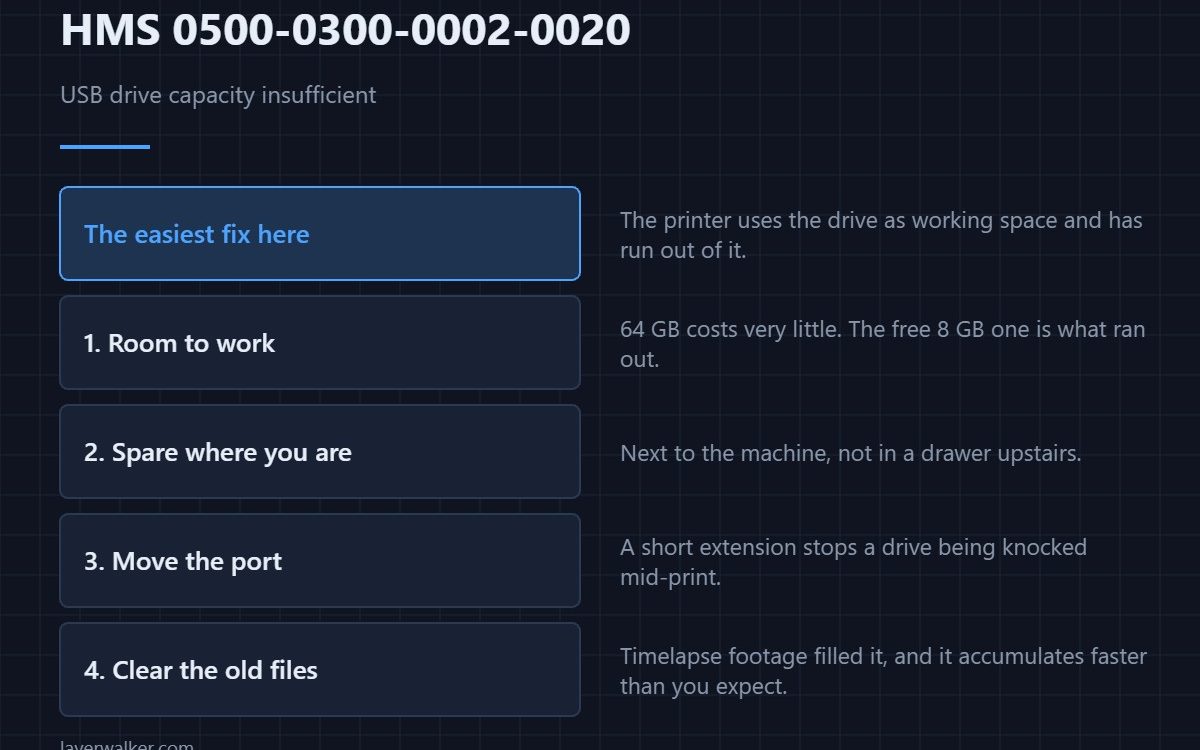
HMS 0500-0300-0002-0020 means the USB flash drive capacity is insufficient to cache print files. The printer uses the drive as working space, and it has run out. This is the one code in this family you can clear in a minute.
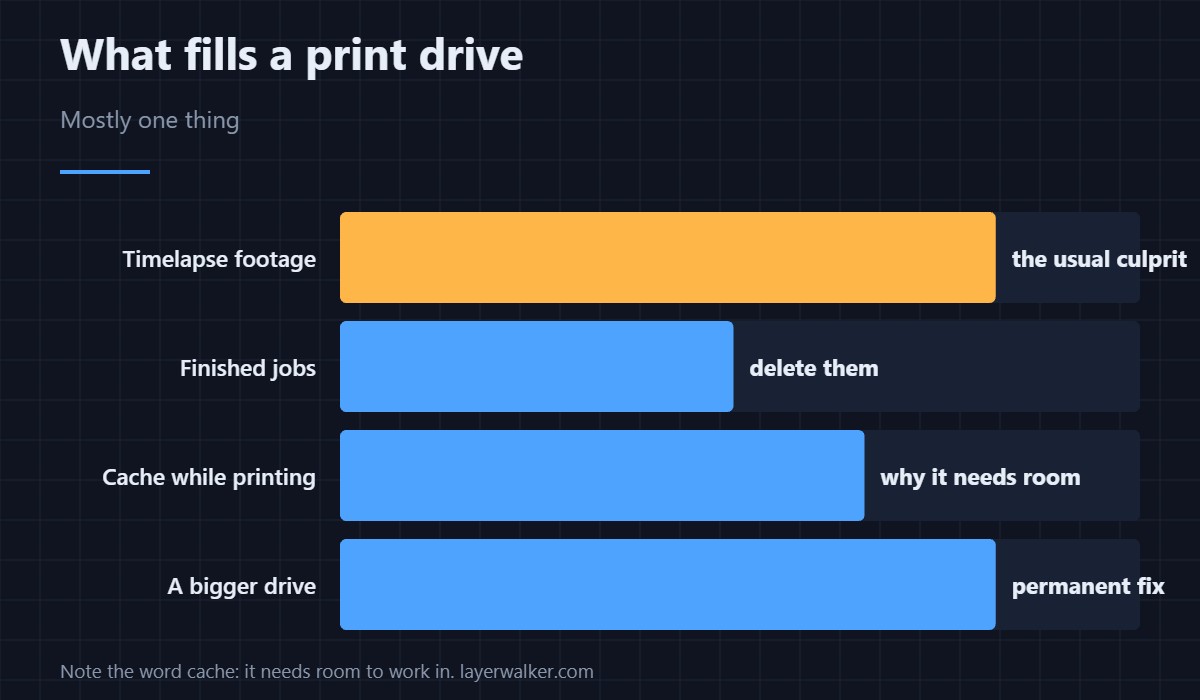
Note the word cache. The drive is not just storage; the machine needs room to work in.
Where to buy


Fit a drive with room to work
A 64 GB drive costs very little and removes this message permanently. Resist the temptation to use the 8 GB one that came free with something: cache space is exactly what ran out.
Keep the spare where you will find it
A small card and drive case on the bench means the spare is next to the machine rather than in a drawer upstairs. It sounds trivial; it is the difference between a one-minute fix and abandoning a print.
Give the drive an easier position
A short USB extension lead brings the port somewhere you can reach without moving the machine, and it stops a drive being knocked while a print is running. Short is the operative word: a long cheap lead causes its own problems.
Then clear the old files
Delete finished jobs and old timelapse footage. Camera output is usually what filled it, and it accumulates faster than anyone expects.
How HMS 0500-0300-0002-0020 relates to the network code
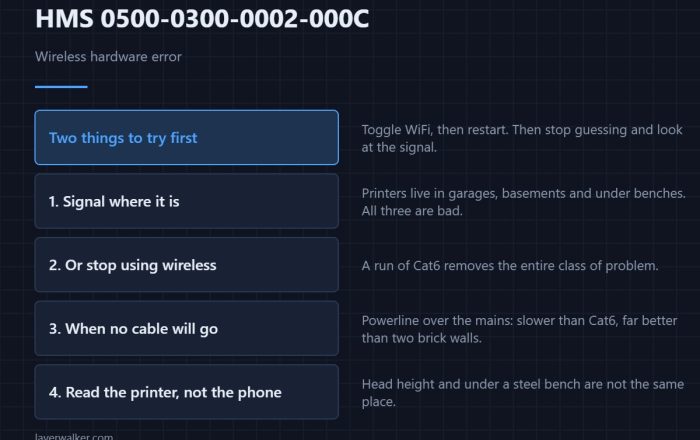
A struggling connection reports HMS 0500-0300-0002-000C, and the two often appear together because both get worse when the machine is caching heavily.
What fills the drive
Timelapse and monitoring footage, mostly — see printer cameras. The machine and its storage are described in the Bambu Lab H2D, and firmware handling in firmware basics.
HMS 0500-0300-0002-0020 FAQ
What size drive should I use?
64 GB is ample and costs almost nothing.
Which format?
Follow the manual. Most want FAT32 or exFAT.
Why does it need a cache at all?
It writes working files and footage while printing.
Can I print without a drive?
Usually yes, but you lose timelapse and local caching.

LayerWalker
Print defect diagnosis, calibration procedures and parts that actually fit. Corrections welcome through the contact page.