HMS 0300-2600-0001-0002: Left Extruder Sensor Sensitivity Is Low
LayerWalker is a participant in the Amazon Services LLC Associates Program. We may earn a commission when you buy through links on our site, at no extra cost to you.
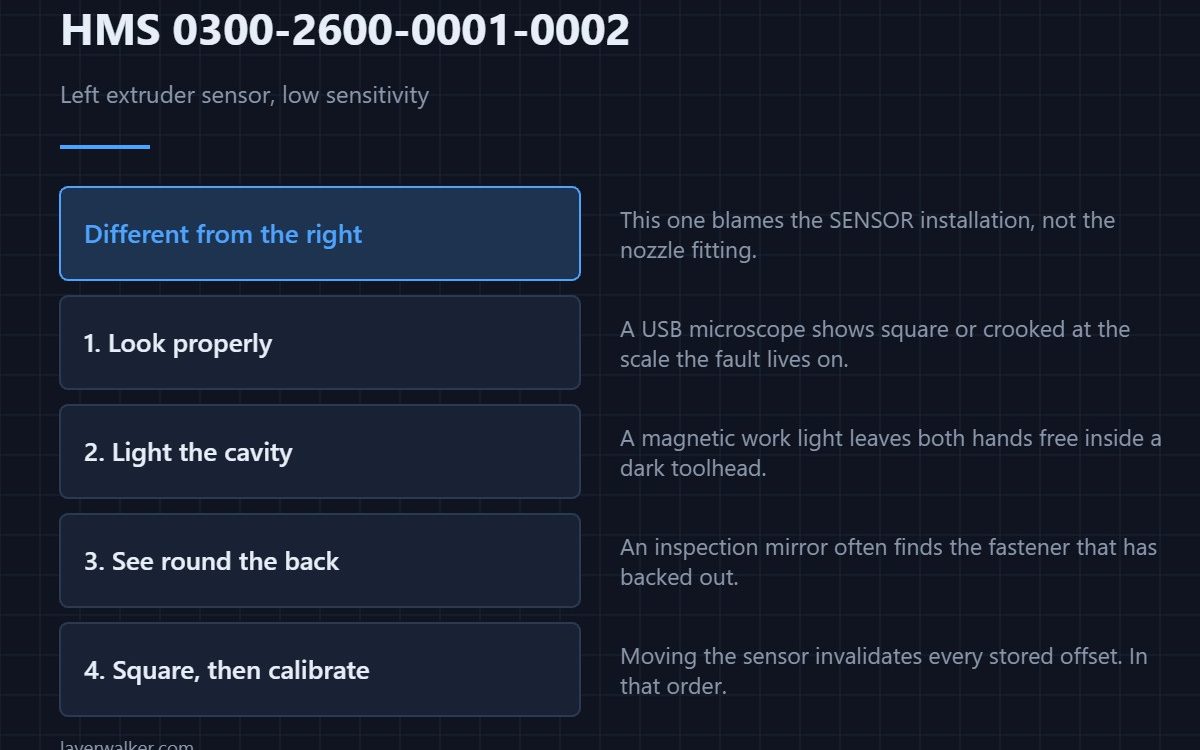
HMS 0300-2600-0001-0002 means the left extruder eddy current sensor sensitivity is low, and asks you to check the sensor installation. Note the difference from the right-hand code: that one blames the nozzle fitting, this one blames how the sensor itself is mounted.
A sensor that has worked loose or sits crooked in its pocket reads weakly, and no amount of recalibration fixes it.
Where to buy


Look at it properly before you touch it
A USB microscope on the bench shows whether the sensor is square in its pocket and whether the face is clean, at a magnification where a tenth of a millimetre is visible. Guessing at this scale is how people replace working parts.
Light the cavity
The toolhead interior is dark and the sensor sits in a recess. A magnetic LED work light that stands on its own leaves both hands free, which matters when one of them is holding a connector apart.
See round the back
Much of the mounting is hidden behind the hotend. A telescoping inspection mirror shows the far side of the bracket without removing anything, and it often ends the job there by revealing a fastener that has backed out.
Refit square, then recalibrate
Seat the sensor flat in its pocket, tighten evenly, and only then run the calibration. A sensor that is square but reads low after that is genuinely a part. Why two heads need this measurement at all is covered in dual nozzle printers.
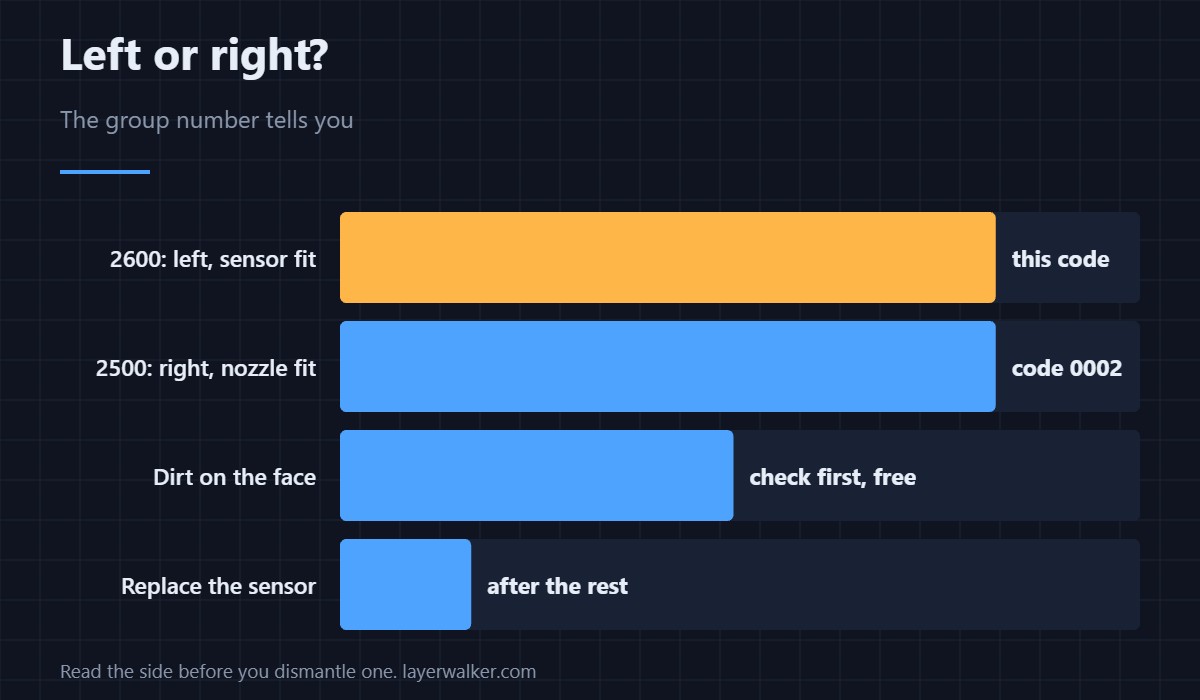
How HMS 0300-2600-0001-0002 differs from the right side
On the right extruder the matching code is HMS 0300-2500-0001-0002, and it tells you to check the nozzle installation instead. Same symptom, different first suspect.
Rule out dirt first of all
Deposits on the sensor face or around the nozzle weaken the reading as effectively as a loose mount. A clean-down takes five minutes — see nozzle cleaning and HMS 0300-2600-0001-0007 for the opposite reading.
HMS 0300-2600-0001-0002 FAQ
Which extruder is the left one?
As you face the machine. The 2600 group is the left-hand sensor.
Do I recalibrate after refitting?
Yes, always. Moving the sensor invalidates stored offsets.
Could a firmware update cause this?
No. The message describes a physical measurement.
Is the sensor adjustable?
It seats in a pocket. Fit it square rather than trying to set a gap by eye.

LayerWalker
Print defect diagnosis, calibration procedures and parts that actually fit. Corrections welcome through the contact page.