HMS 0300-1800-0001-0008: nozzle abnormally touching the heatbed
LayerWalker is a participant in the Amazon Services LLC Associates Program. We may earn a commission when you buy through links on our site, at no extra cost to you.
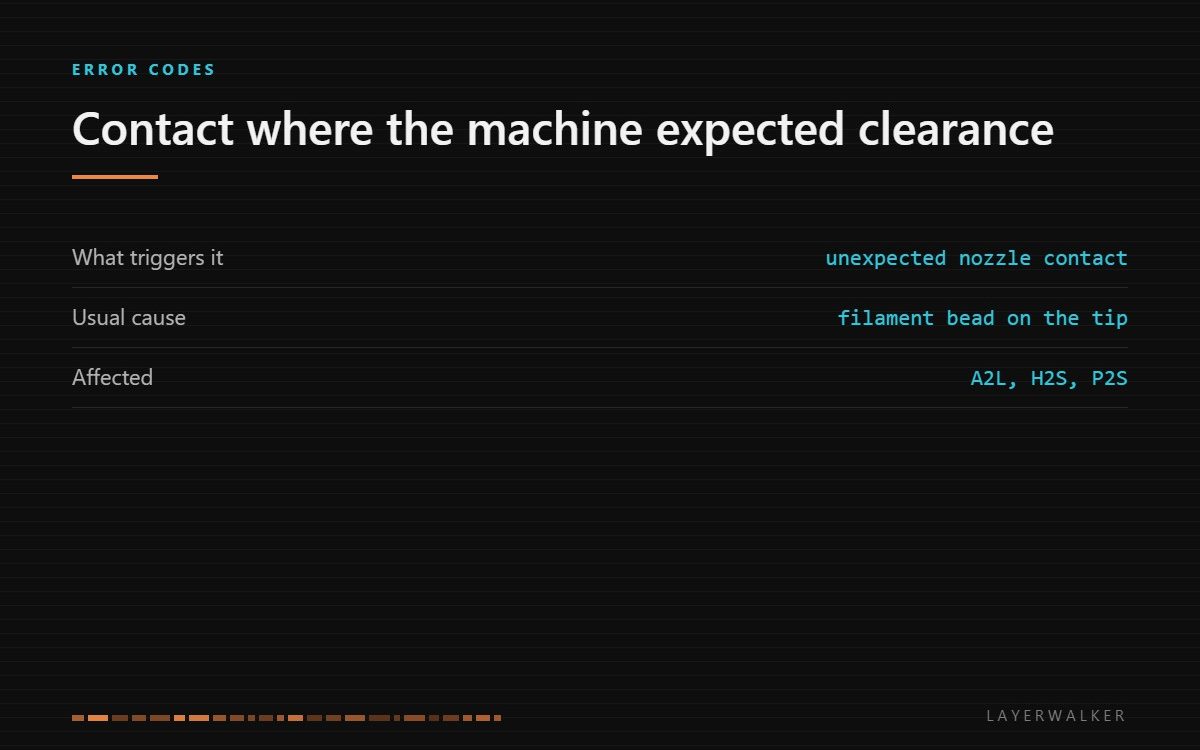
The machine detected the nozzle touching the bed where it expected clearance. Look for a bead of filament on the nozzle tip or something on the plate before adjusting anything in the firmware.
Affected machines: A2L, H2S, P2S. The check exists to stop the nozzle digging into the plate, which is a far more expensive outcome than a stopped print.
Where to buy


Residue on the tip is the usual culprit
A bead of hardened filament on the outside of the nozzle makes the effective tip lower than the machine believes. During probing or during a first layer, that extra material makes contact before the real tip does, and the firmware sees contact where there should have been a gap.
It builds up quietly. Every failed print, every purge, every stringy retraction leaves a little, and a nozzle that looks clean from a metre away often has a visible skirt of plastic under a light.
Machine halts during probing or in the first layer, reporting unexpected contact
Hardened filament on the nozzle tip, debris on the plate, or a stored Z offset that is now wrong
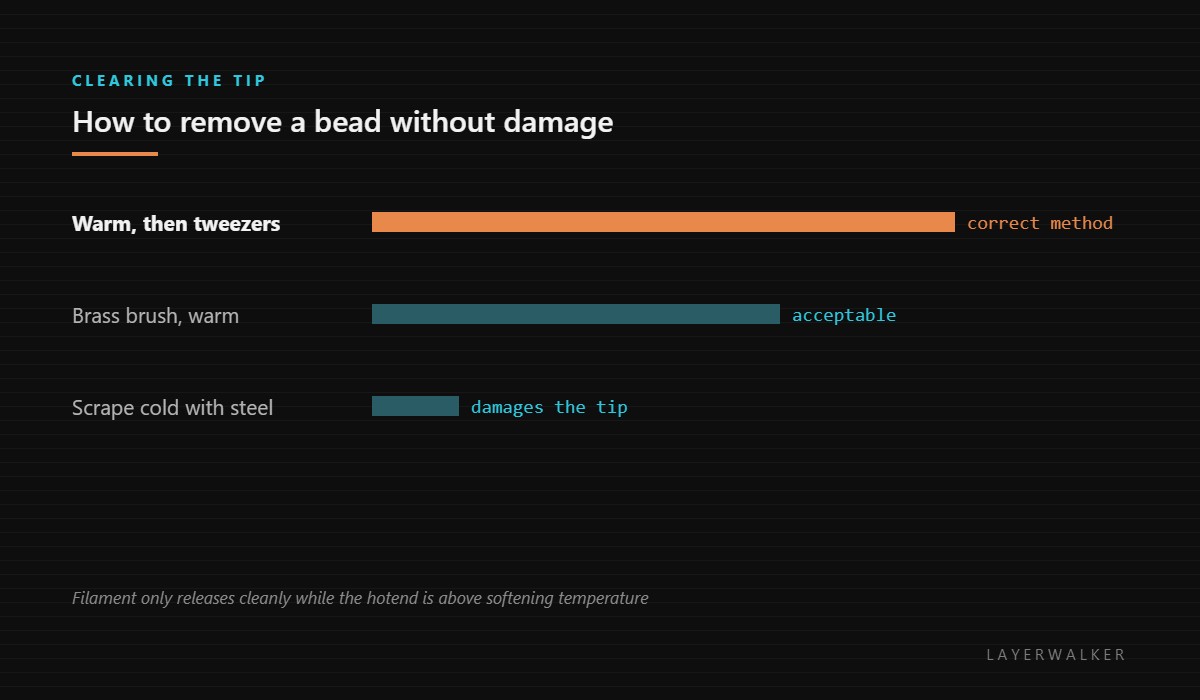
- Heat the hotend to printing temperature so any residue softens; never scrape a cold nozzle.
- With gloves on, wipe the tip with a brass brush or lift the bead off with tweezers.
- Let the plate cool, then inspect the contact area for a lump of plastic left from a previous print.
- Wash the plate if the surface is contaminated rather than simply carrying one lump.
- Re-run the levelling sequence so the machine stores a map taken from a clean tip.
If the tip and the plate are both clean and the code returns, the stored Z offset is the next suspect, and the calibration routine is the correct way to reset it rather than nudging the number by hand.
Our page on nozzle cleaning covers cold pulls and the tools that do and do not damage a tip. Z offset and first layer squish covers what the number actually controls, and the troubleshooting index covers the rest.
HMS 0300-1800-0001-0008 FAQ
Can I just lower the Z offset?
No. That hides a mechanical problem and eventually gouges the plate.
Is a brass brush safe on the nozzle?
Yes, warm and gently. Steel brushes and cold scraping are not.
Why re-run levelling afterwards?
Because the stored map was taken with the bead present and is now wrong.
Could the plate be the problem?
Yes, if something is stuck to it. Check both surfaces.

LayerWalker
Print defect diagnosis, calibration procedures and parts that actually fit. Corrections welcome through the contact page.

